How to Add a Password on a Counter-Strike: Source Server
Adding a password to your Counter Strike Source server is a simple way to control who can join your game. This is useful for private matches, practice sessions, or community events where you only want specific players to have access. While server passwords are typically set through configuration files, this guide explains how to add a password using the Apollo Panel.
Setting a Server Password Using the Apollo Panel
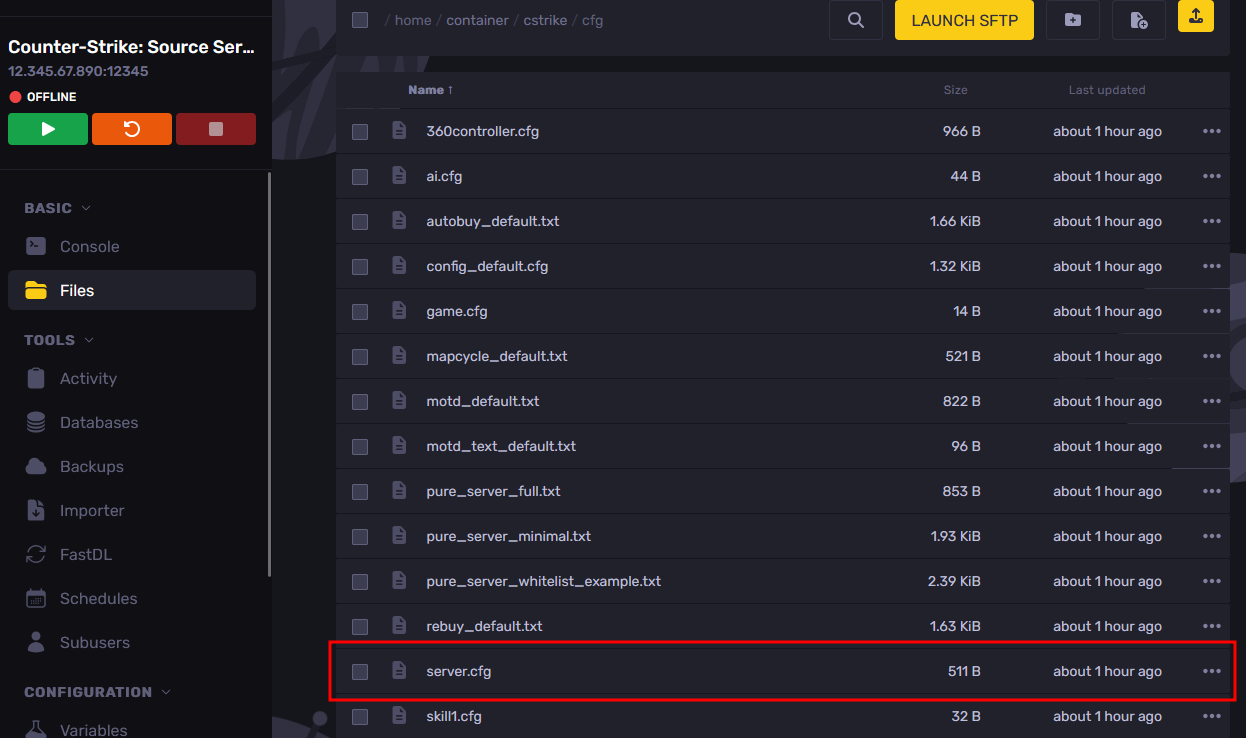
- Open the Apollo Panel, and ensure that your server is offline.
- Go to the Files tab and navigate to the "cstrike/cfg" folder, then open the "server.cfg" file.
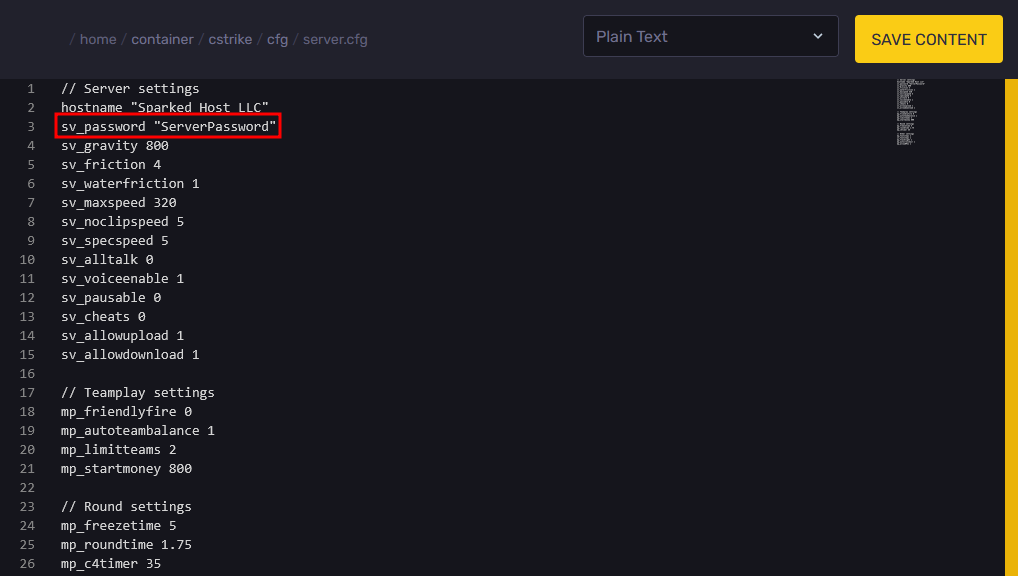
- Under the "sv_password" setting, enter the password that you want players to use to join inside the quotation marks.
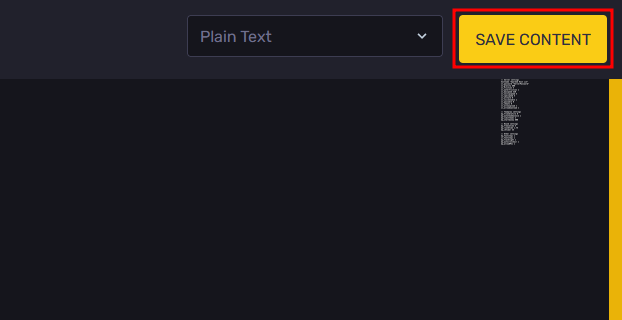
- Click on the "Save Content" button to save the changes you have made in the configuration file.
- Restart the server, and players will now need to enter the password you set to join.
Updated on: 02/04/2026
Thank you!