How to Add an Admin/Game Master on an Arma Reforger Server
Adding an Admin or Game Master to your Arma Reforger server allows trusted players to moderate sessions, manage gameplay, and assist with events. Assigning the correct permissions ensures your server remains organized and properly managed.
Adding an Admin or Game Master
- Open the Apollo Panel, and ensure that your server is offline.
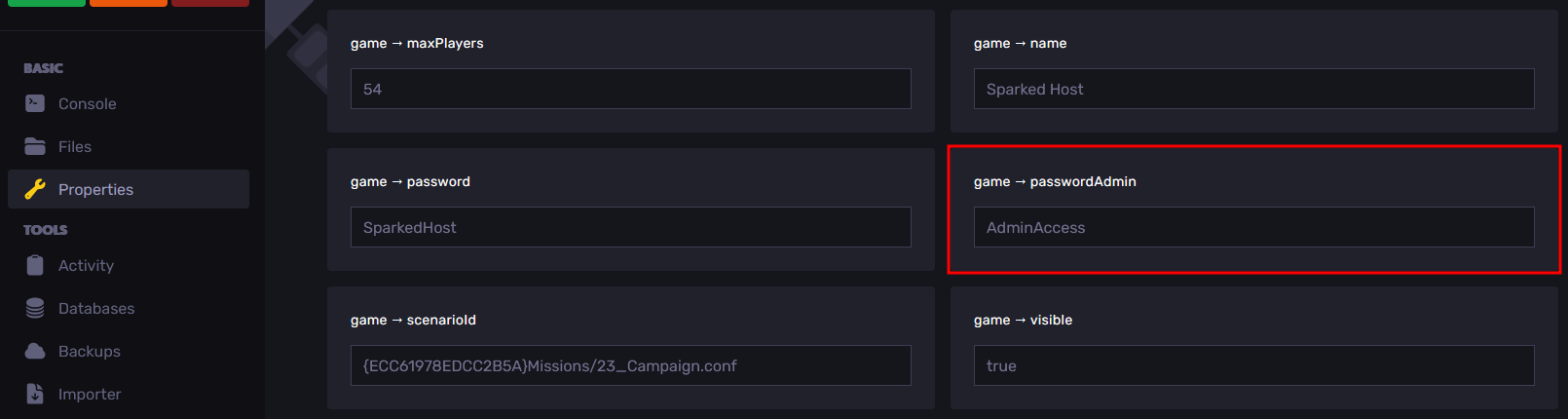
- Navigate to the Properties Tab.
- Look for the "game → passwordAdmin" property, and enter your desired server password, which will be used to grant admin privileges.
- Restart your server, and once it is running, join your server in-game.
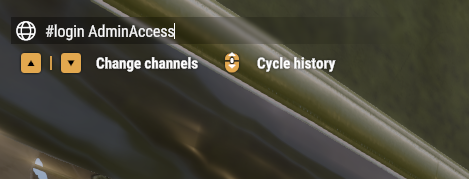
- Open the in-game chat and type "#login <The Admin Password>".
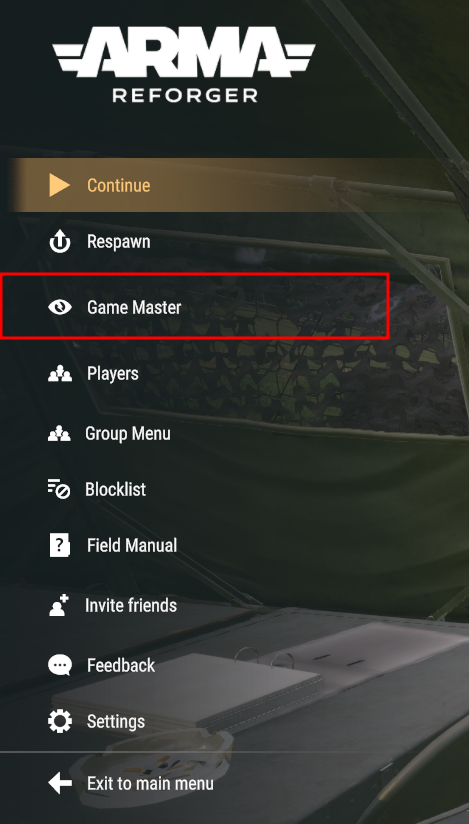
- Enter the pause menu, and you should now see a "Game Master" option, which you can use to manage the server.
Updated on: 02/03/2026
Thank you!