How to Add SourceMod and MetaMod on a Counter-Strike: Source Server
Installing SourceMod and MetaMod on your Counter-Strike: Source server allows you to add plugins, customize gameplay, and enhance server management. These tools are widely used for features such as admin commands, anti-cheat systems, and custom game modes. While installation is typically done by manually uploading files, this guide explains how to install SourceMod and MetaMod using the Apollo Panel.
What Are SourceMod and MetaMod
- MetaMod Source is a plugin loader that allows other modifications to run on your server.
- SourceMod is a scripting and plugin platform that depends on MetaMod and provides advanced server customization.
Both are required to run most plugins on your server.
Installing SourceMod and MetaMod Using the Apollo Panel
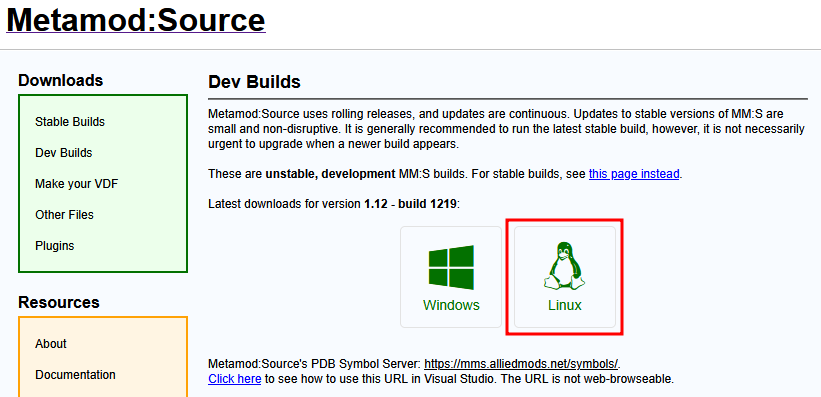
- Go to Metamod:Source Stable Builds and download the latest stable Linux build.
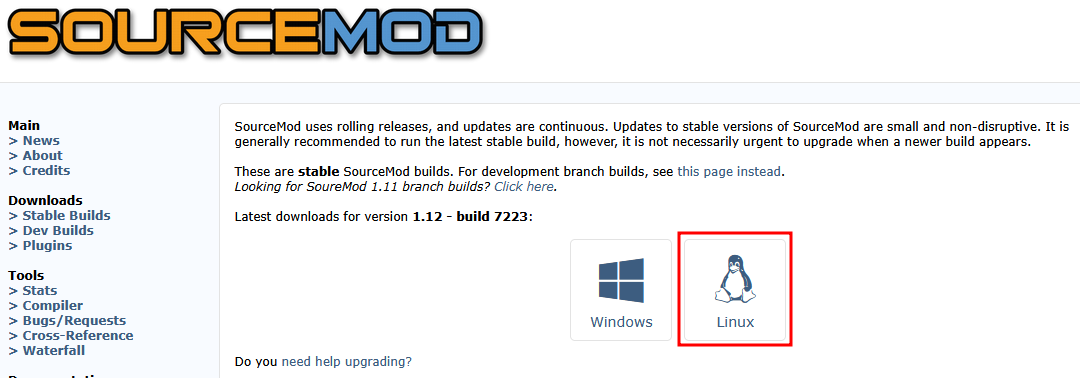
- Go to SourceMod Stable Builds and also download the latest stable Linux build.
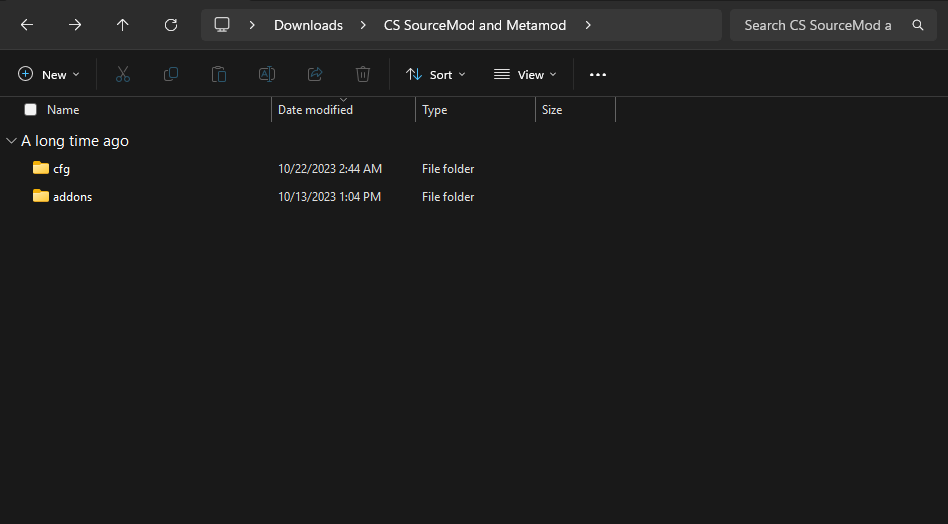
- On your computer, create a new folder, then extract the contents of both the Metamod and SourceMod archive files into it. Inside your new folder, you should have a "cfg" and "addons" folders.
- Inside the "addons" folder, delete the "metamod.vdf" file that's inside it.
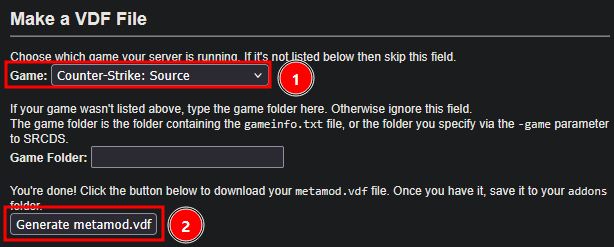
- Go to Metamod:Source's VDF File Maker, set the game to "Counter-Strike: Source" and click on the "Generate metamod.vdf" button to download a new .vdf file.
- Place the newly downloaded file into the addons folder, replacing the previously deleted "metamod.vdf" file.
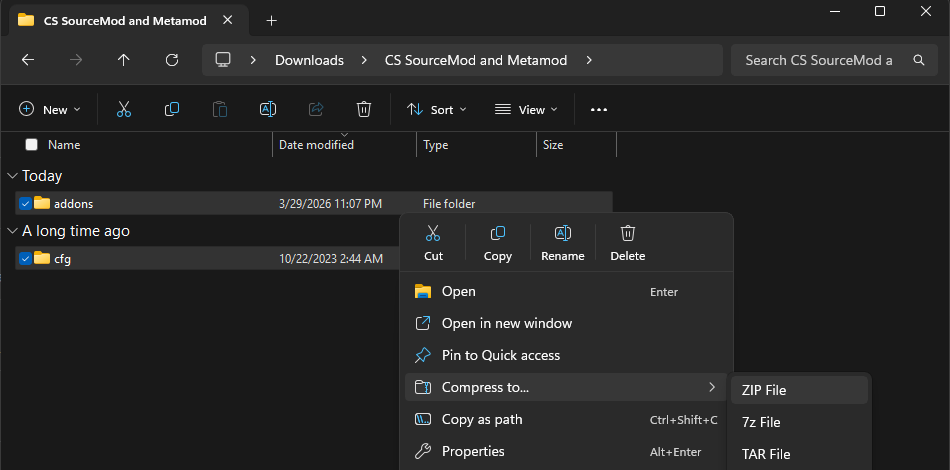
- Now go back up a folder and compress the "addons" and "cfg" folders into a ".zip" file.
- Open the Apollo Panel, and ensure that your server is offline.
- In the Files tab, navigate to the "cstrike" folder.
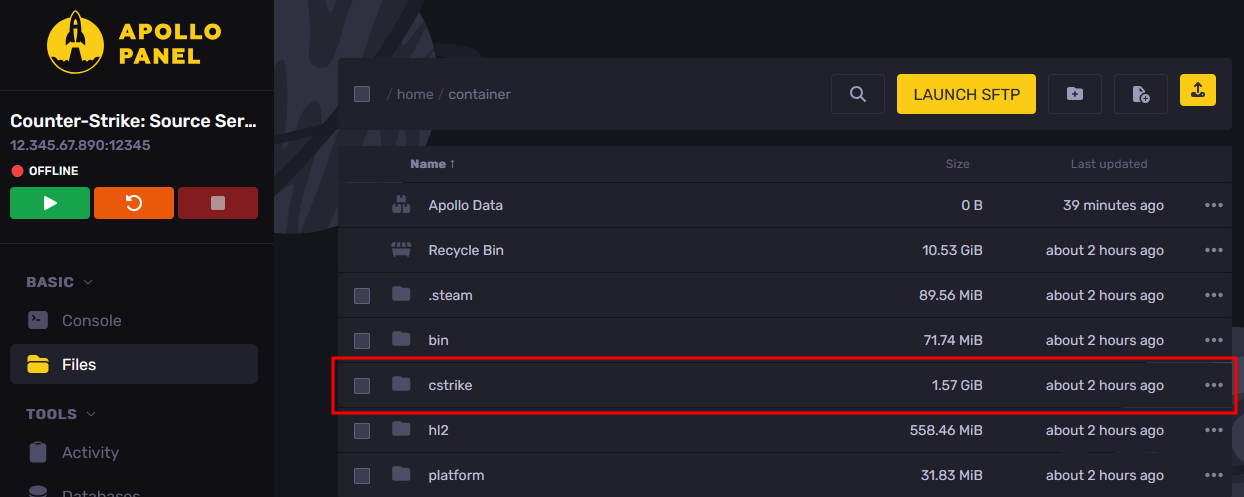
- Upload the SourceMod and Metamod zip file that you have made inside the "cstrike" folder and extract the zip file contents.
- Restart the server, and SourceMod and Metamod should now be installed on your server.
Updated on: 02/04/2026
Thank you!