How to Add Tags on a BeamMP Server
How to Add Tags on a BeamMP Server
Knowing how to add tags on a BeamMP server helps server owners clearly communicate their play style and features. Server tags make it easier for players to find the right BeamMP server, set expectations, and join communities that match their interests.
Setting Server Tags on a BeamMP Server
To set server tags, follow the steps below:
- Open your Apollo Panel.
- Stop the server.
- Navigate to the Files tab.
- Locate the
ServerConfig.tomlfile.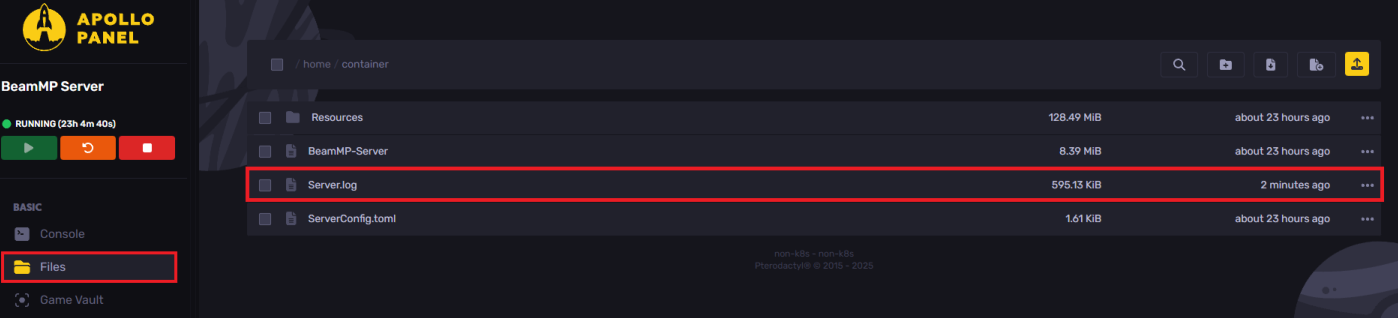
- Search for the
Tagsline, and set the desired tag.
Available Server Tags
| Category | Tags |
Content & Age |
|
|---|---|
Playstyle |
|
Driving & Racing |
|
Off-Road & Challenges |
|
Destruction Events |
|
Environment |
|
Gamemodes |
|
Community and Events |
|
Mods |
|
Languages |
|
Other |
|
- Save the changes.
- Start the server.
Still have some questions?
If you need any further instructions, you can file a ticket here.
Updated on: 26/12/2025
Thank you!