How to Change the Message of the Day on a Counter-Strike: Source Server
The Message of the Day, also known as MOTD, is displayed to players when they join your Counter-Strike: Source server. It is commonly used to share server rules, announcements, or community links. Customizing the MOTD helps improve player communication and creates a more professional server experience. While this is typically configured through server files, this guide explains how to change the MOTD using the Apollo Panel.
Changing the MOTD Using the Apollo Panel
- Open the Apollo Panel, and ensure that your server is offline.
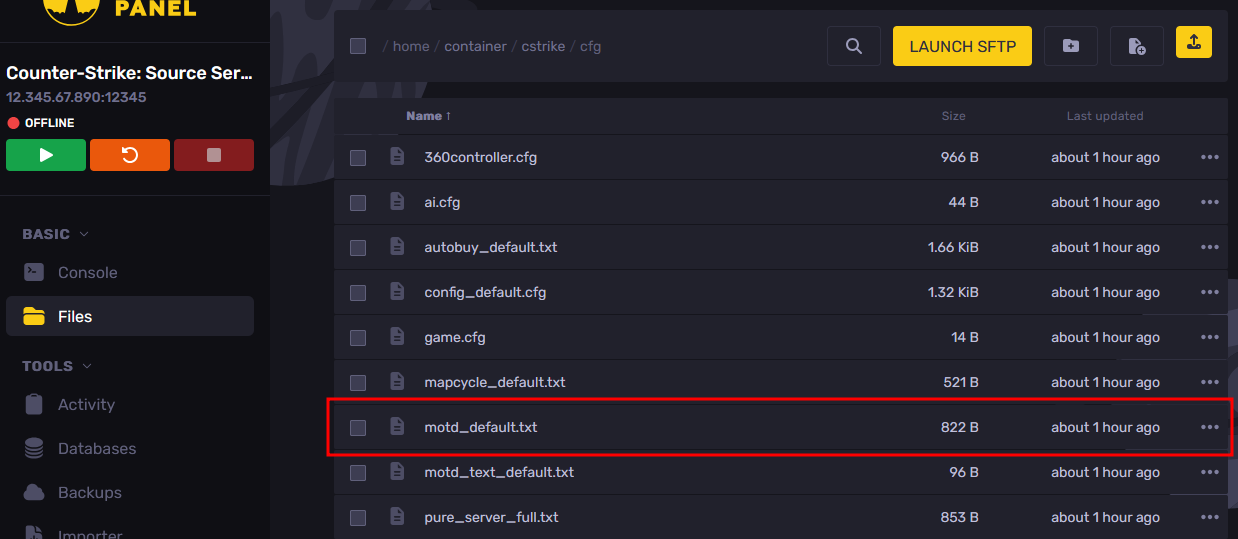
- Go to the Files tab and navigate to the "cstrike/cfg" folder, then open the "motd_default.txt" file.
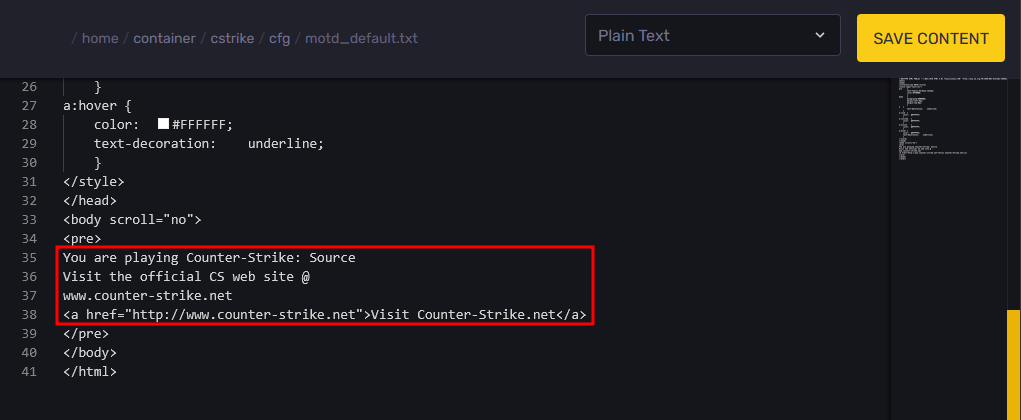
- Between the <pre></pre> tags, enter your desired Message of the Day.
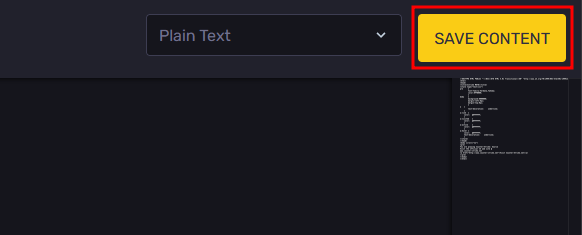
- Click on the "Save Content" button to save the changes you have made in the configuration file.
- Restart the server, and players will now need to see the new Message of the Day that you have set every time they join the server.
Updated on: 02/04/2026
Thank you!