How to Change the Server Name and Description on an American Truck Simulator Server
How to Change the Server Name and Description on an American Truck Simulator Server
Customizing your American Truck Simulator server name and description helps players easily identify your server and understand the trucking experience you offer. Updating these details ensures your server stands out in the in-game server list. This guide walks you through changing both the server name and description using the Apollo Panel.
Changing the Server Name and Description on an American Truck Simulator Server
- Log in to the Apollo Panel and turn off your server.
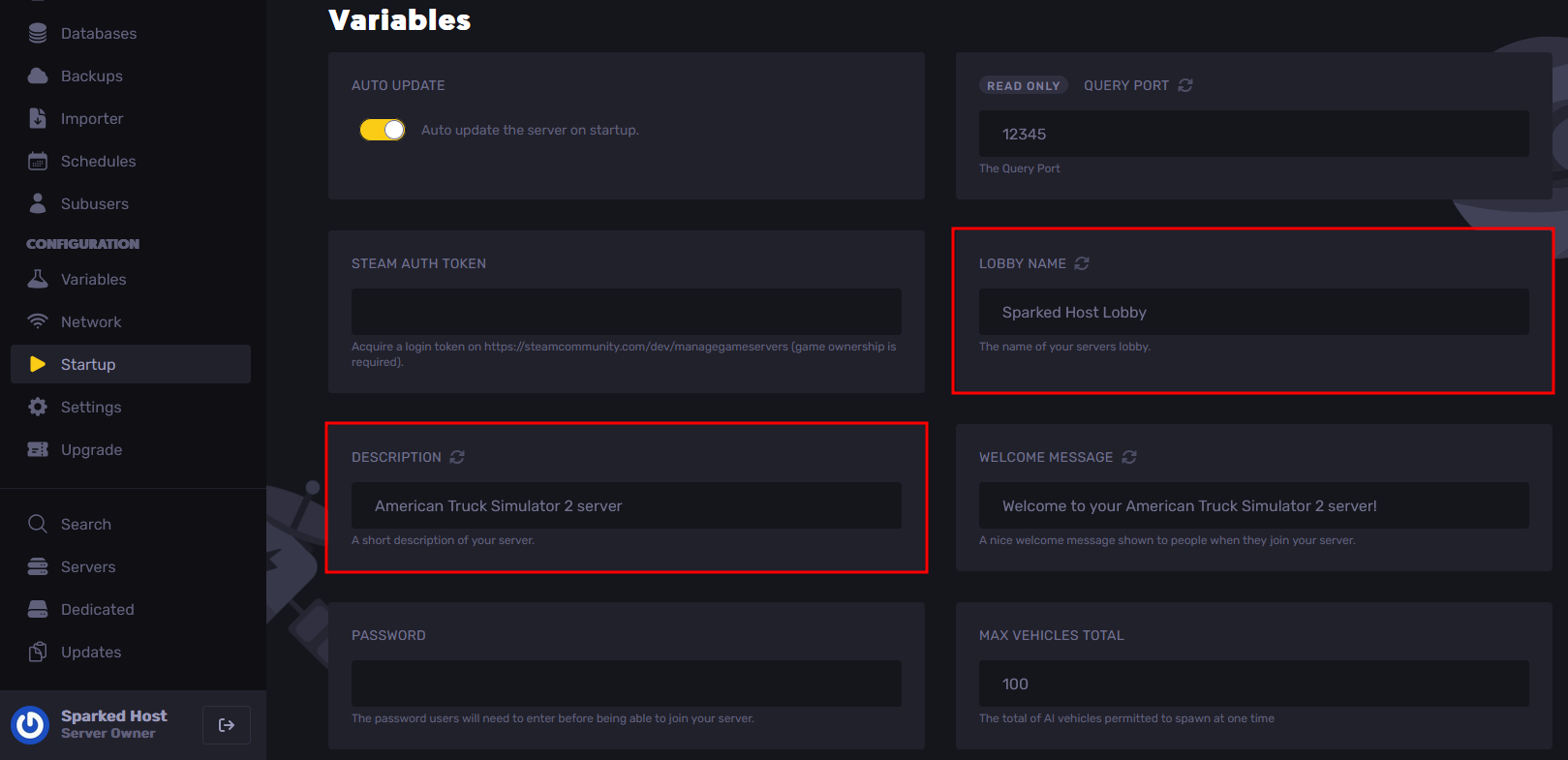
- Navigate to the Startup Tab, and edit the Lobby Name and Description settings to the name and description of the server that you want players to see.
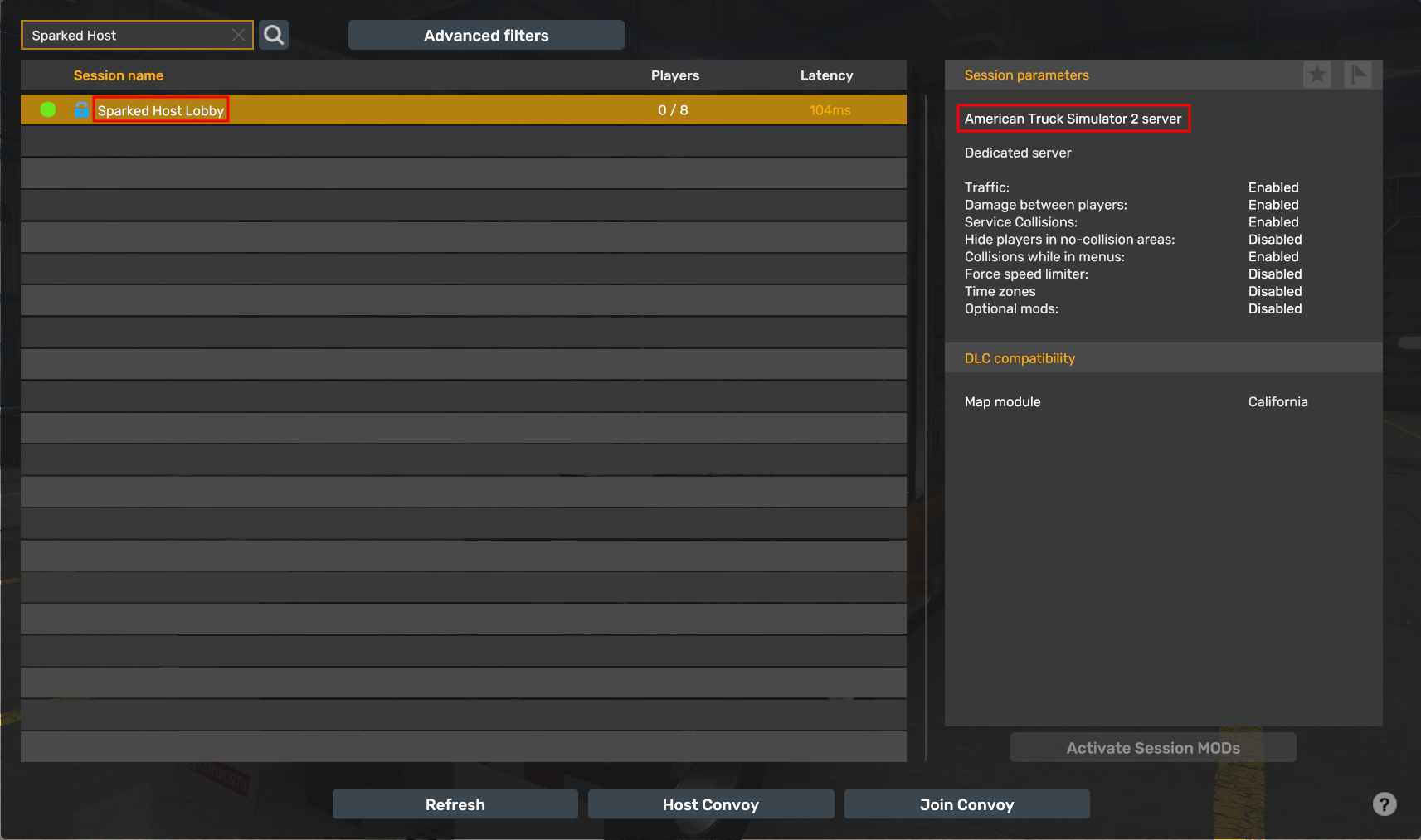
- Start the server, and you should now see the new name and description of your American Truck Simulator server, which you have set in the Settings Tab.
Updated on: 14/01/2026
Thank you!