How to Change the Server Name on an Abiotic Factor Server
How to Change the Server Name on an Abiotic Factor Server
Changing the server name on an Abiotic Factor server is done to give the server a clear and unique identity, making it easier for players to find and recognize in the in-game server browser. How to change the server name on an Abiotic Factor server helps communicate the server’s theme or style to the community, attract new players, and foster a sense of belonging among friends and regular users. This simple adjustment enhances visibility, engagement, and the overall multiplayer experience.
To change the server's name.
- Open your Apollo Panel.
- Stop the server.
- Navigate to the Startup tab.
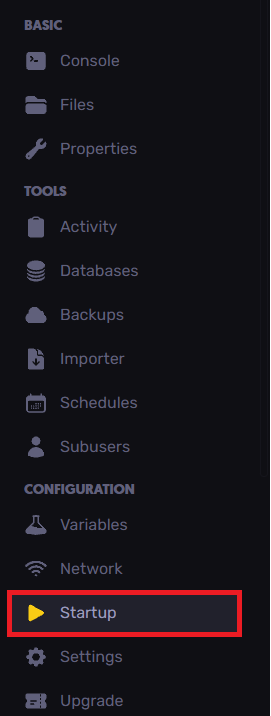
- Enter the new server name under the Server Name field.

- Start and restart the server.
Still have some questions?
If you need any further support, you can create and file a ticket here.
Updated on: 15/12/2025
Thank you!