How to Disable AI on an Arma Reforger Server
Disabling AI on your Arma Reforger server can improve performance and create a more player-focused experience. This is especially useful for PvP servers, testing environments, or scenarios where AI behavior is not needed. While AI settings are typically configured through the server configuration file, this guide explains how to disable AI using the Apollo Panel for a simpler setup process.
Disabling AI Using the Apollo Panel
- Open the Apollo Panel, and ensure that your server is offline.
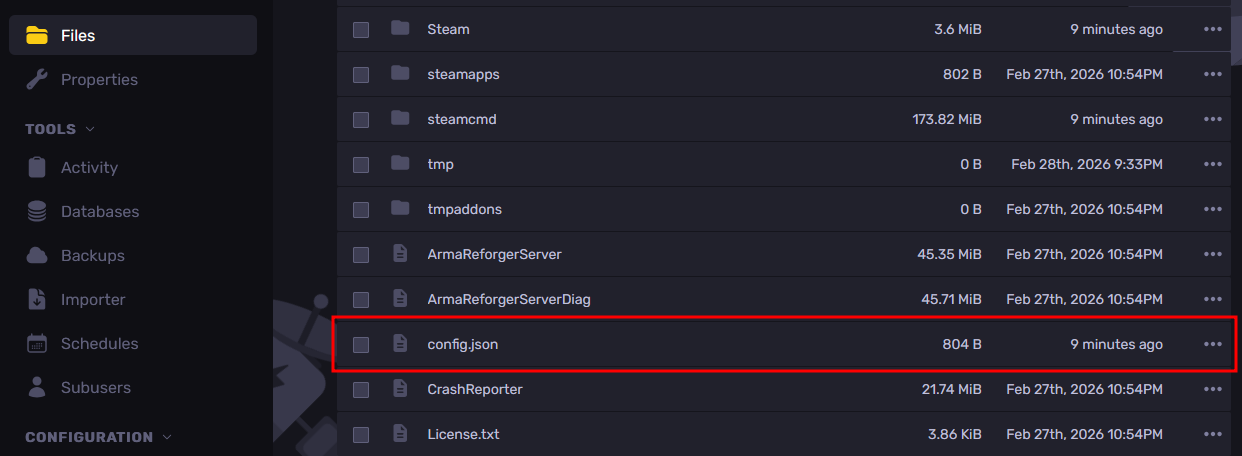
- Navigate to the Files Tab and open the file called "config.json".
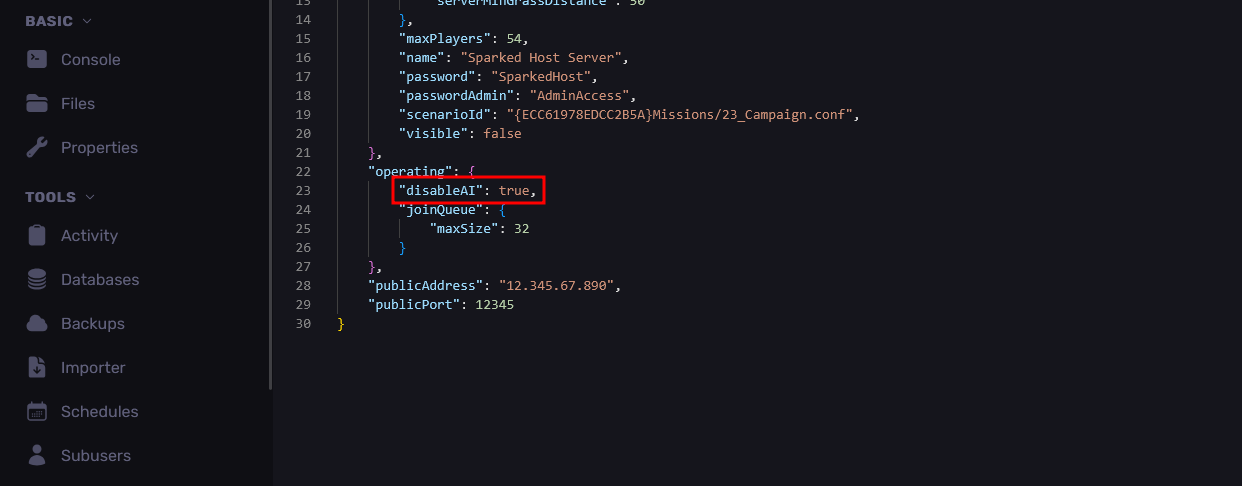
- From the "operating" line, set "disableAI" property to "true" to disable the AI. If the lines don't exist, you can enter them manually based on the image below.
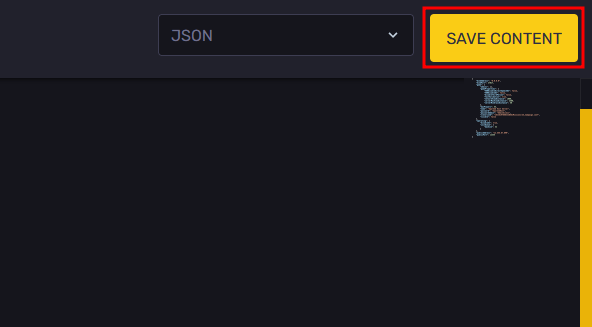
- Save your changes with the "Save Content" button in the top-right area.
- Restart the server, and all the AI in the server will now be disabled.
Updated on: 02/04/2026
Thank you!