How to Disable Player Damage on an American Truck Simulator Server
How to Disable Player Damage on an American Truck Simulator Server
Disabling player damage on an American Truck Simulator server is helpful for casual convoys, training sessions, or events where you want players to focus on driving without worrying about repairs. When player damage is turned off, collisions and minor mistakes will no longer affect truck condition, making the experience more relaxed and beginner-friendly. This guide explains how to disable player damage using the Apollo Panel.
Disabling Player Damage on an American Truck Simulator Server
- Log in to the Apollo Panel and turn off your server.
- Navigate to the Startup Tab and set the "Player Damage" setting to false to disable player damage, or leave it as true to keep player damage on the server.
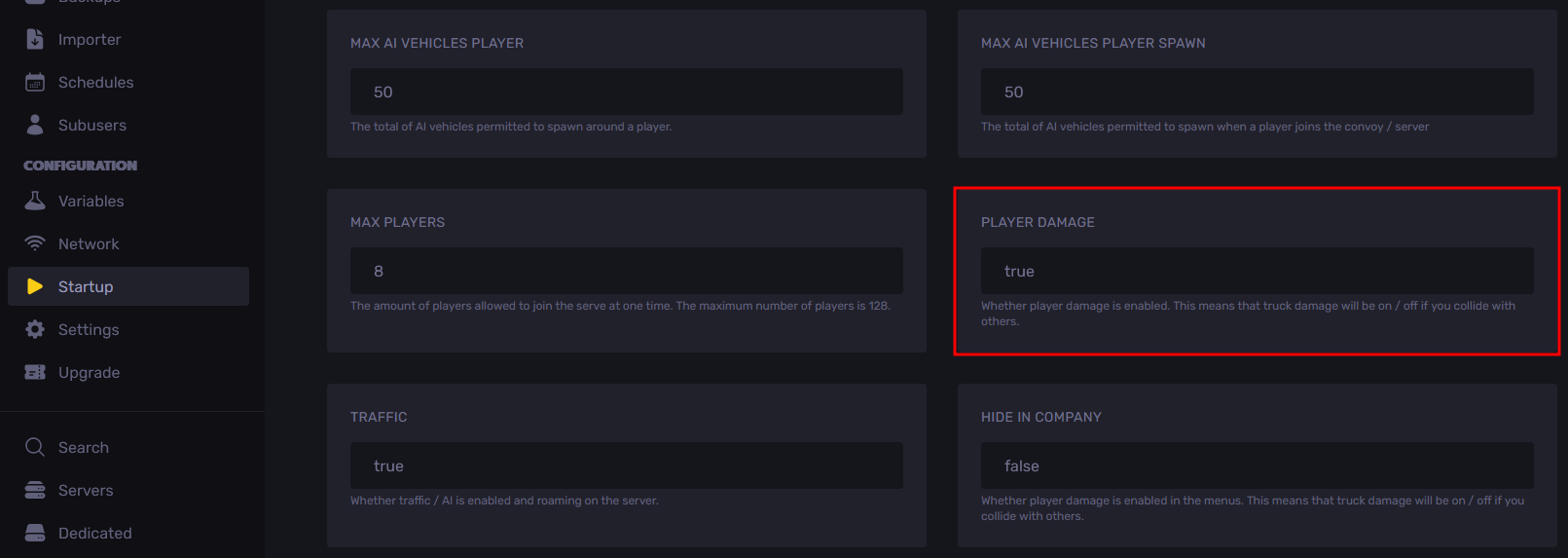
- Start the server, and you should now see that players will no longer take damage when colliding with an object or another vehicle.
Updated on: 14/01/2026
Thank you!