How to Enable Cheats on a Counter-Strike: Source Server
Enabling cheats on your Counter-Strike: Source server allows administrators to use advanced commands for testing, fun gameplay modifications, or custom scenarios. Cheat commands can be used to spawn items, enable special abilities, or experiment with server settings. While cheats are typically controlled through configuration files, this guide explains how to enable cheats using the Apollo Panel.
Enabling Cheats Using the Apollo Panel
- Open the Apollo Panel, and ensure that your server is offline.
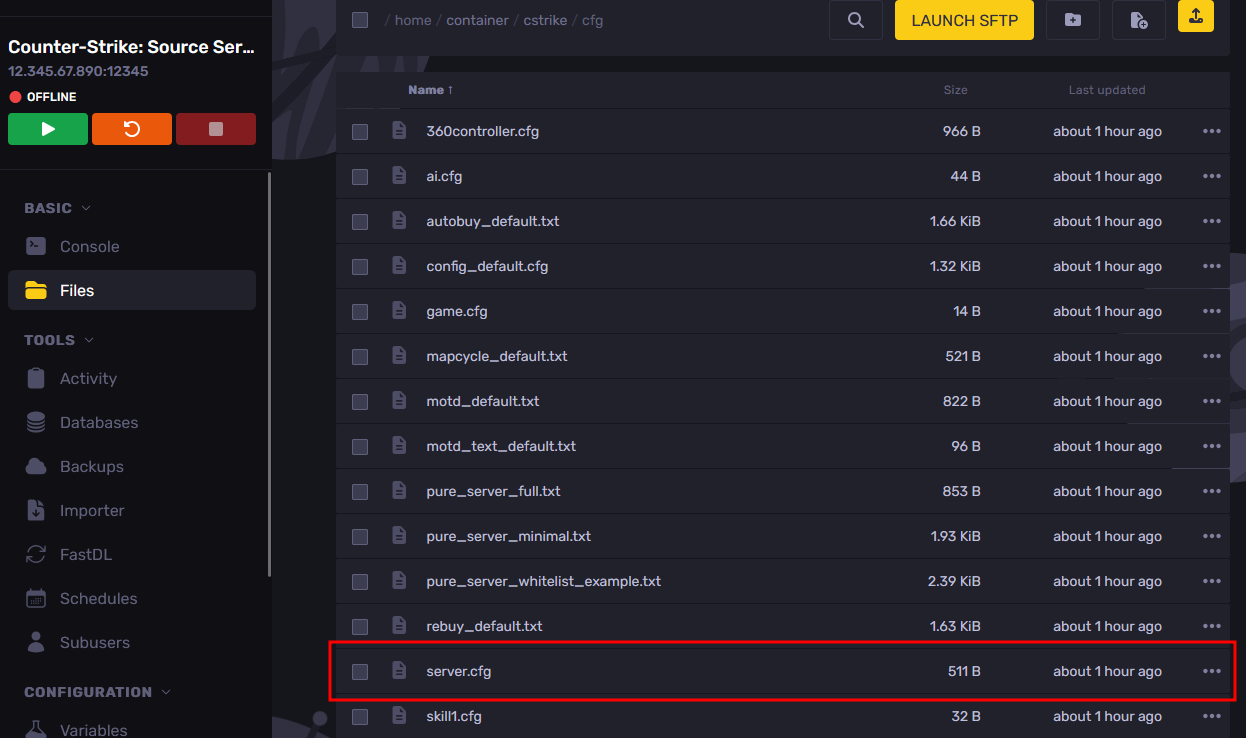
- Go to the Files tab and navigate to the "cstrike/cfg" folder, then open the "server.cfg" file.
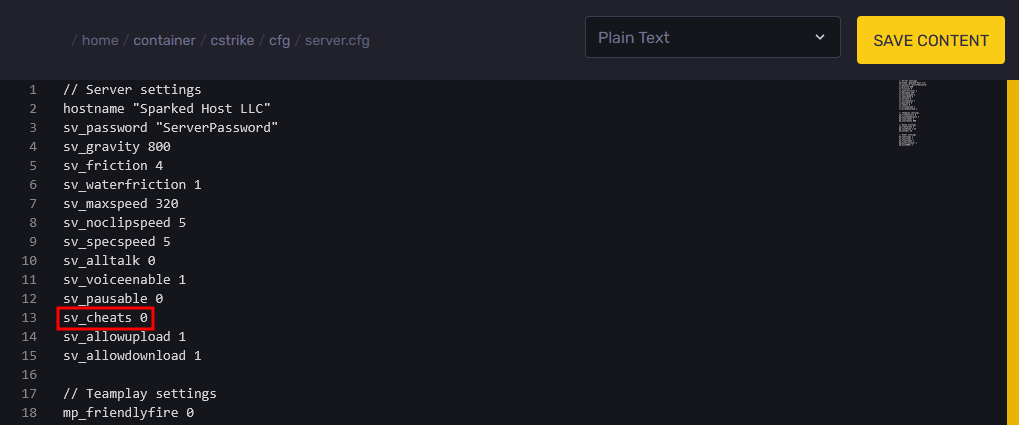
- Under the "sv_cheats" setting, change the value from "0" to "1" to enable cheats on the server.
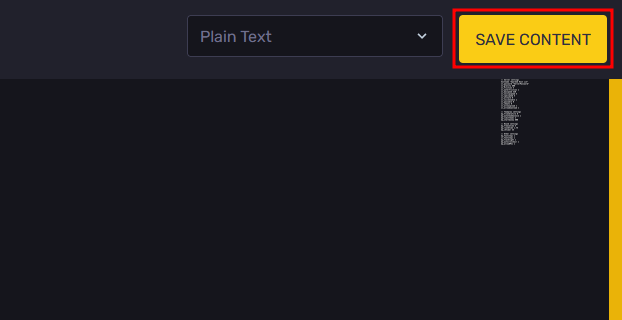
- Click on the "Save Content" button to save the changes you have made in the configuration file.
- Restart the server, and cheats will now be enabled.
Updated on: 02/04/2026
Thank you!