How to Enable Loot Respawns on an Abiotic Factor Server
How to Enable Loot Respawns on an Abiotic Factor Server
Enabling loot respawns on an Abiotic Factor server is done to keep the game world dynamic and engaging. When loot respawns are active, items, weapons, and resources spontaneously respawn, allowing players to continually gather essentials for exploration, combat, and building. This feature enhances the sandbox gameplay, provides renewable resources, and ensures that both new and experienced players can enjoy a balanced and fun multiplayer experience without running out of crucial loot.
- Open your Apollo Panel.
- Stop the server.
- Navigate to the Files tab.
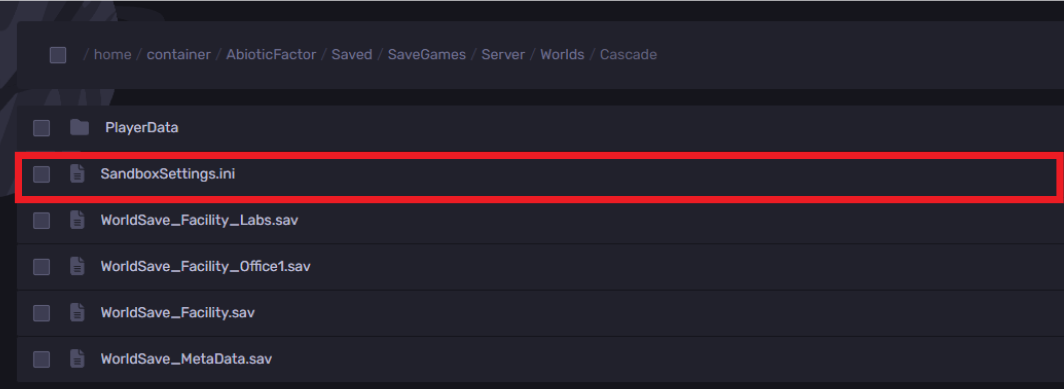
- Access the following directory:
AbioticFactor/Saved/SaveGames/Server/Worlds

- Choose the current world.
- Open the
SandboxSettings.inifile.
- Locate the line
LootRespawnEnabled=and set it totrue

- Click on the save button.
- Start the server and get to playing with friends!
Still have some questions?
If you want answers to your questions or need further support, please create a support ticket here.
Updated on: 15/12/2025
Thank you!