How to Install Plugins & Mods on Your Hytale Server
How to Install Plugins & Mods on Your Hytale Server
This step-by-step guide explains how to install plugins & mods on your Hytale server. It begins by instructing you to stop the server to ensure a smooth installation process. Then, you navigate to the "mods" folder where you upload the plugin .jar files. Finally, you restart the server to load the newly added plugins and enhance your gameplay experience.
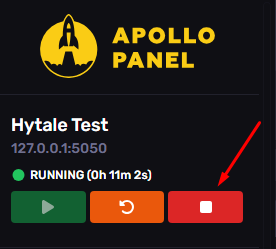
- Stop the server
- Go to the file path
mods
- Upload the .jar files into this directory
- Start the server
Updated on: 13/01/2026
Thank you!