How to Join Your Hytale Server
How to Join Your Hytale Server
Knowing how to join your Hytale server makes it easy to start playing in a Hytale multiplayer or your own Hytale world. Players can use the server IP address to direct connect or add the server to their favorites list, enter any server password if required, and quickly click connect from the main menu. This lets you invite friends, explore a dedicated server, or jump into an online multiplayer world without complications, ensuring your Hytale adventure is ready to start with other players.
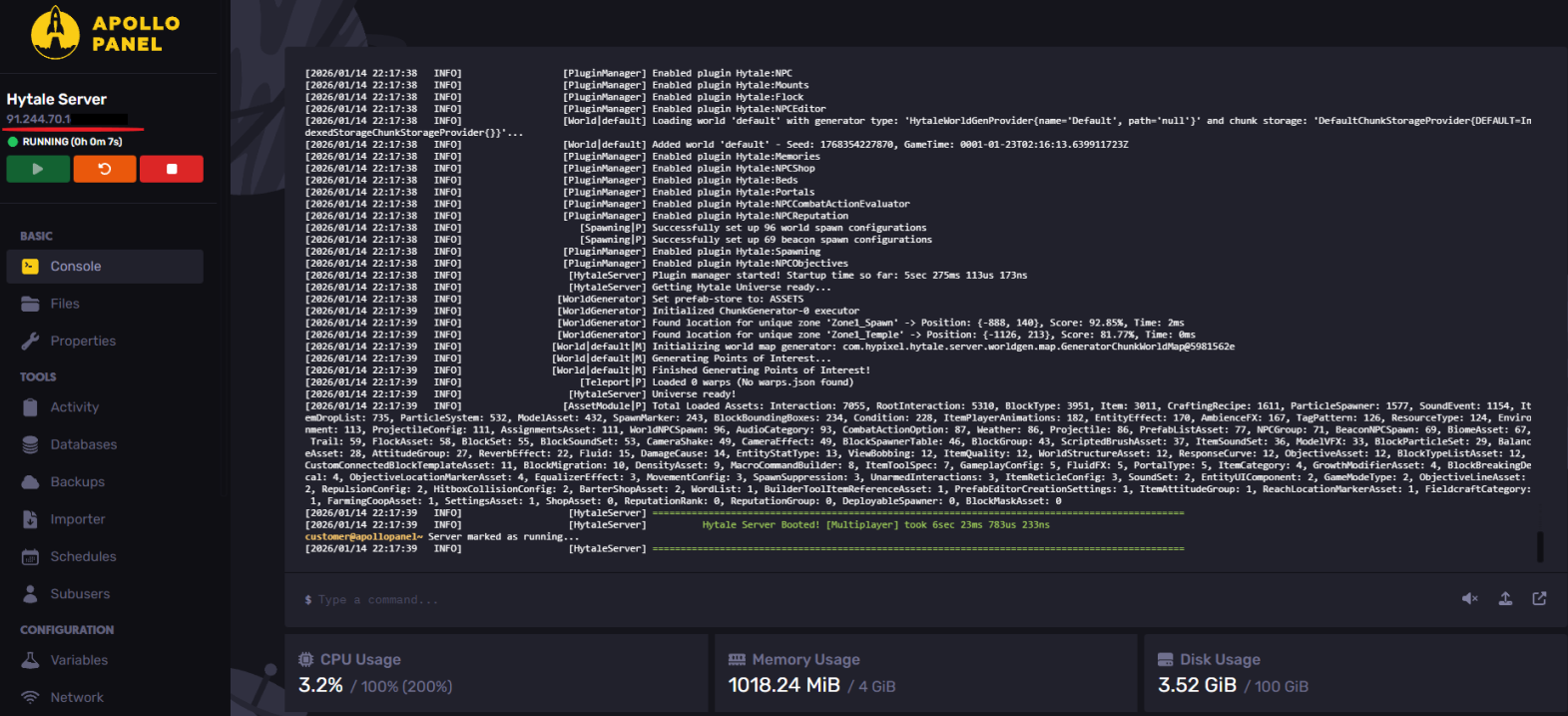
- Access your Apollo Panel.
- Start the server.
- Copy the server's IP address, which is listed under the server name.
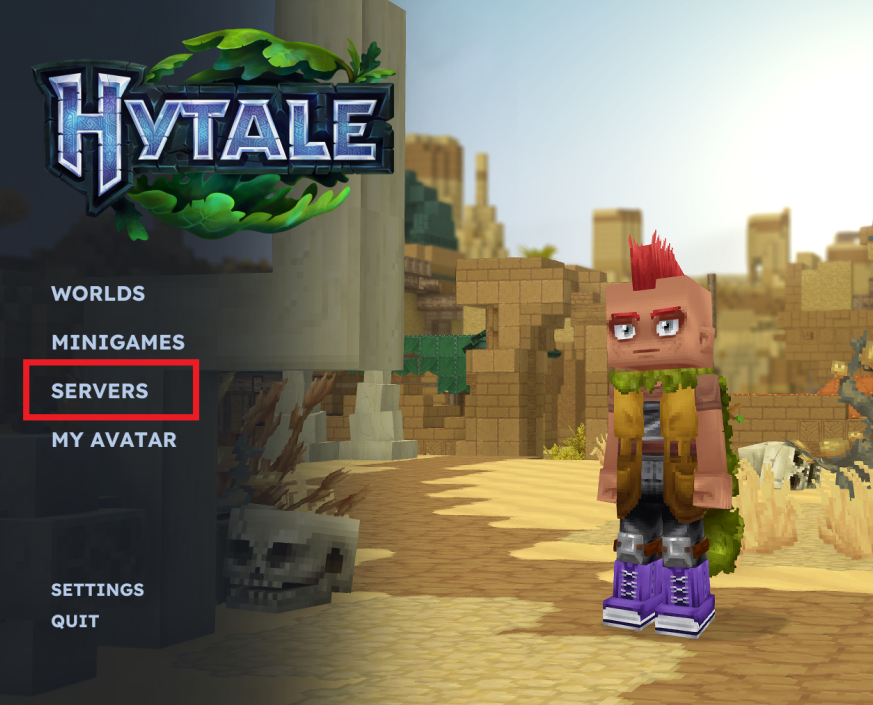
- Open Hytale.
- In the main menu, select Servers
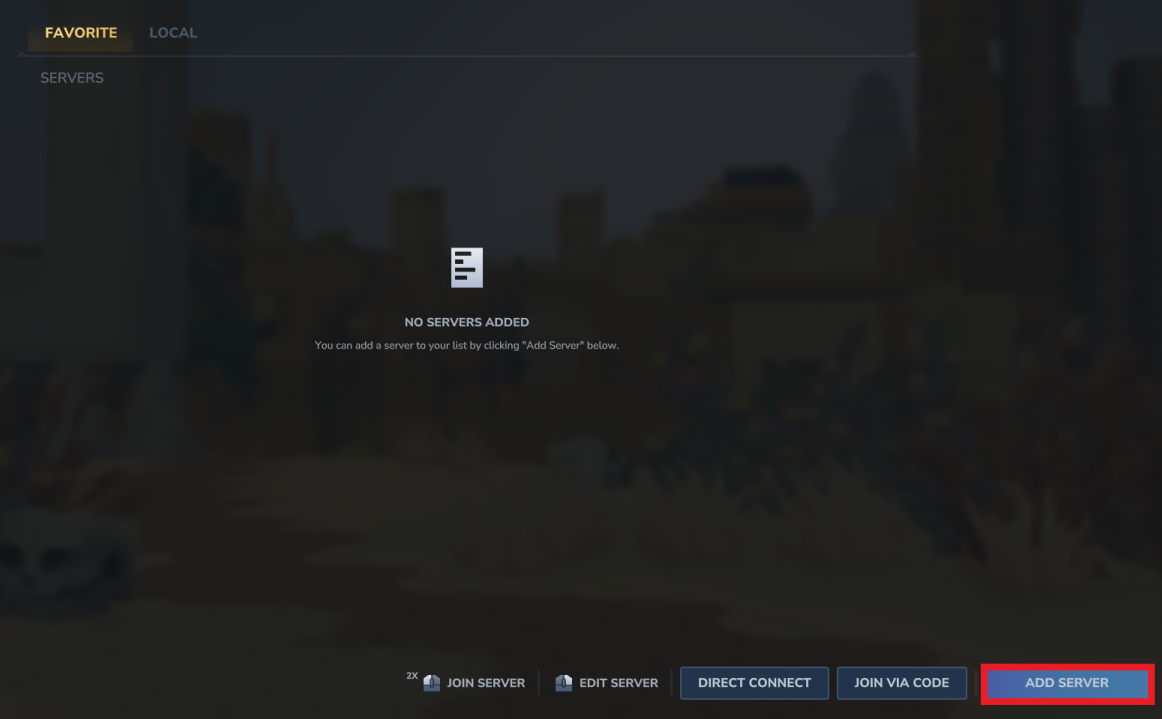
- Click on the Add Server button.
- Enter the desired name and the copied server address.
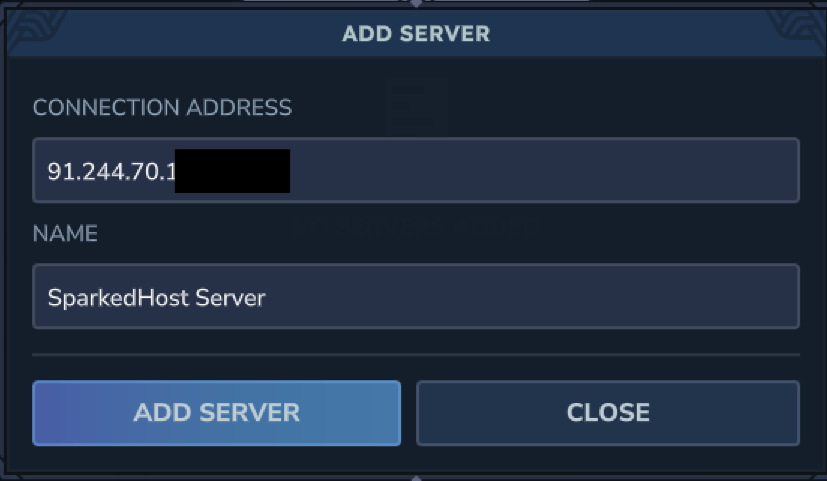
- Click Add Server, then join the server.

Still have some questions?
If you require any further assistance, feel free to create a support ticket here to contact our support team.
Updated on: 19/01/2026
Thank you!