How To Make A Don't Starve Together Server
Creating a Don’t Starve Together server is the best way to survive the wilderness with friends, manage your own persistent world, and take full control of your survival experience. Instead of hosting it yourself on unstable connections, using a dedicated server, or going through a trusted hosting provider like Sparked Host, you can enjoy instant setup, low latency, and powerful hardware to ensure smooth gameplay and full control over your world. Whether you want to create a private co-op session or host a public survival world, our user-friendly control panel and web interface make configuration fast and straightforward.
In this guide, we'll show you how to create and configure your own Don’t Starve Together server, explore different server hosting options, and help you choose the best Don’t Starve Together server solution for your survival experience.
Step 1: Decide What Don’t Starve Together Hosting You Want
The first step to setting up a Don’t Starve Together server is choosing the right type of hosting based on your needs. Each method provides different levels of control, customization, hardware access, and ease of setup. Whether you're a casual player looking to survive with friends or a dedicated player wanting to manage a long-term world with custom settings, this step will help you choose the best way to host your own Don’t Starve Together server.
Managed Don’t Starve Together Server Hosting
Managed Don’t Starve Together server hosting is ideal for players who want to skip technical setup like port forwarding and jump straight into the game. With features like instant setup, DDoS protection, automatic updates, and a user-friendly control panel, this option makes it easy to create and configure your server without needing advanced technical knowledge.
At Sparked Host, we provide a secure and optimized environment with high-performance hardware, low ping, and tools like a web interface to manage server settings, world configuration, mods, backups, and more. Our support team is available to assist with any issues, including server troubleshooting and config file access.
This option is ideal if you want to survive with friends, manage your own persistent world, or host a public Don’t Starve Together server with minimal lag and effort.
Don’t Starve Together VPS Hosting
VPS hosting offers a balance between flexibility and performance. Your Don’t Starve Together server operates in a virtual environment, allowing you to access game server files, adjust configuration settings, set custom ports, and manage connected players.
With a VPS, you have more control than managed hosting, including the ability to install mods, configure advanced server settings, and scale resources as your community grows. You still get a stable hosting environment, but with extra freedom to customize your Don’t Starve Together server setup.
This is an excellent option for experienced users who want to manually configure the server or host a custom survival experience with increased access to system-level settings.
Don’t Starve Together Dedicated Server Hosting
A dedicated server gives you the highest level of control and performance for your Don’t Starve Together server. You’ll have full access to all files, ports, and hardware resources, allowing for complete customization. From editing server settings and configuration files to managing mods, world generation, and cave servers, this method offers total control over every detail.
This is the best choice for hosting large-scale Don’t Starve Together worlds with higher player limits or maintaining a consistent gameplay experience for a community or content platform. With complete control over your dedicated server, you can fine-tune every aspect to ensure optimal performance and stability.
Which Option Is The Best?
Choosing the right Don’t Starve Together server hosting depends on your goals. If you want to get started quickly with minimal hassle, managed hosting provides instant setup, automatic updates, and an easy-to-use control panel. For users who want more flexibility, VPS hosting allows deeper configuration while maintaining affordability and scalability. If you're building a high-traffic server for an active community, dedicated server hosting delivers maximum power, performance, and full access.
Regardless of your choice, Sparked Host ensures that your Don’t Starve Together server runs smoothly with top-tier hardware, secure ports, and excellent support. Hosting your own server isn’t just about launching a game, it’s about creating a unique survival experience, connecting with players, and having complete control of your world.
Step 2: Buy A Plan
For Managed Don't Starve Together Server Hosting
- Go to the Don't Starve Together Server Hosting page.
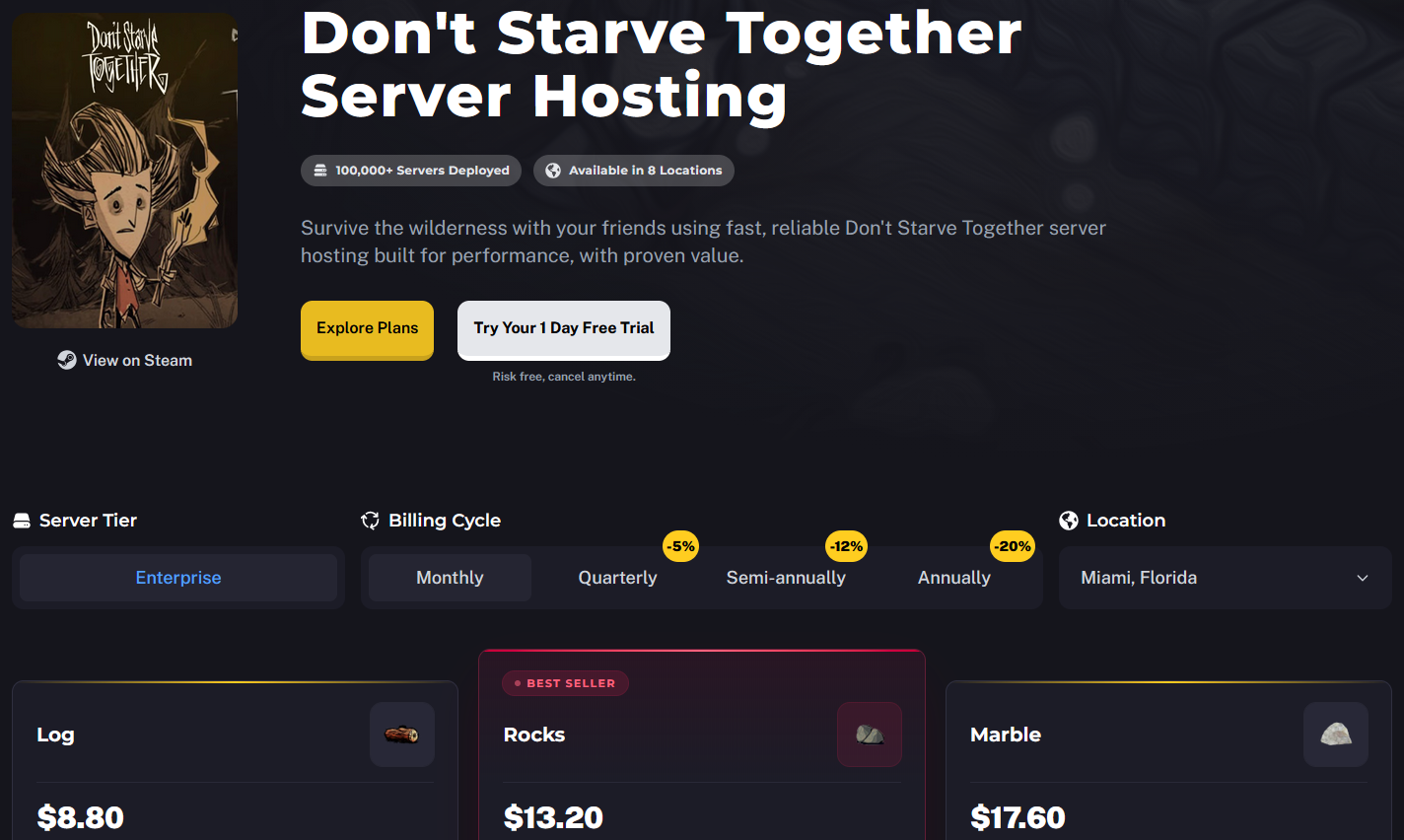
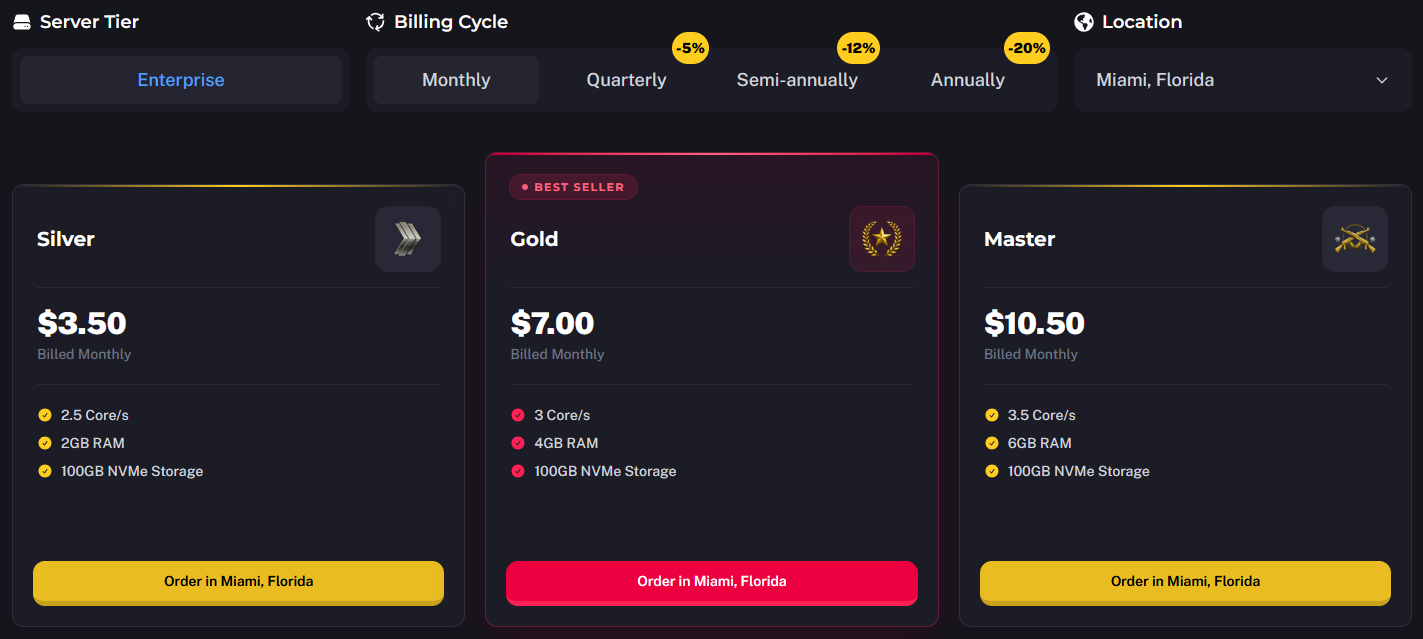
- Select the individual Don't Starve Together Server Hosting plan. The prices of each Don't Starve Together Hosting plan are scaled according to the resources and RAM they use.
You can also change the Billing Cycle to suit your preference, choose between Monthly, Quarterly, Semi-Annually, or Annually. Longer billing cycles often come with discounted rates, making them a great choice if you plan to host your server long-term.
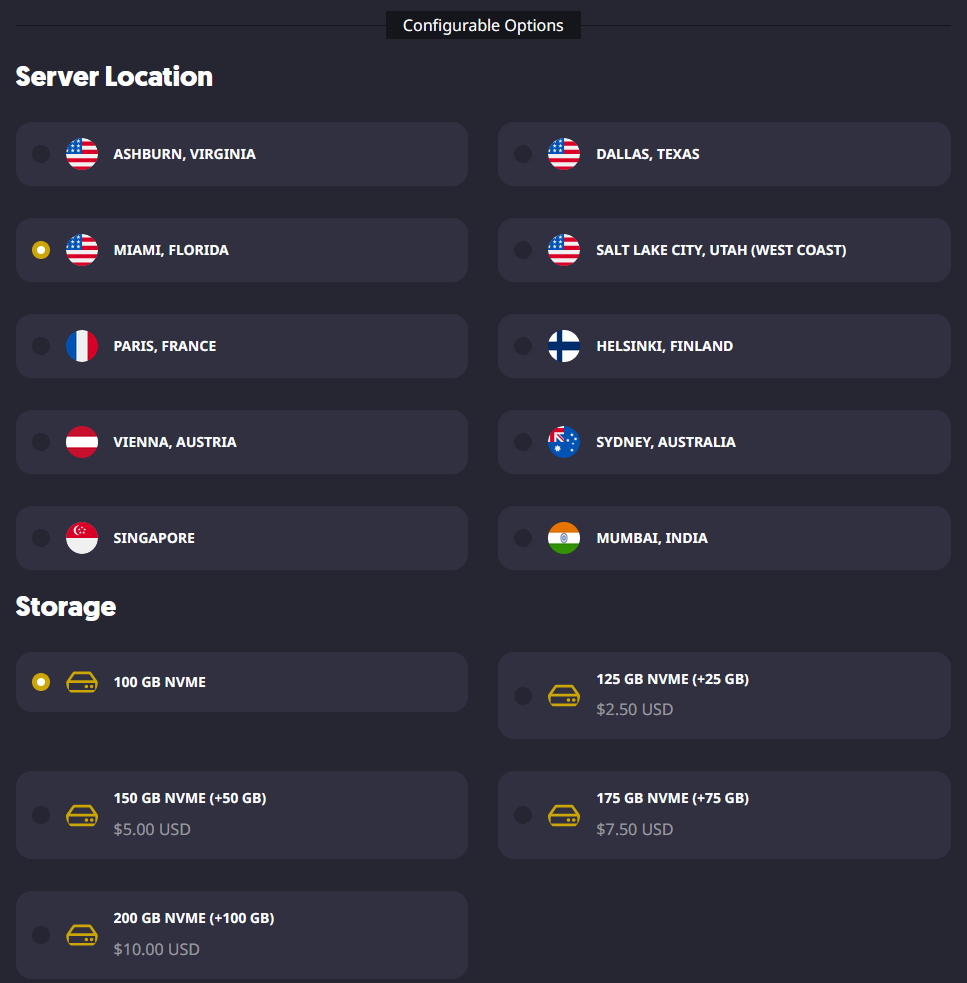
- Once you have selected the plan and billing cycle you want to use, fill out the rest of the configurable options, such as the Don't Starve Together Server Location and the number of backups you want.
- When you are ready to purchase the services you selected, you can go to your cart to review the selected items and check out when you are ready. Optionally, if you have one, you can also enter a promo code to get a discount on your purchase.
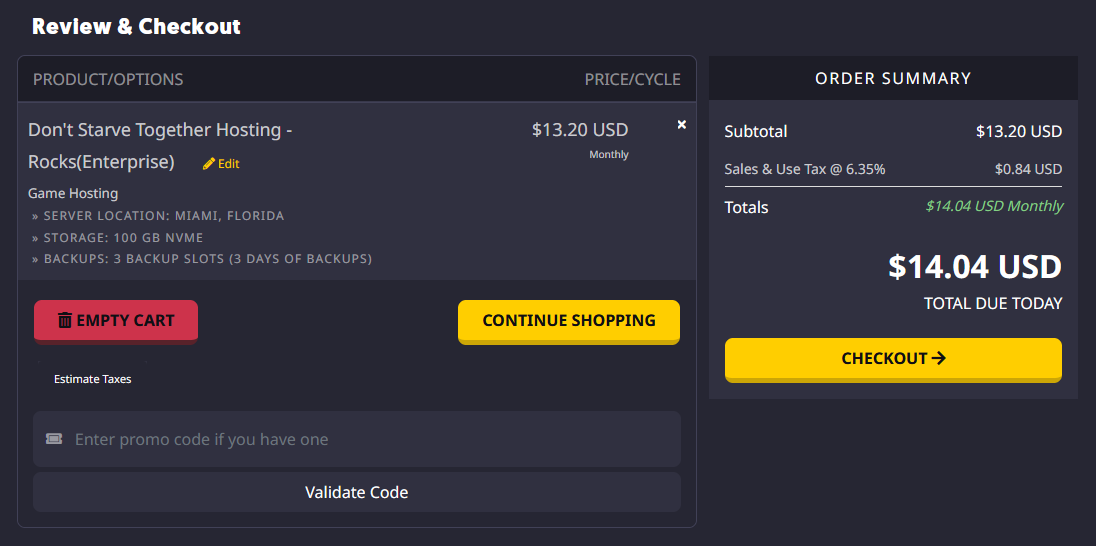
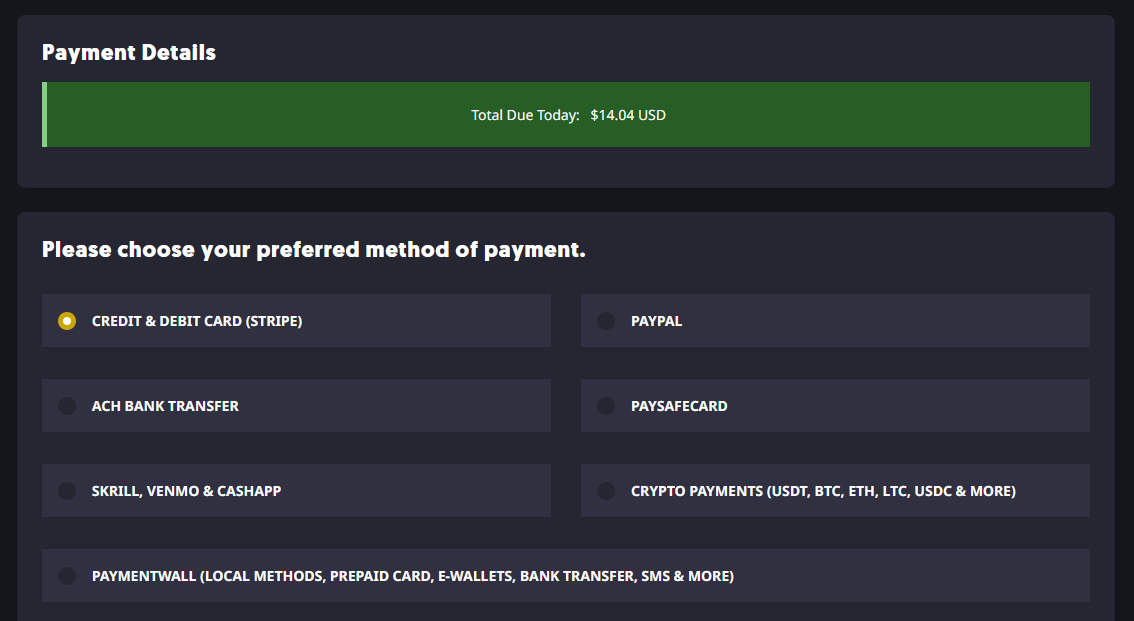
- From there, you can select your preferred payment method and register a Sparked Host Client Area account if you do not already have one.
You can view the different payment methods we accept and their availability on our Payment Methods page.
For Don't Starve Together VPS Hosting
- Go to the VPS Hosting page.
- Choose between the Premium and Budget hardware tiers.
Budget Tier: This tier is ideal for small Don’t Starve Together servers or testing worlds. It offers reliable performance at a lower cost, making it perfect for hosting a few players and running basic world configurations with light mods.
Premium Tier: The Premium Tier provides stronger CPU performance, higher network bandwidth, and improved overall stability. It is designed for larger worlds, more active players, and more complex setups, including heavier mod usage and extended survival sessions.
Choose the Budget Tier if you are running a small server or testing features. Go with the Premium Tier if you plan to grow your community, install custom mods, or want a consistently smooth survival experience with fewer performance issues during peak playtime.
Each location may use different hardware configurations but offer equivalent performance. You can check the specific hardware used at each location by visiting our Hardware & Locations page.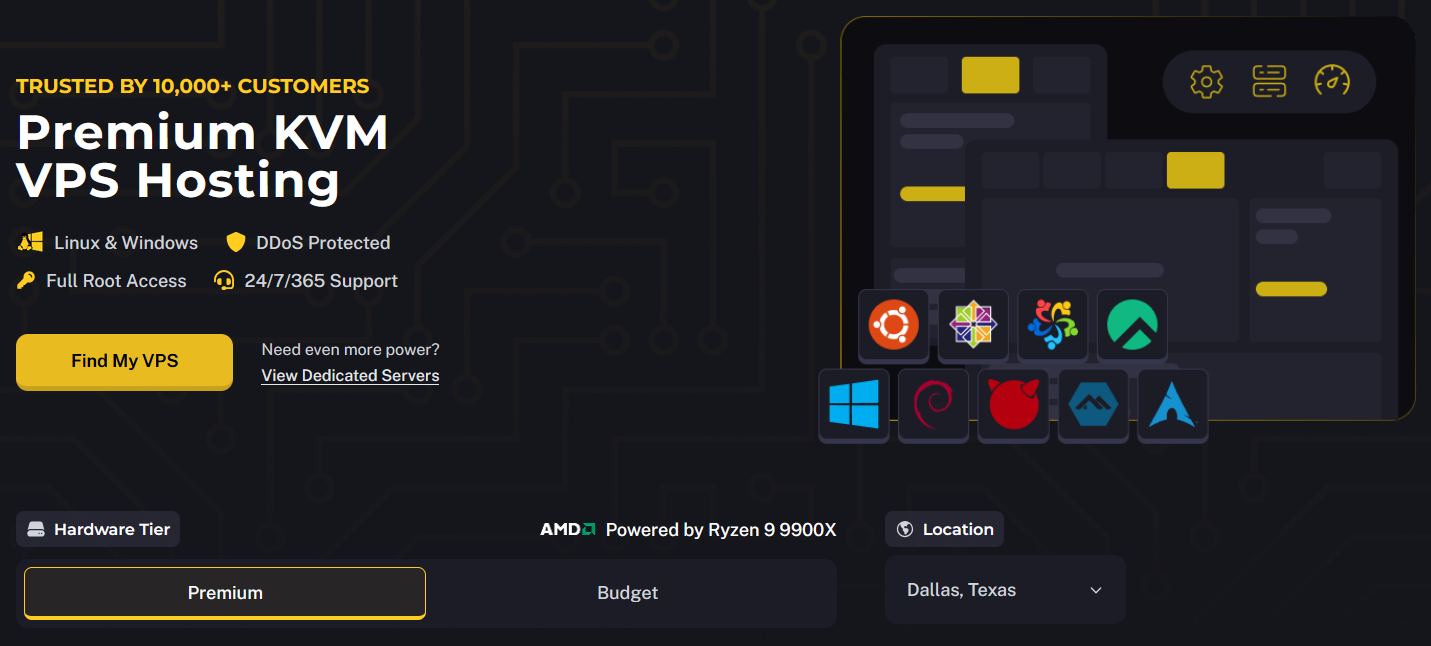
- Once you've selected your preferred Hardware Tier, choose the VPS Hosting plan that suits your needs. Each plan is priced based on the resources and bandwidth it offers.
You can also choose the Server Location that best suits your needs. Sparked Host offers multiple global locations, allowing you to host your VPS Hosting service closer to you or your player base. Selecting a location near your region helps reduce latency and ensures a smoother, more responsive gameplay experience for you and other players.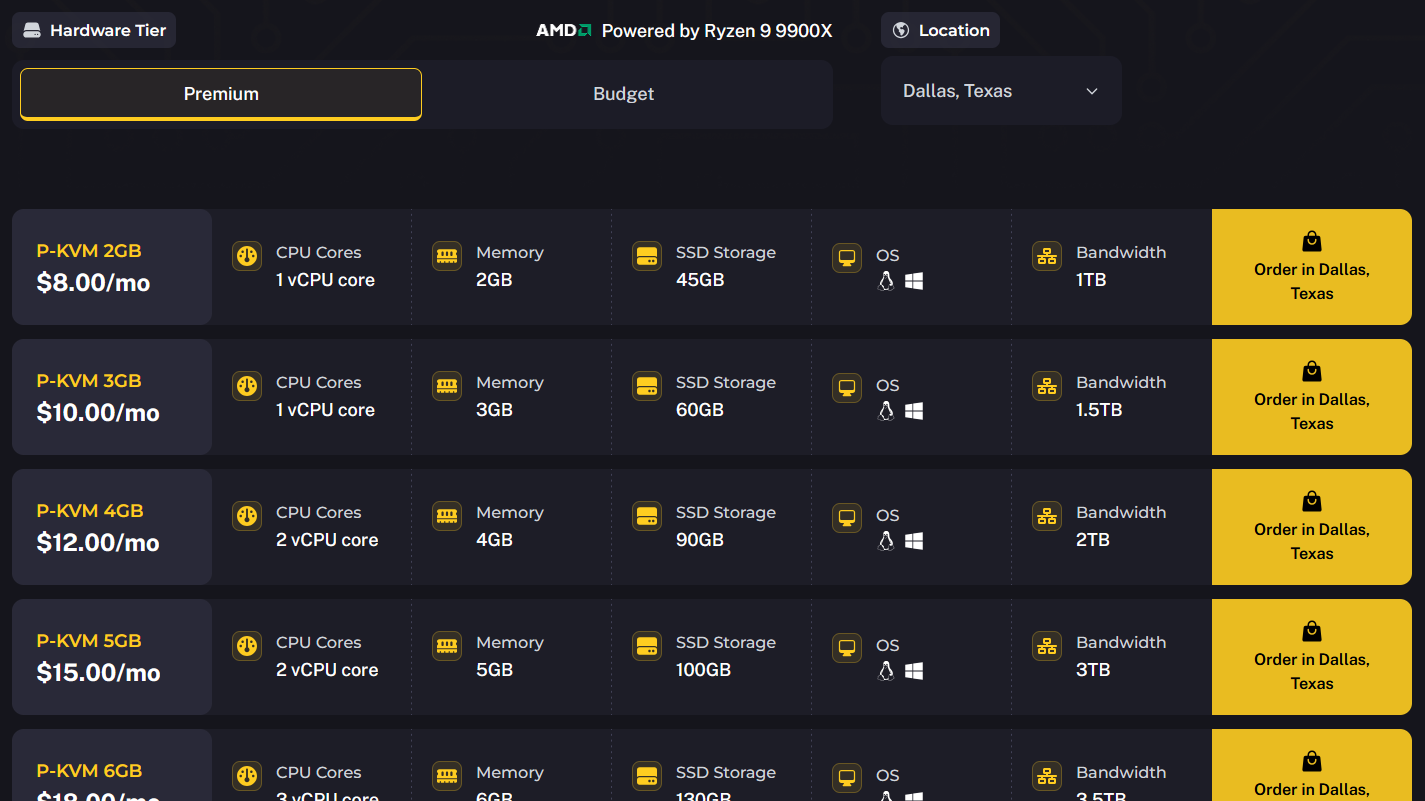
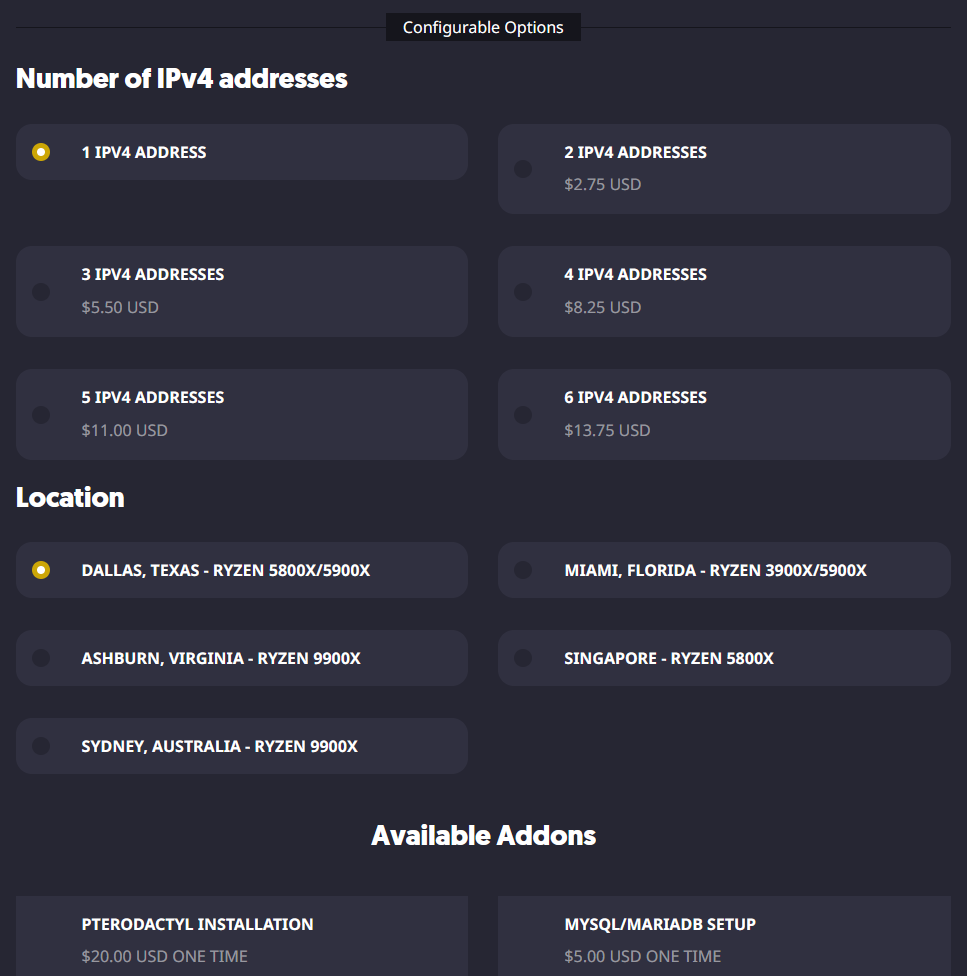
- Once you have selected the plan you want to use, fill out the rest of the configurable options, such as the number of IPv4 Addresses you want, and other additional addons like our "Pterodactyl Installation" and "Security Check" addons.
- When you are ready to purchase the services you selected, you can go to your cart to review the selected items and check out when you are ready. Optionally, if you have one, you can also enter a promo code to get a discount on your purchase.
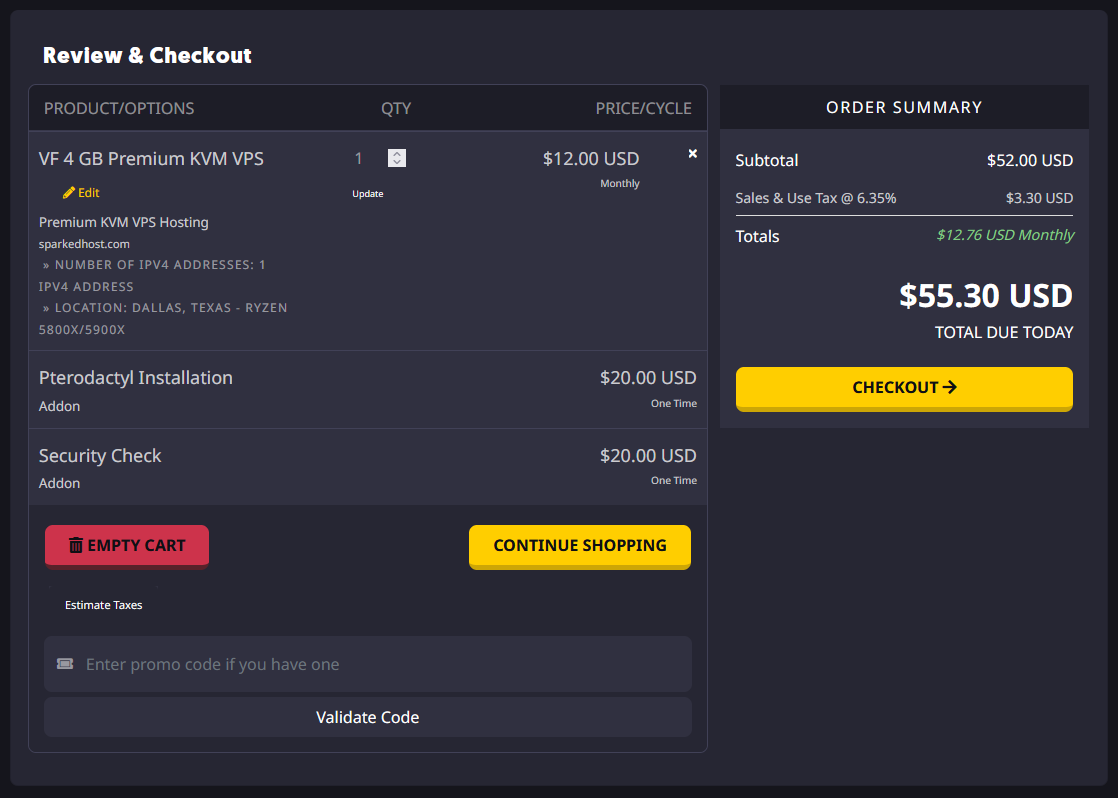
- From there, you can select your preferred payment method and register a Sparked Host Client Area account if you do not already have one.
You can view the different payment methods we accept and their availability on our Payment Methods page.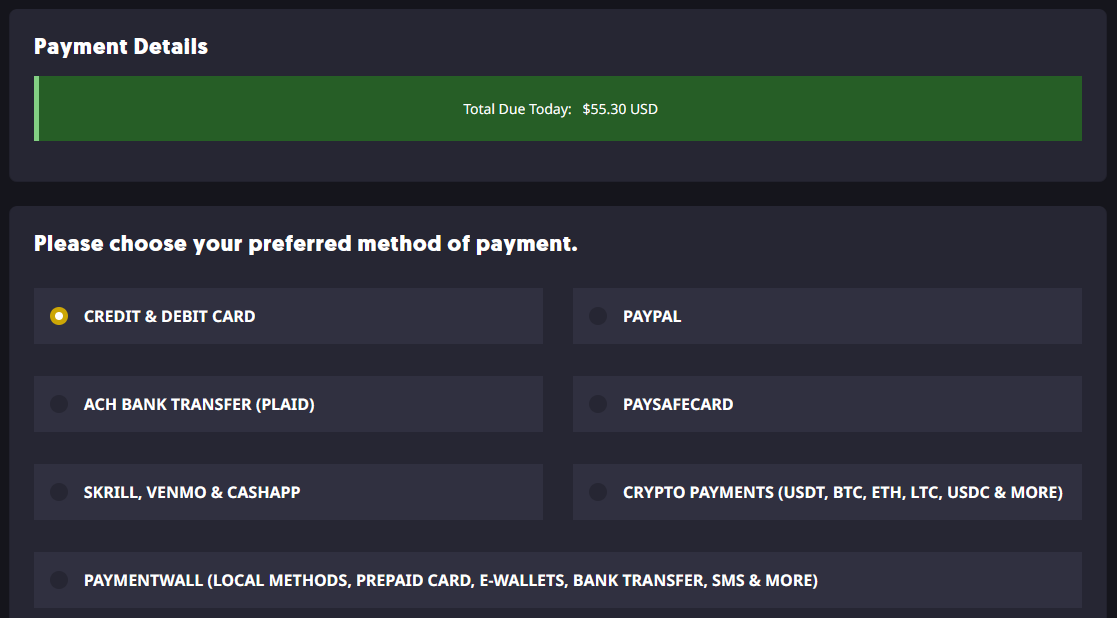
For Don't Starve Together Dedicated Server Hosting
- Go to the Dedicated Server Hosting page.
- Click the Deploy button to select the Dedicated Server you want to deploy. You can filter the list by location, order it by highest performance, and even filter it if you wish the server to use an AMD or Intel processor.
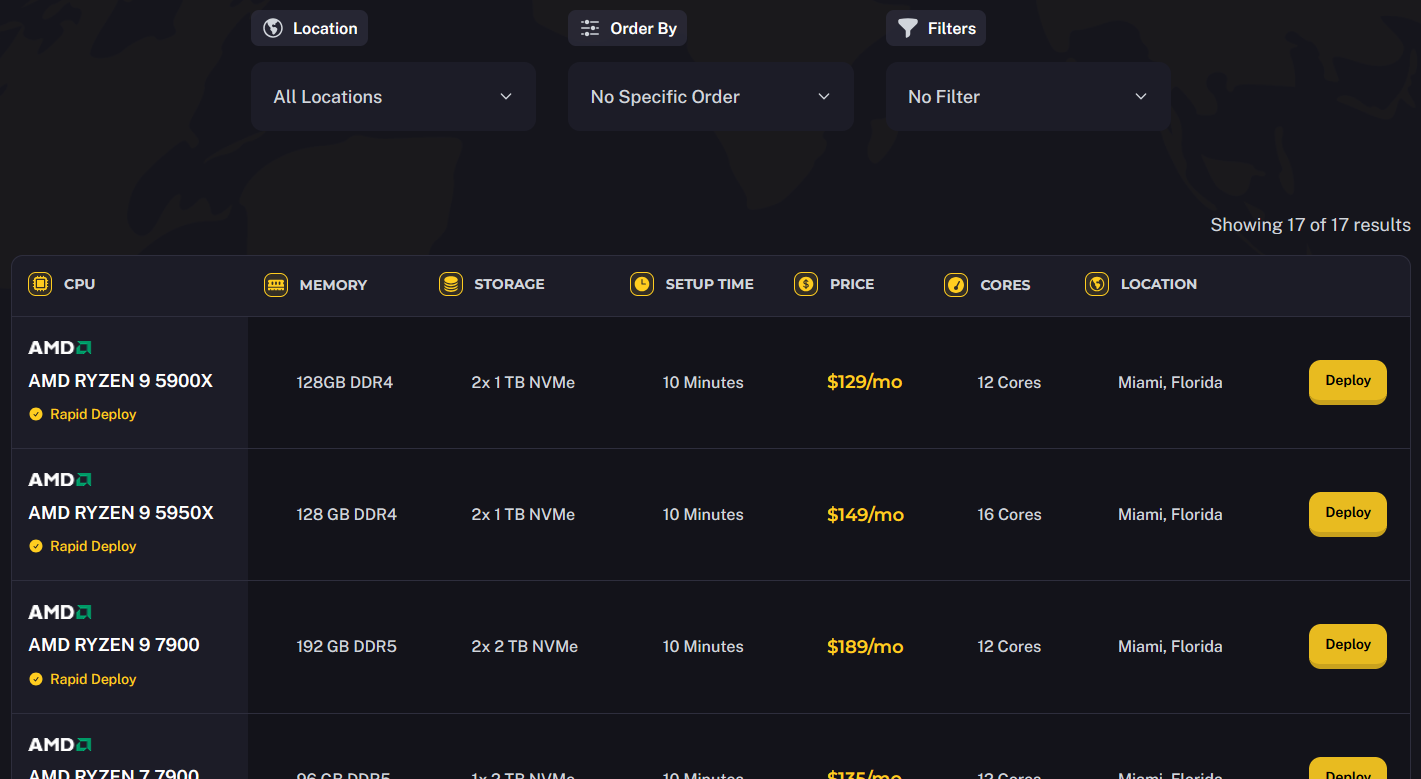
- After selecting the server you want to use, you can configure options such as the OS it should use and use addons such as our "Full Software Support/Managed Dedicated Server" and "Apollo Panel Instance" addons.
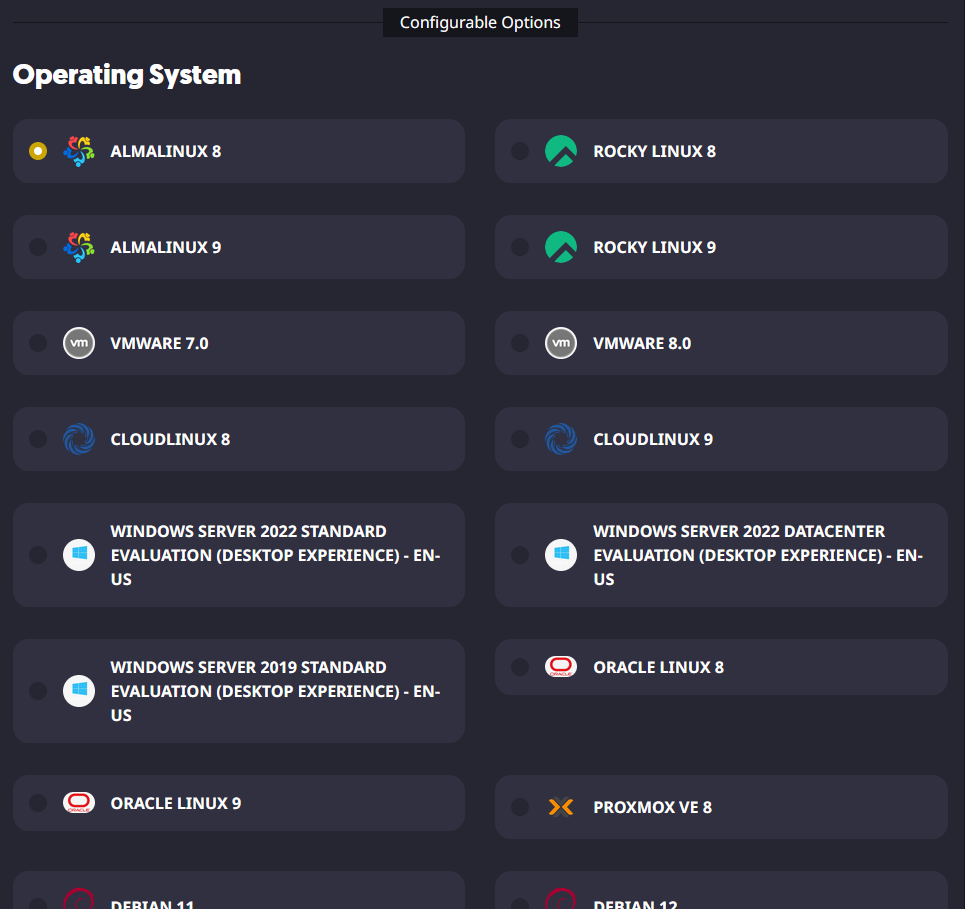
- When you are ready to purchase the services you selected, you can go to your cart to review the selected items and check out when you are ready. Optionally, if you have one, you can also enter a promo code to get a discount on your purchase.
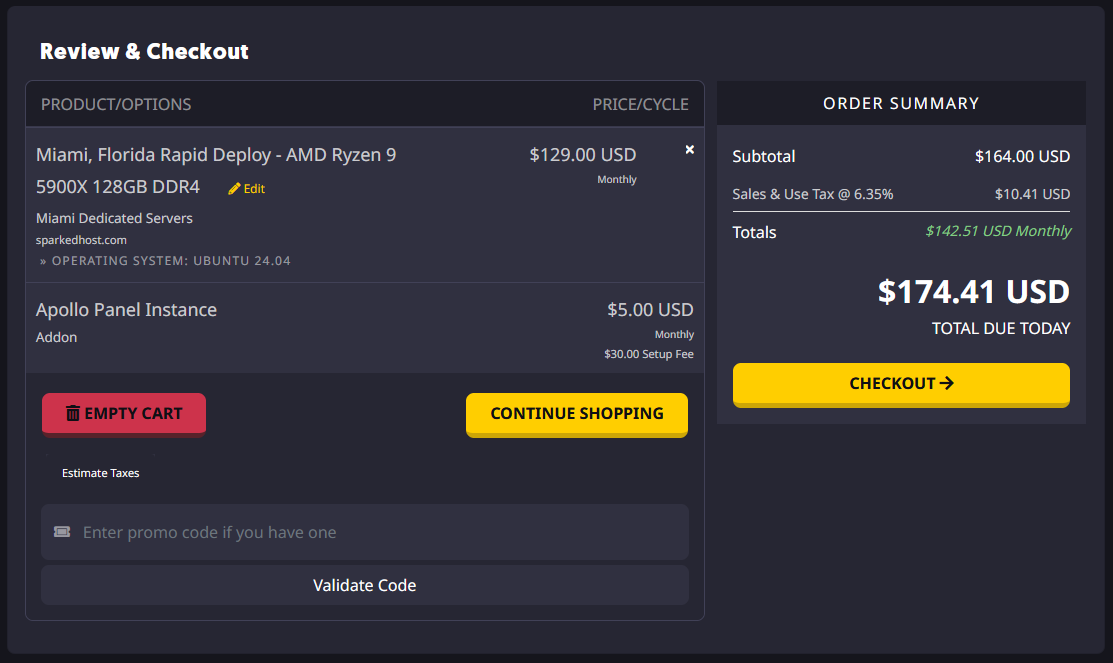
- From there, you can select your preferred payment method and register a Sparked Host Client Area account if you do not already have one.
You can view the different payment methods we accept and their availability on our Payment Methods page.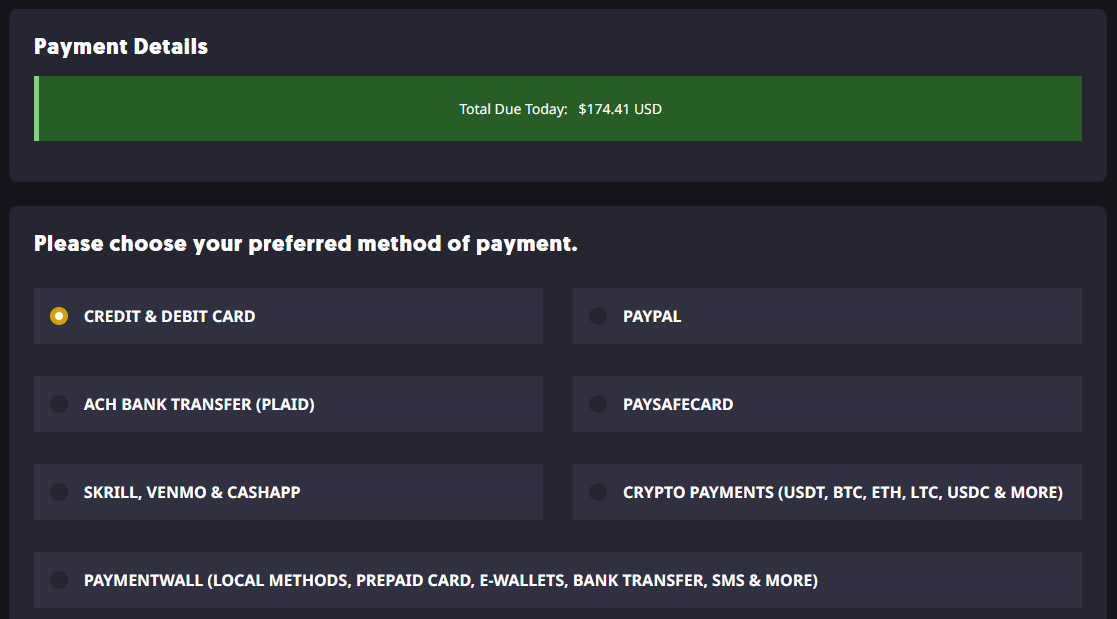
Step 3: Get Your Login Details
For Managed Don't Starve Together Server Hosting
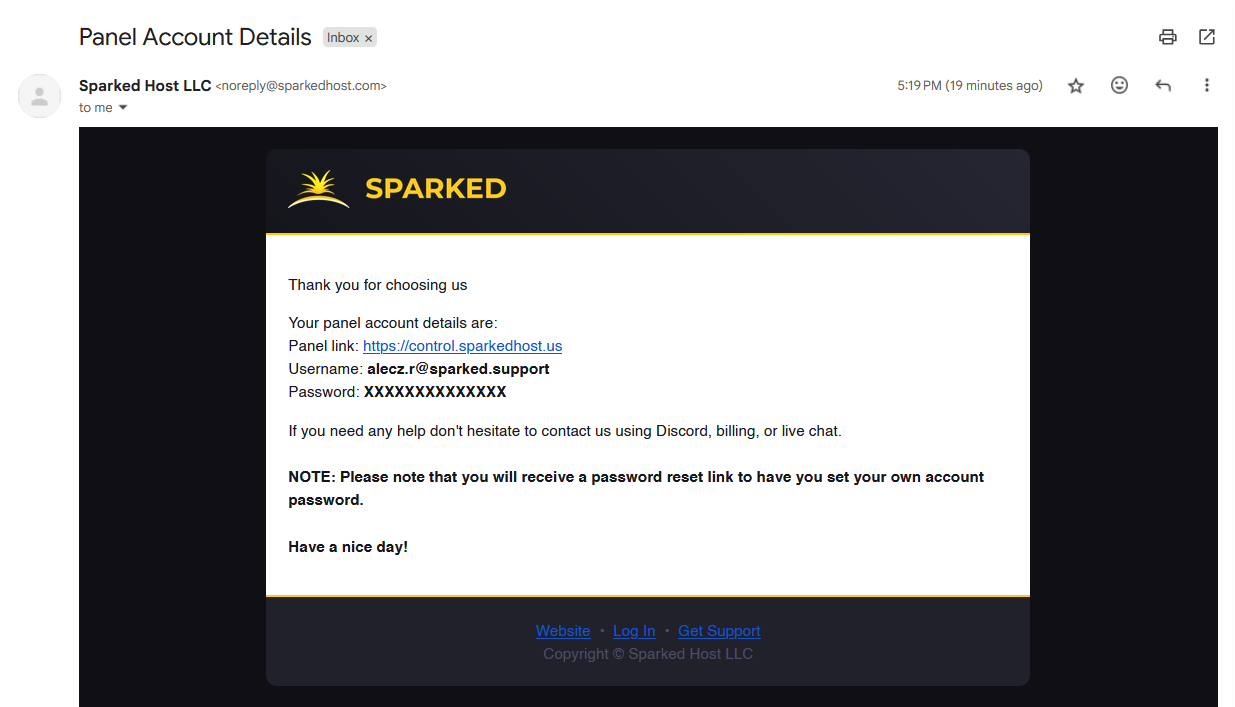
You can find your login details for your Apollo Panel account to manage the game server by looking for an email from us with the subject "Panel Account Details." The email will contain details such as the link to the panel to manage your game server and your Panel Account username and password.
For Don't Starve Together VPS Hosting
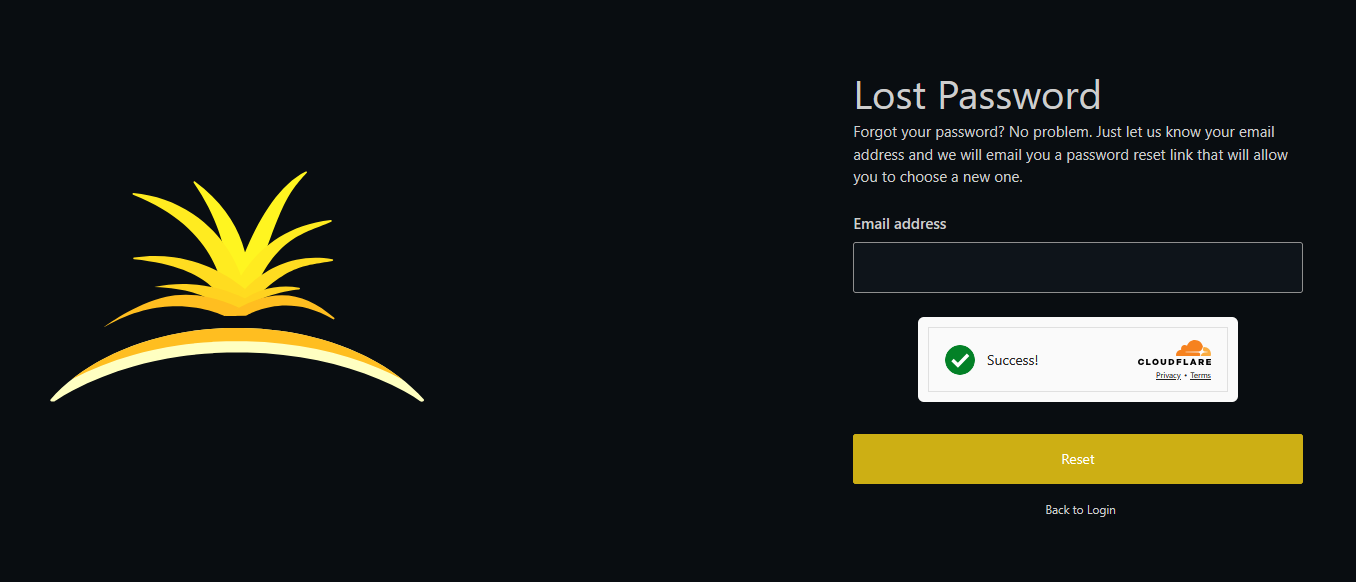
You will not get an email with your VF Panel login details, just like the email for a Managed Don't Starve Together Server Hosting service. Therefore, to get the password for your VF Panel account, you will need to reset it first. You can do so by going to the VF Panel Lost Password page, and then you will be sent an email to reset your VF Panel Account password. The email address will be the same as the one used for your Client Area account.
For Don't Starve Together Dedicated Server Hosting
If you purchased a Rapid Deploy Dedicated Server, you can find your login details for your Dedicated Server Manager account to manage the dedicated server by looking for an email from us with the subject "Your Dedicated Server Information." The email will contain details such as the link to the panel to manage your dedicated server, the server's IP Address, and other information.
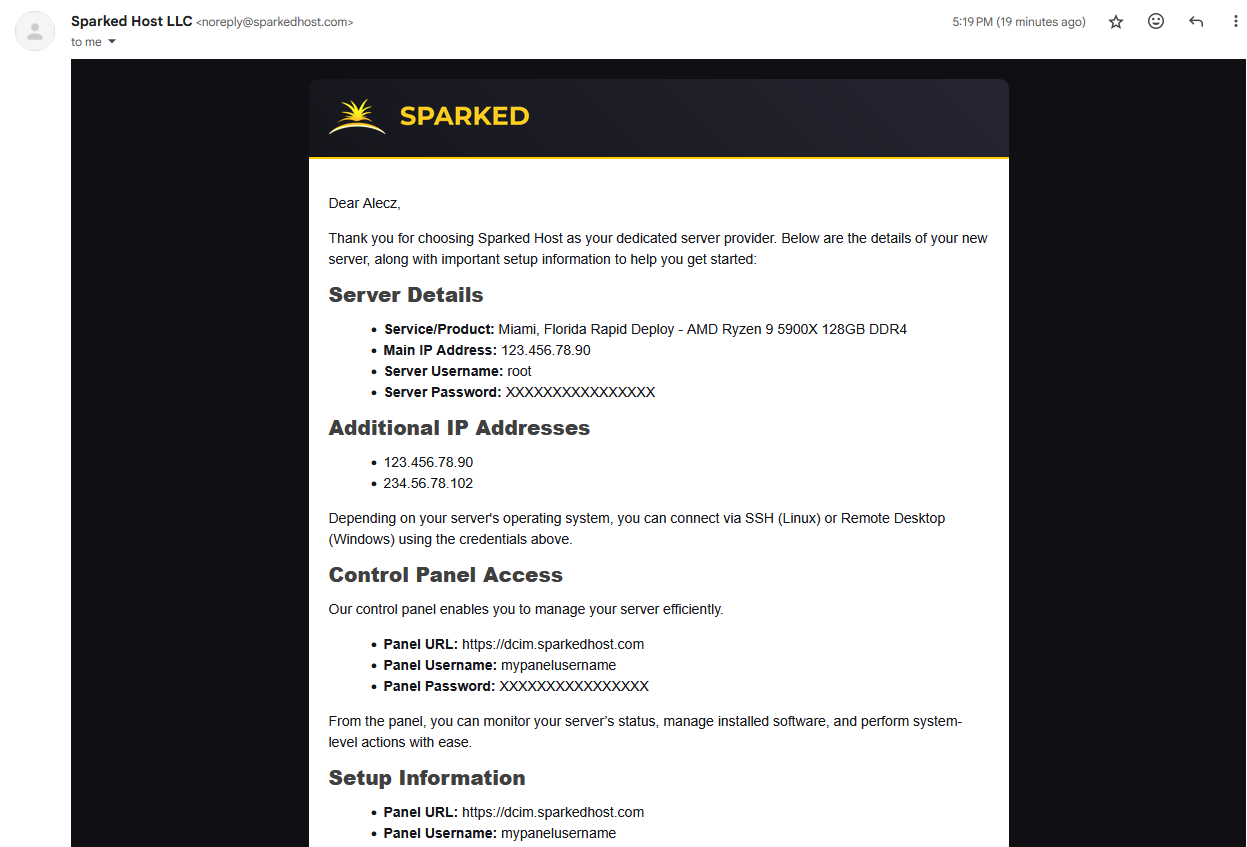
If it isn't a Rapid Deploy Dedicated Server or a custom-built one, you will get the login details from the ticket made for the Dedicated Server.
Step 4: Setup Your Don't Starve Together Server
For Managed Don't Starve Together Server Hosting
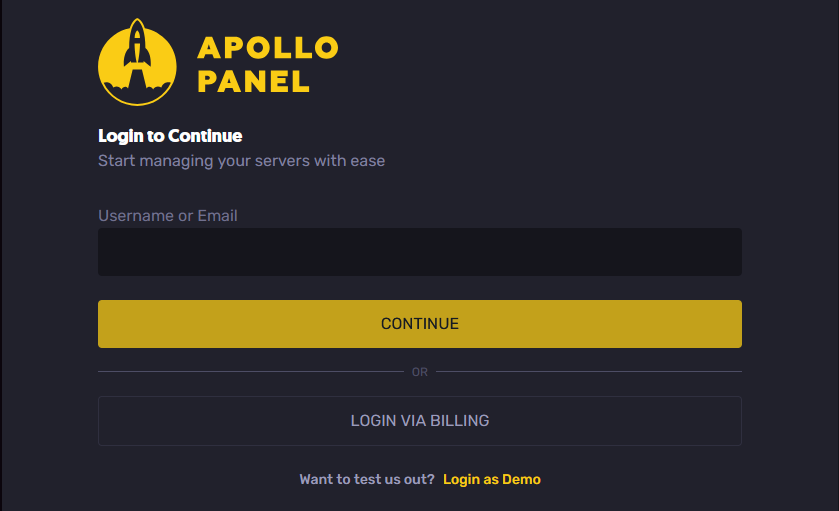
- You can log in to the Apollo Panel with the login details you received earlier or using your Client Area account with the "Login via Billing" button.
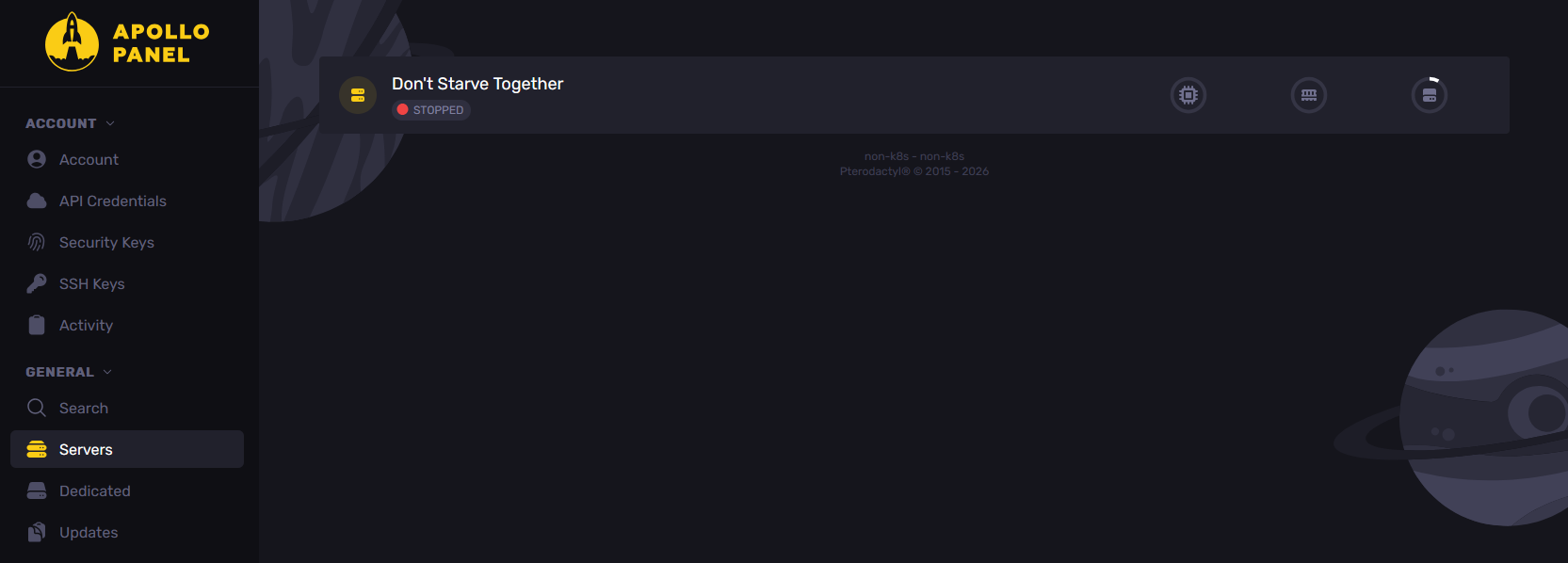
- Select your Don't Starve Together Server Hosting service on the Servers page.
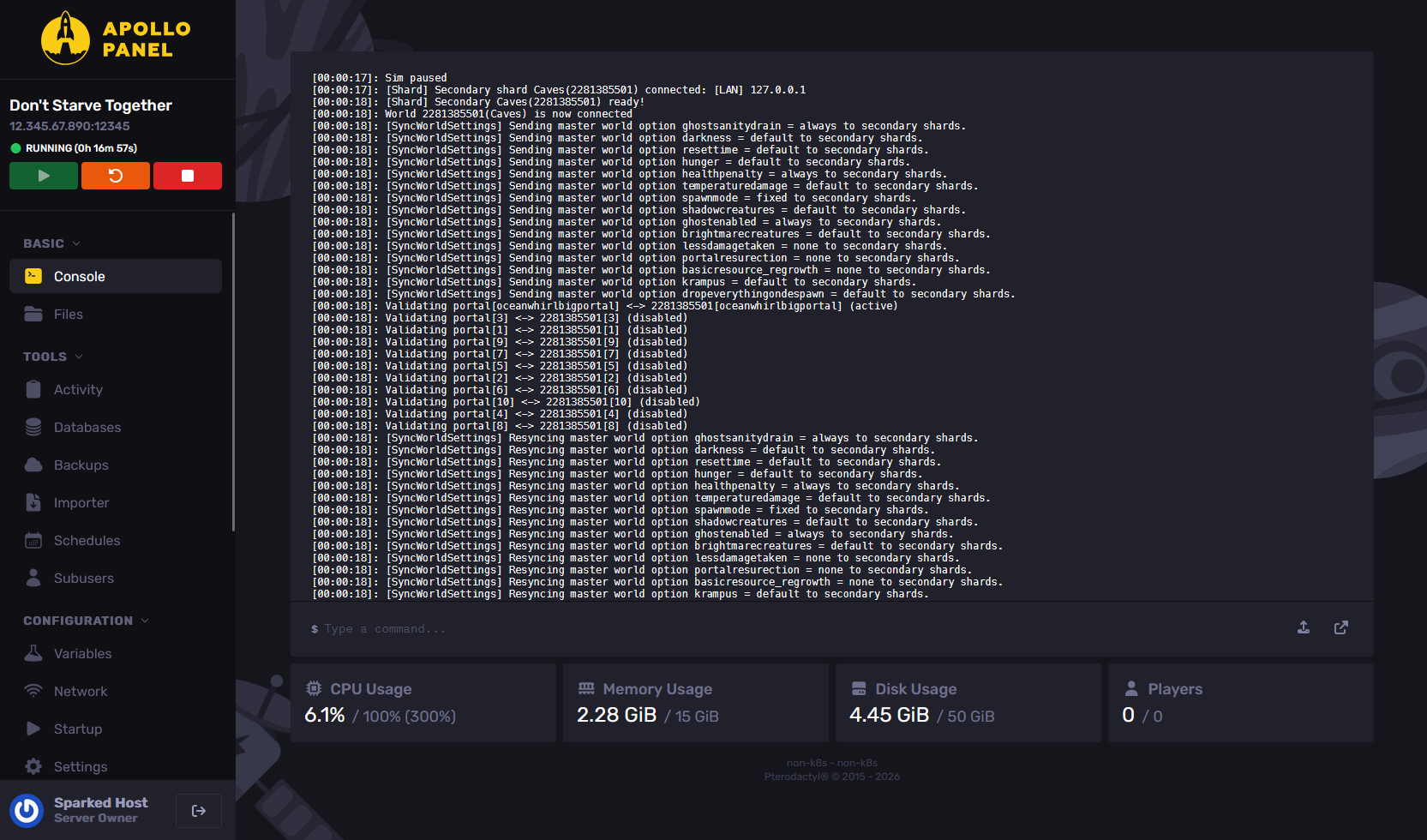
- After configuring all the necessary settings, click the Start button to launch the service and begin enjoying your server once it's up and running.
For Don't Starve Together VPS Hosting and Don't Starve Together Dedicated Server Hosting
If you use a VPS or Dedicated Server Hosting service, you must manually set up the server to run as a Don't Starve Together Server. There are guides from sites like the Don't Starve Together Community Wiki, which you can follow to install the necessary software and server files to run a Don't Starve Together Server on your own server.
Optionally, for Dedicated Servers, you can include the "Apollo Panel Instance" addon in your service order, wherein we will install the Apollo Panel, our sleek, custom-built control panel for Sparked Host users that will allow you to effortlessly manage your server with powerful tools, an easy-to-use interface, and all the features you need to stay in control.
Updated on: 15/05/2026
Thank you!