How to Reset Player Data on an Abiotic Factor Server
How to Reset Player Data on an Abiotic Factor Server
Resetting player data on an Abiotic Factor server is a common practice used to maintain a fair and balanced gaming experience. Server owners often do this to address issues like in-game progression glitches, exploits, or data corruption, allowing players to start fresh with a new character or new world. It also helps refresh the server, ensuring that player data and savegames remain clean, organized, and free of problems that could affect gameplay or server performance.
- Open your Apollo Panel here.
- Stop the server.
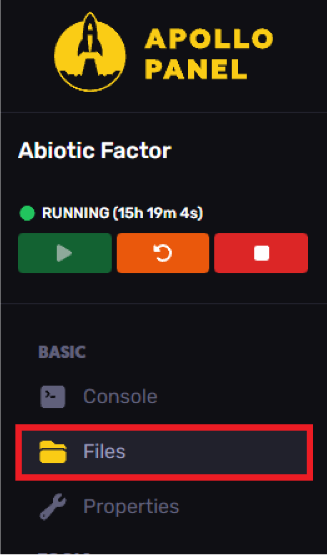
- Navigate to the file manager tab.
- Head over to the following directory:
AbioticFactor/Saved/SaveGames/Server/Worlds

- Find and select your current world.
- Access the
PlayerDatafolder.

- Delete the player's SteamID64 folder.
- Start the server.
Still have some questions?
If you need any further assistance or support, you can contact us here.
Updated on: 15/12/2025
Thank you!