How to Add a Password to a Don't Starve Together Server
Adding a password to your Don’t Starve Together server helps keep your world private and ensures that only invited players can join. This is especially useful for playing with friends or managing a controlled community.
Adding a Server Password
- Open the Apollo Panel, and ensure that your server is offline.
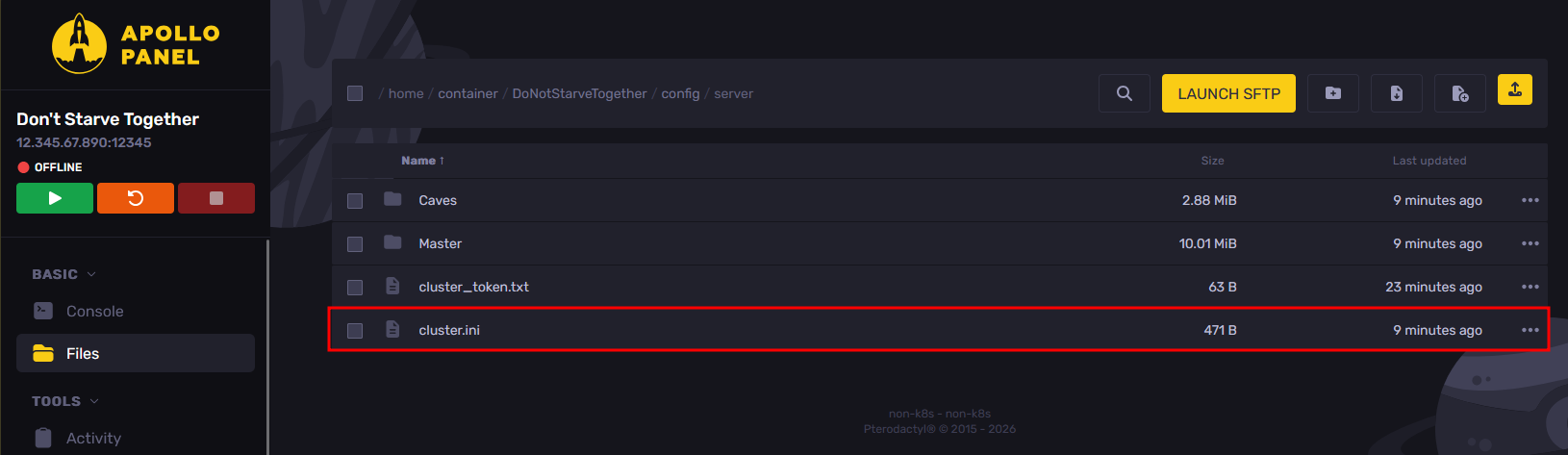
- In the Files tab, open the "DoNotStarveTogether/config/server/cluster.ini" file.
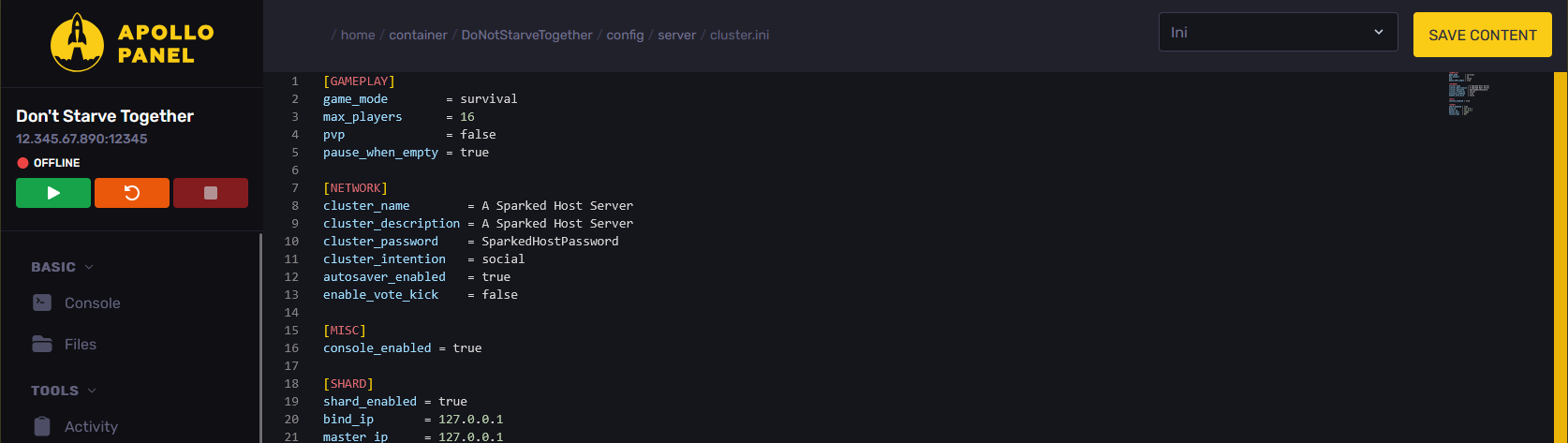
- Set the password that you want to use on the server under the "cluster_password" setting.
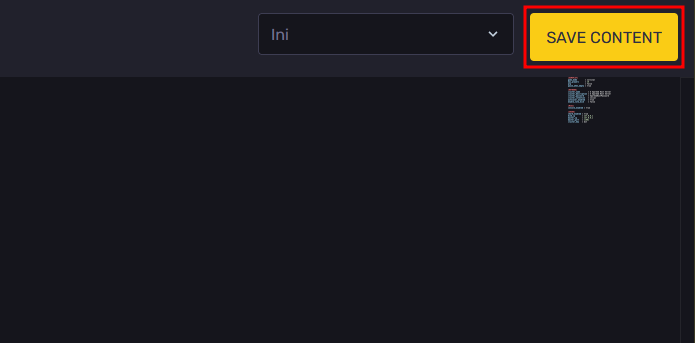
- Once you have set a password, click on the "Save Content" button to save the current config changes.
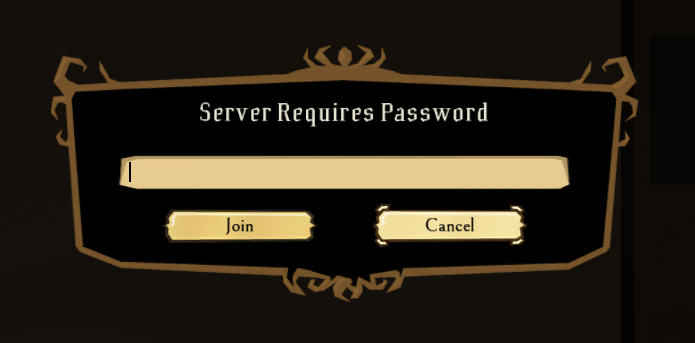
- Start your server, and it should now be password-protected.
Updated on: 15/05/2026
Thank you!