How to Add a Server Token on a Don't Starve Together Server
A server token is required to run a Don’t Starve Together server. This token links your server to your account and allows it to appear online and function properly. Without a valid token, the server will not start correctly. While the token is typically added through the configuration file, this guide explains how to add a server token using the Apollo Panel for a simpler setup process.
Generating a Server Token
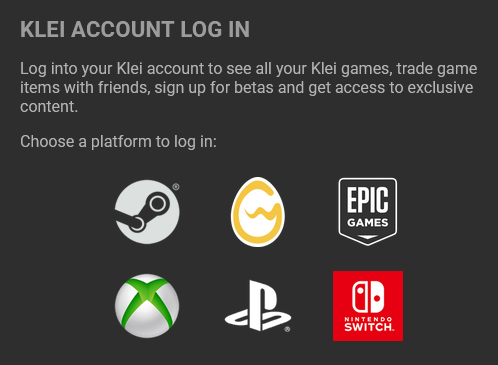
- Open the Klei website and log in with your account under your desired platform.
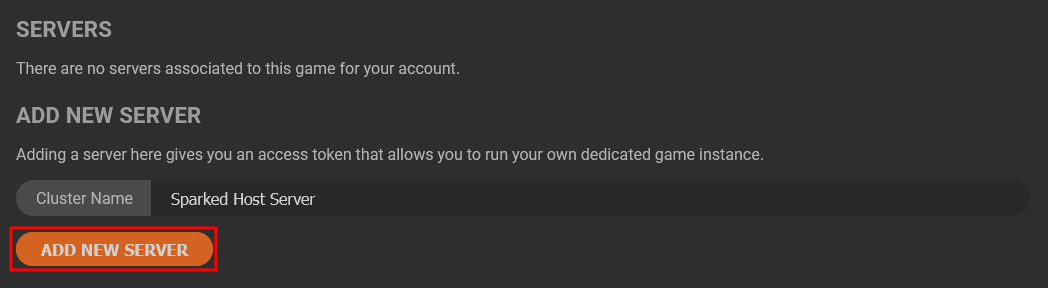
- Enter a name for the Server Token and click "Add New Server" to proceed.
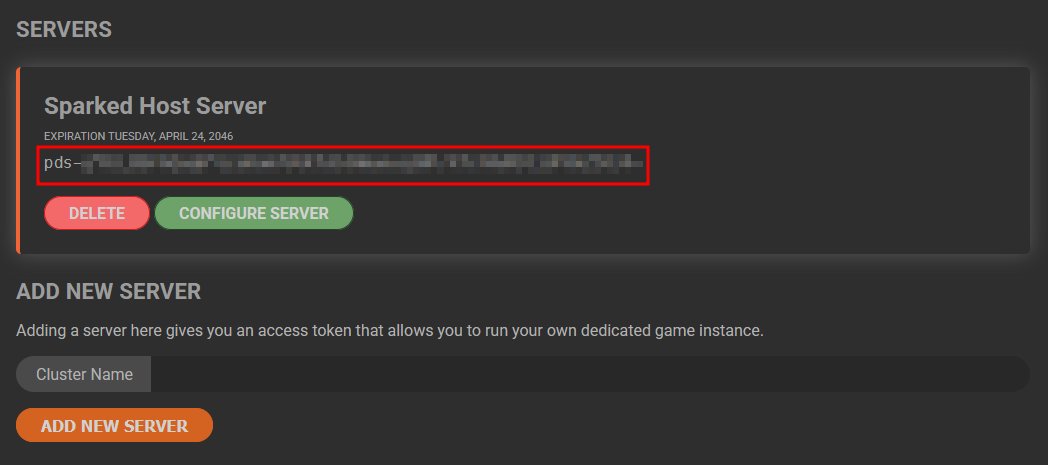
- Copy the long text shown under the new server entry's expiration date, as it is the server token we will need in the next steps.
Adding the Server Token Using the Apollo Panel
- Open the Apollo Panel, and ensure that your server is offline.
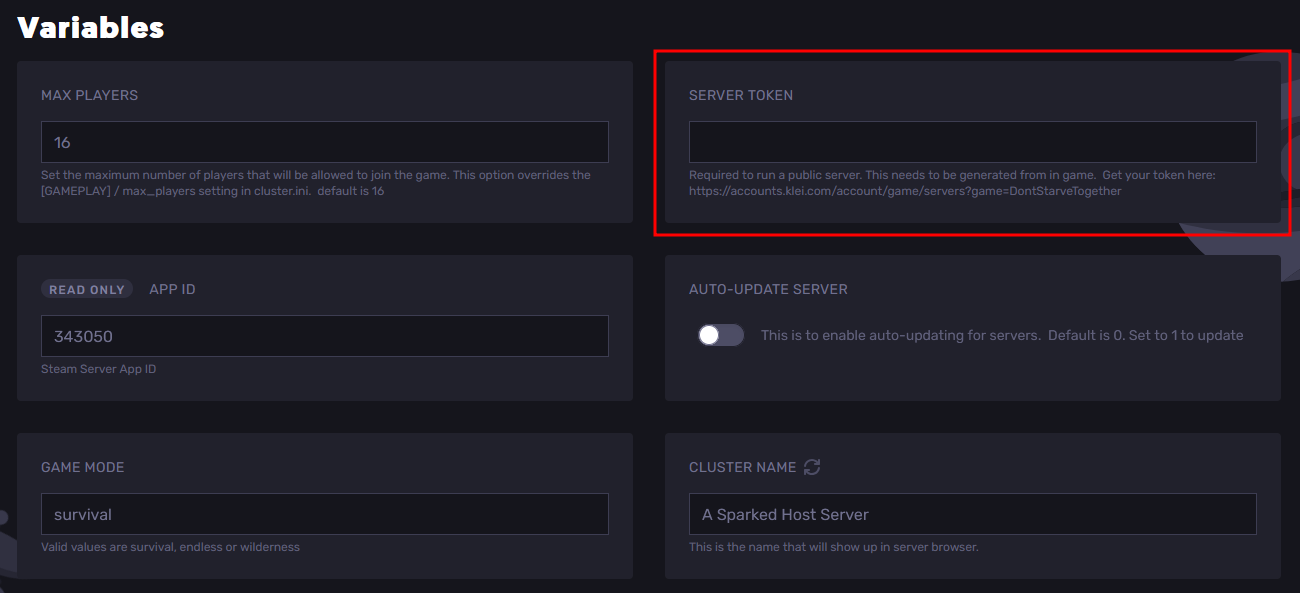
- In the Startup Tab, paste the server token you got earlier on the Klei website.
- Start the server, and you should now be able to join your server through the in-game server browser.
Updated on: 15/05/2026
Thank you!