How to Add an Admin to a Don't Starve Together Server
Adding an admin to your Don't Starve Together server allows trusted players to help manage the server, moderate gameplay, and assist other players. Admins have elevated permissions, such as kicking or banning players and using special commands.
How to Find your Account's Klei ID
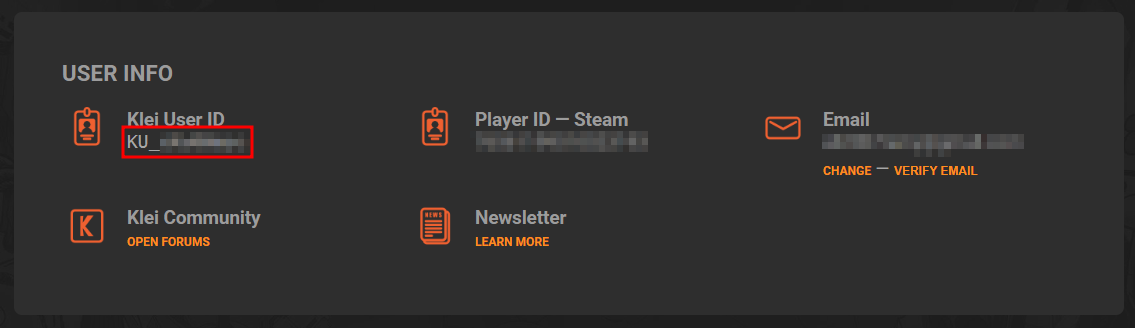
To add an admin, you need your account's Klei User ID.
- Launch the Don't Starve Together game on your computer.
- In the Main Menu, click on the "Account" button.
- Copy the Klei User ID from the webpage that pops up.
Adding an Admin
- Open the Apollo Panel, and ensure that your server is offline.
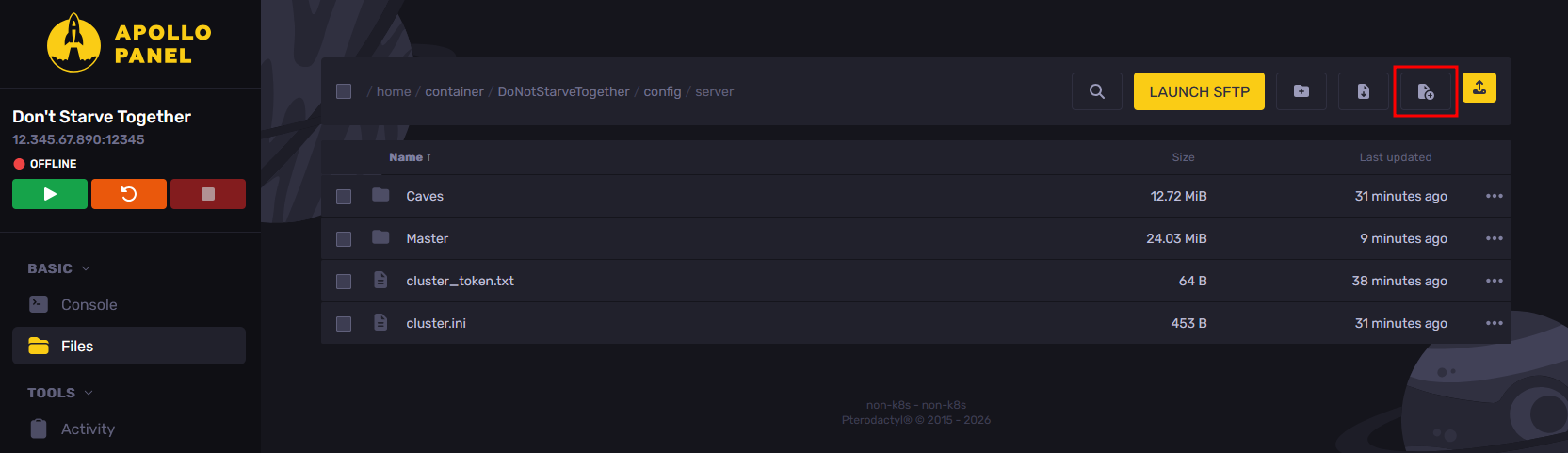
- In the Files tab, navigate to the "DoNotStarveTogether/config/server" folder, then click on the "New File" button.
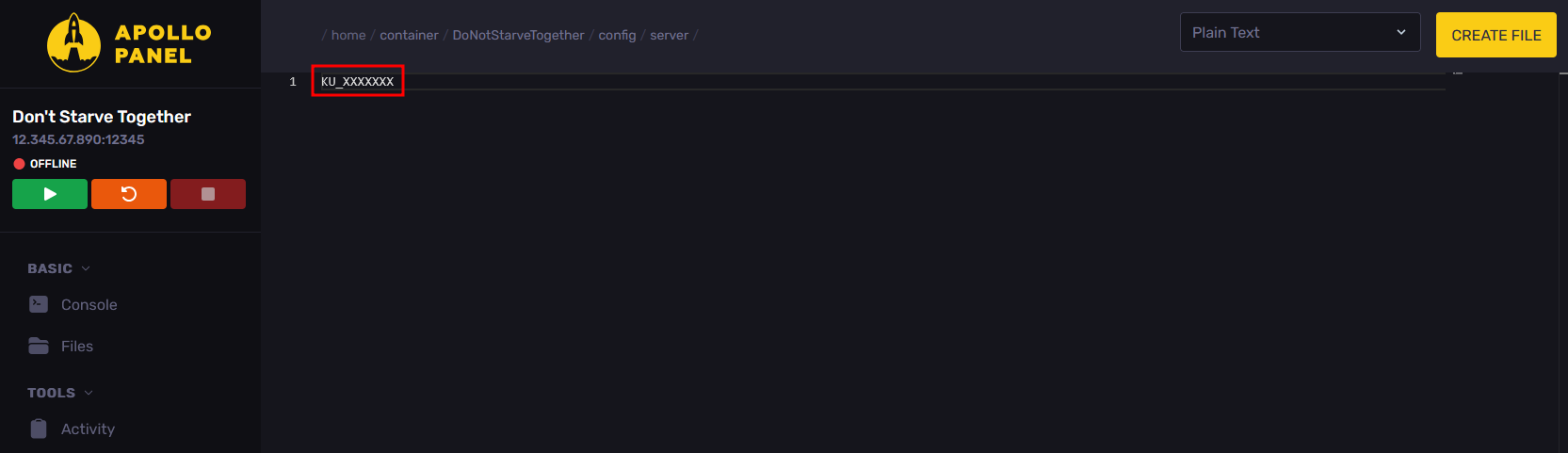
- Inside the created file, for each player you want to add as an admin, paste the Klei User ID on its own line.
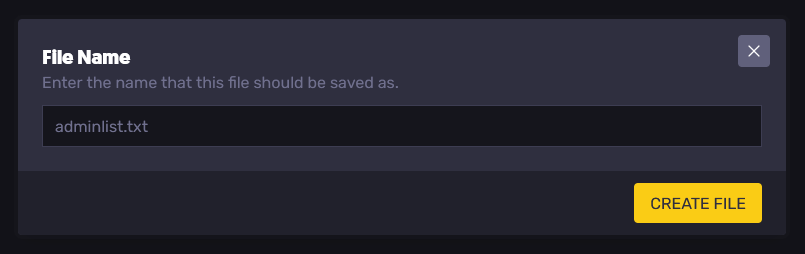
- After adding the Klei User IDs, click on the "Create File" button, then set the file name to "adminlist.txt" and click on the "Create File" button again.
- Start the server, and the admins should now be added.
Updated on: 15/05/2026
Thank you!