How to Change the Server Description on a BeamMP Server
How to Change the Server Description on a BeamMP Server
Updating the server description on a BeamMP server is an important way to communicate your server’s identity and features to players. Understanding how to change the server description on a BeamMP server lets you highlight a BeamMP server name, custom maps, special events, and other unique aspects that make your server stand out in the server list. A well-crafted description ensures users know what to expect, encourages players to join via direct connect or public server listings, and helps maintain an engaging community experience over time.
- Open your Apollo Panel.
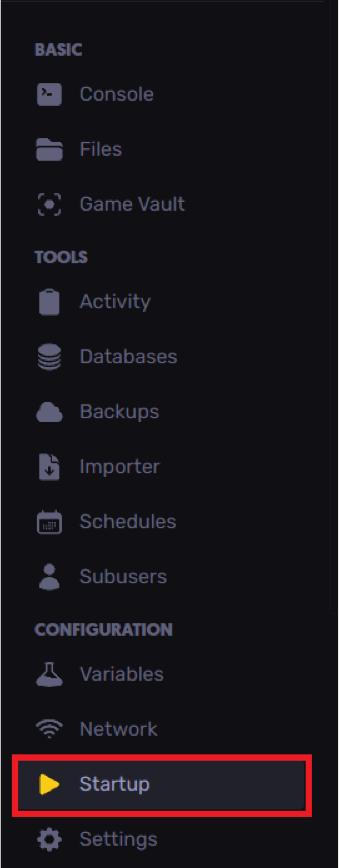
- Head over to the Startup tab.
- Find the Server Description field and edit it as desired.

- Start or restart the server to apply the changes.
Updated on: 26/12/2025
Thank you!