How to Change the Server Name on a Don't Starve Together Server
Changing the server name on your Don't Starve Together server helps players easily identify your server in the server browser. A clear and unique name can also reflect your community, rules, or gameplay style.
Changing the Server Name
- Open the Apollo Panel, and ensure that your server is offline.
- Go to the Startup Tab, and enter your desired server name in the "Cluster Name" setting.
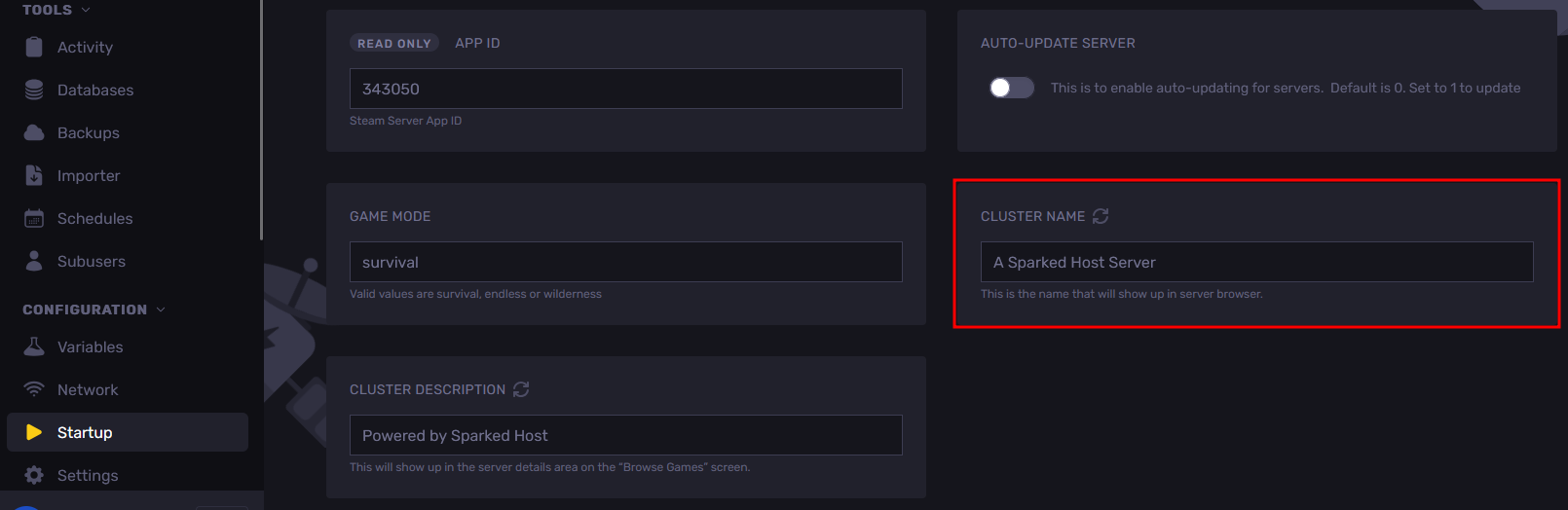
- Start your server, and it will now appear in the in-game server browser under its new name.
Updated on: 15/05/2026
Thank you!