How to Change the Server Name on an Astroneer Server
How to Change the Server Name on an Astroneer Server
Changing the server name on your Astroneer server helps players easily identify your server in the in game server list. Whether you want a custom community name or simply want to differentiate multiple servers, this guide walks you through updating the server name safely and correctly.
Changing the Server Name
- Open the Apollo Panel and turn off your server.
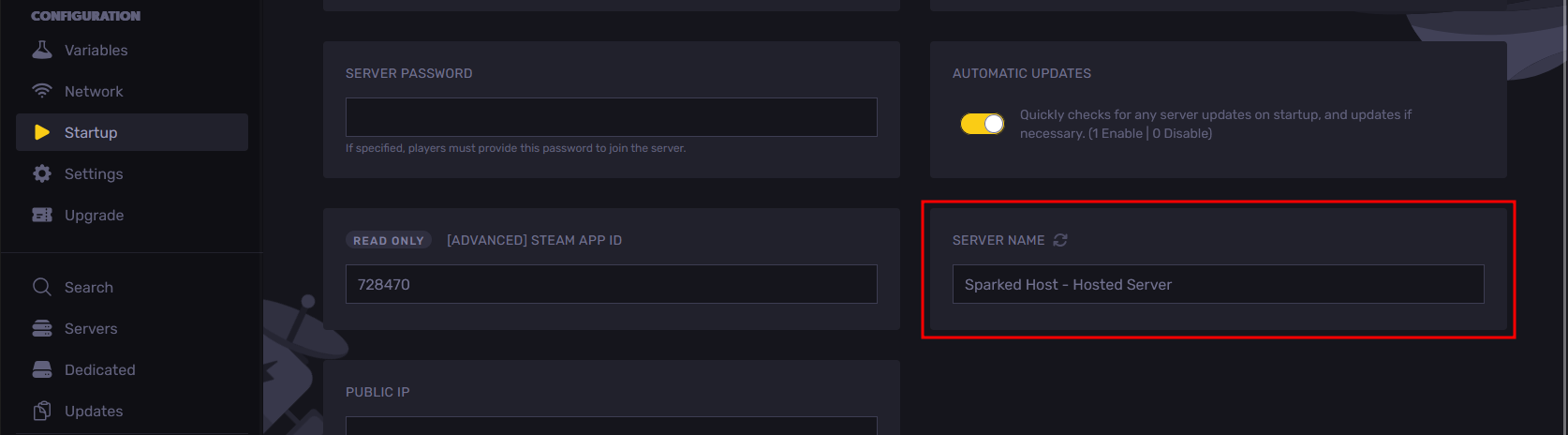
- Go to the Startup Tab, and edit the "Server Name" setting.
- Click on the "Save Content" button on the top-right to save your settings.
- Now, when you start the server, it will use the name you set in the Startup Tab.
Updated on: 10/02/2026
Thank you!