How to Enable Spawn Protection on a Don't Starve Together Server
Enabling spawn protection on your Don't Starve Together server helps prevent players from taking damage immediately after spawning. This feature is useful for giving players time to load in, orient themselves, and avoid unfair deaths, especially on busy or public servers.
Enabling Spawn Protection
- Open the Apollo Panel, and ensure that your server is offline.
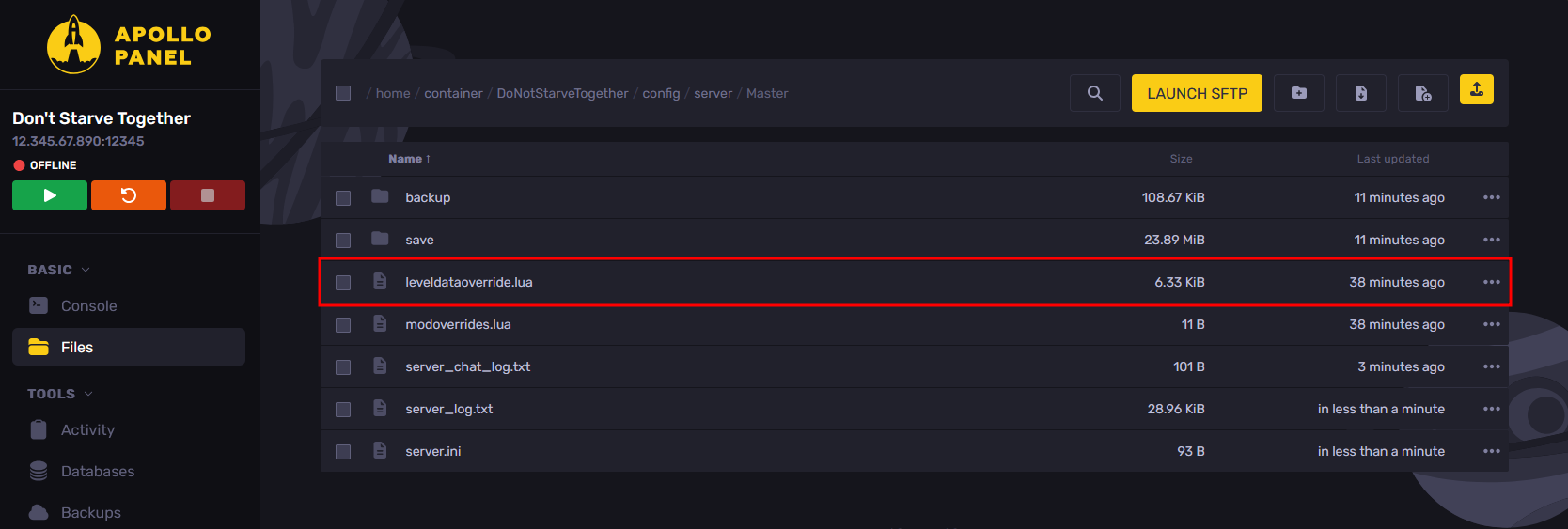
- In the Files tab, go to the "DoNotStarveTogether/config/server/Master" folder and edit the "leveldataoverride.lua" file. If the file does not exist, skip to Step 5.
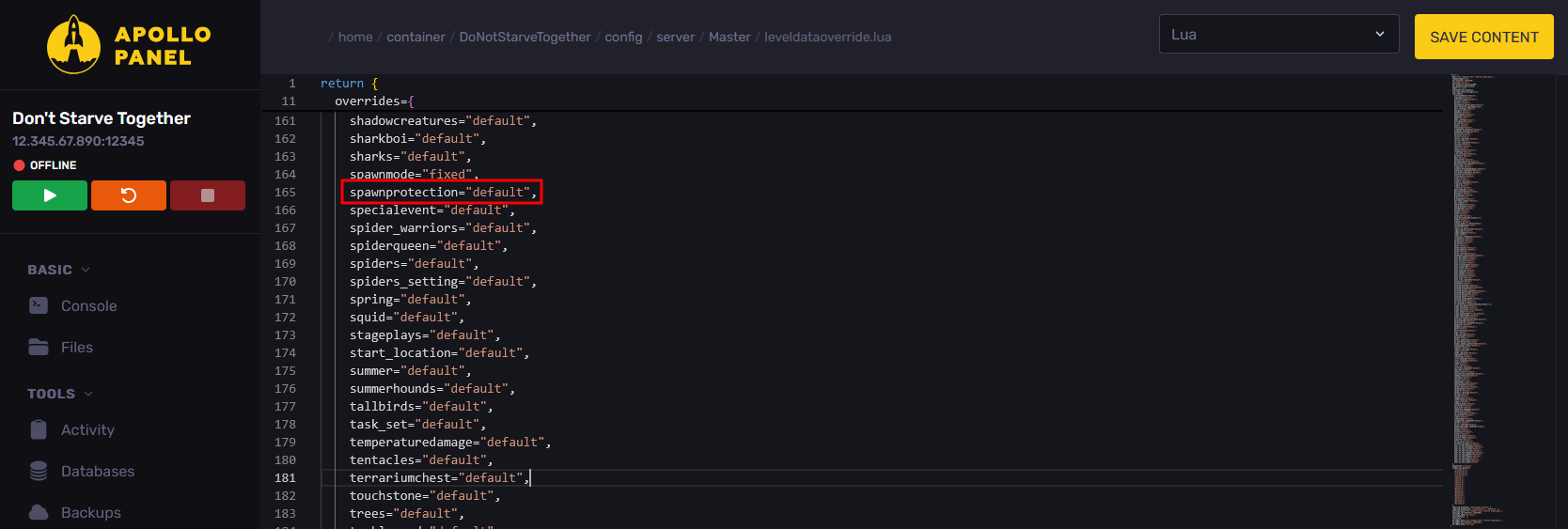
- Look for the "spawnprotection" line and set its value to "none", "default", or "always".
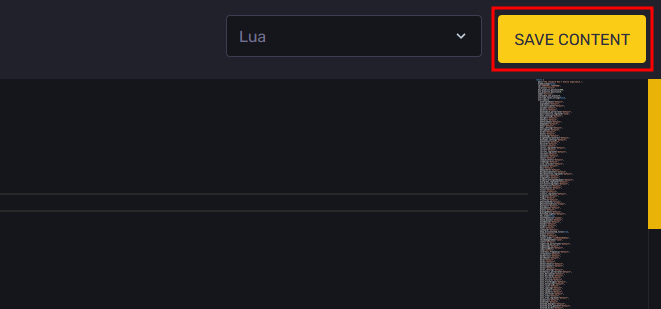
- Once you have configured the spawn protection setting, click "Save Content" to save the changes. After saving the changes, skip to Step 8.
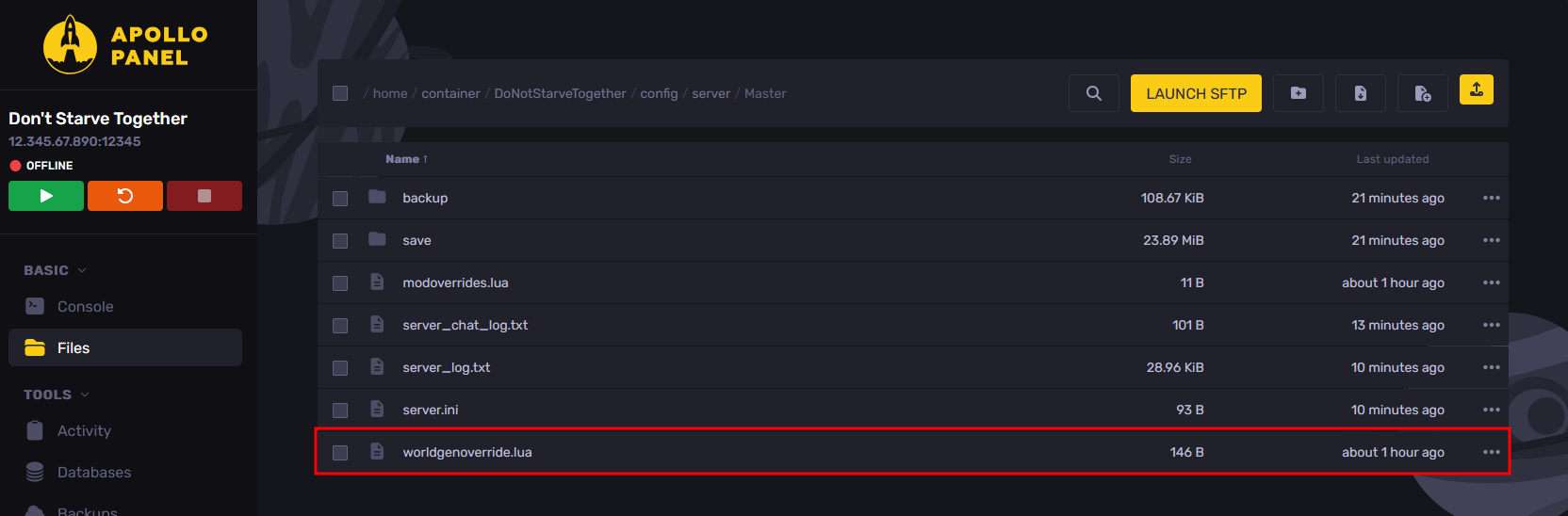
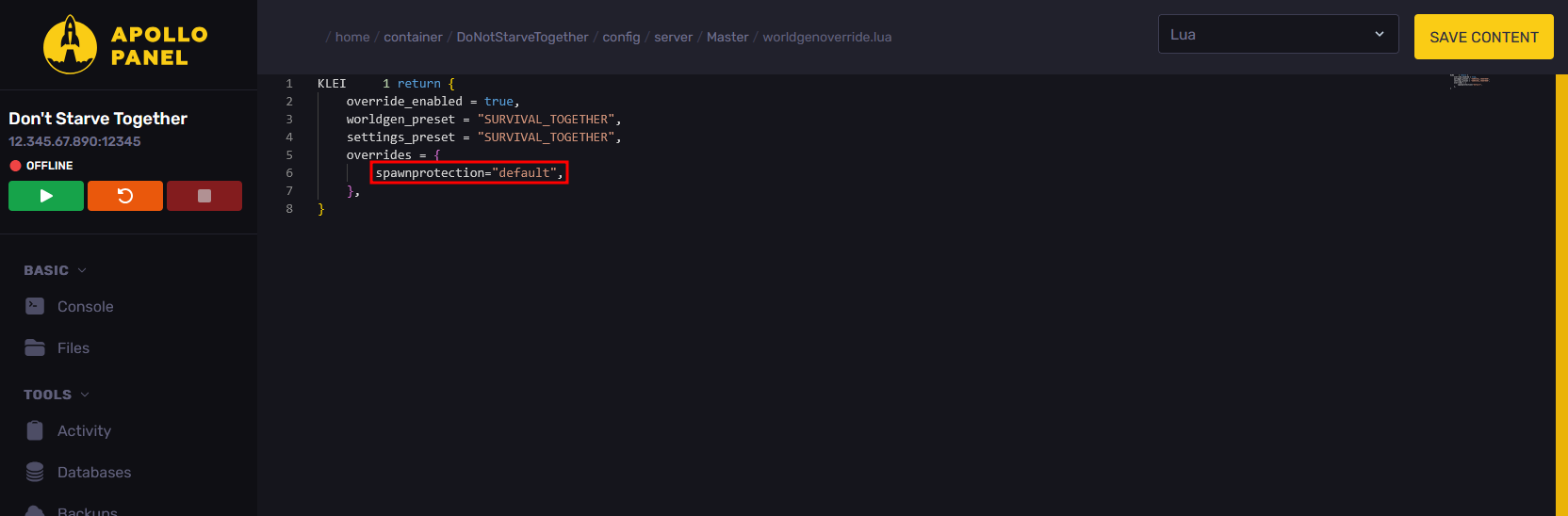
- If the "leveldataoverride.lua" file does not exist, edit the "worldgenoverride.lua" file instead.
- Inside the brackets in the "overrides" line, add the line "spawnprotection="default"," and set the setting value to either "none", "default", or "always".
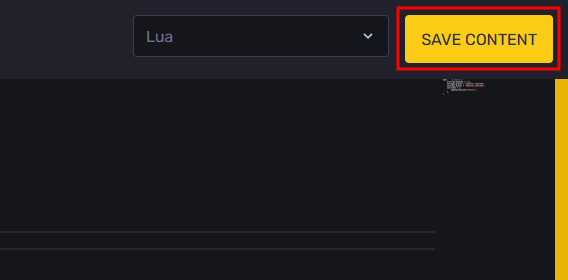
- Once you have configured the spawn protection setting, click "Save Content" to save the changes.
- Start the server, and the spawn protection will now take effect.
Updated on: 15/05/2026
Thank you!