How to Enable Vote Kicking on a Don't Starve Together Server
Enabling vote kicking on your Don't Starve Together server allows players to collectively remove disruptive users without requiring constant admin supervision. This feature is useful for maintaining order in public or community servers.
Enabling Vote Kicking
- Open the Apollo Panel, and ensure that your server is offline.
- In the Files tab, open the "DoNotStarveTogether/config/server/cluster.ini" file.
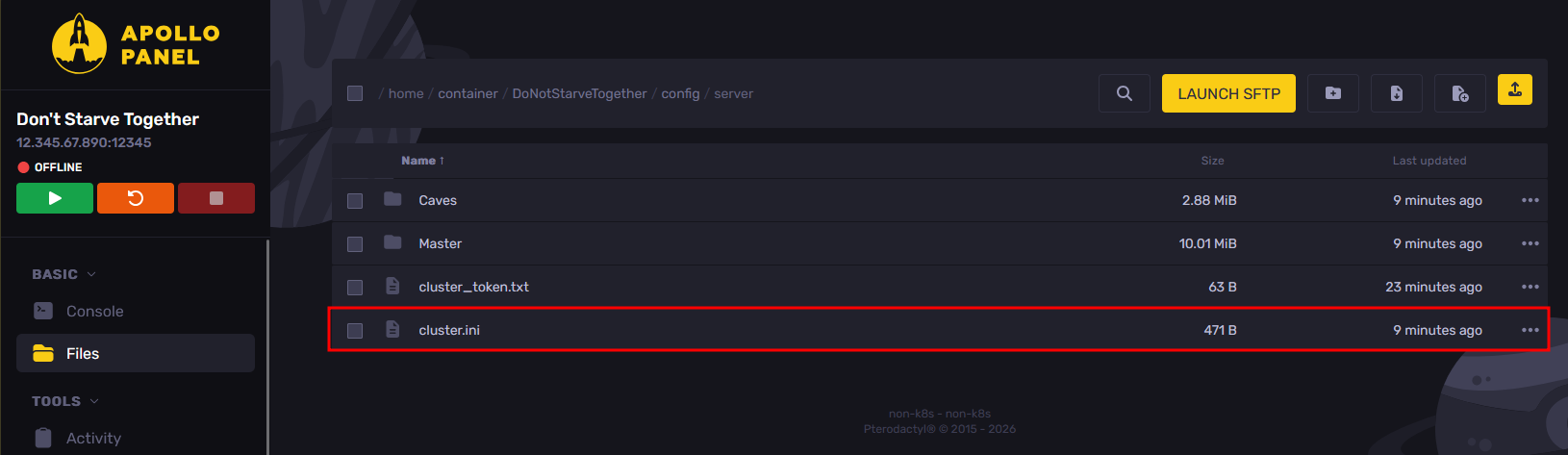
- Set the "enable_vote_kick" setting to true to enable vote kicking.
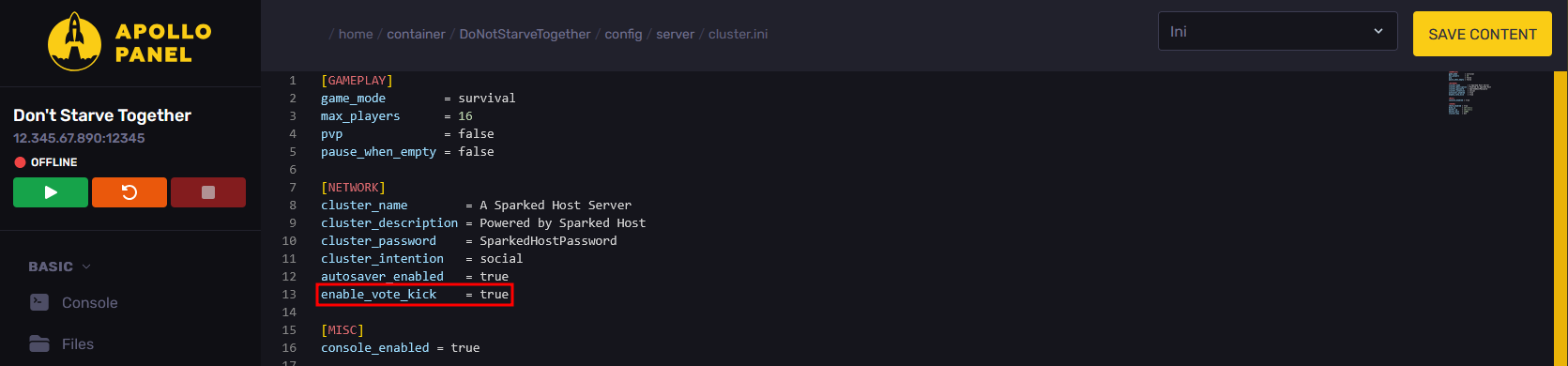
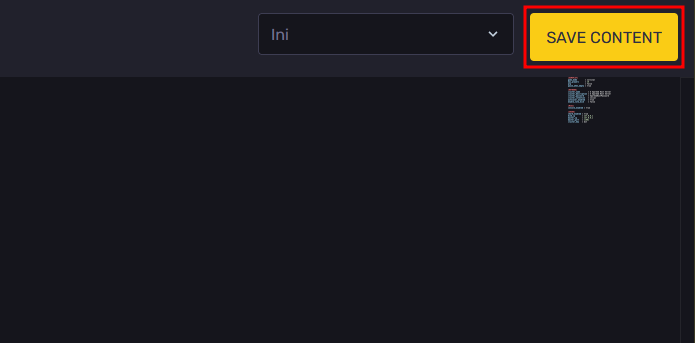
- Once you have enabled vote kicking, click on the "Save Content" button to save the current configuration changes.
- Start your server, and now players will be able to vote to kick other players from the server.
Updated on: 15/05/2026
Thank you!