How to install Metamod and SourceMod on a TF2 server
Learning how to install Metamod and SourceMod on a TF2 server unlocks plugin support for your Team Fortress dedicated server. Metamod is the base layer that lets your Team Fortress dedicated server load add-ons, and SourceMod runs on top of it.
- Download MetaMod and SourceMod. Always install the Linux version.
- Extract the zip files into an empty folder.
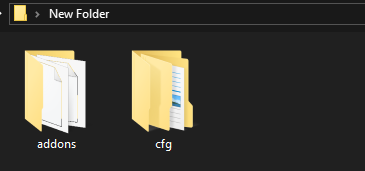
- Open the addons folder and delete
metamod.vdf.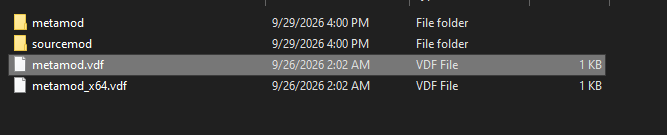
- Generate a
metamod.vdffile here. - In the Game section. Choose Team Fortress 2.
- Hit Generate metamod.vdf.
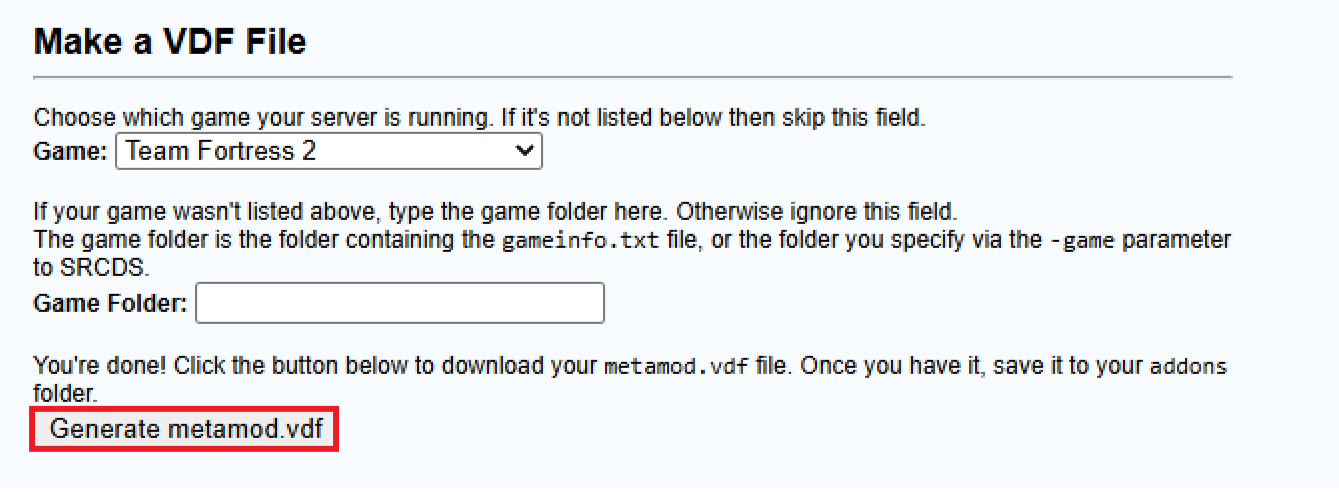
- Upload the generated
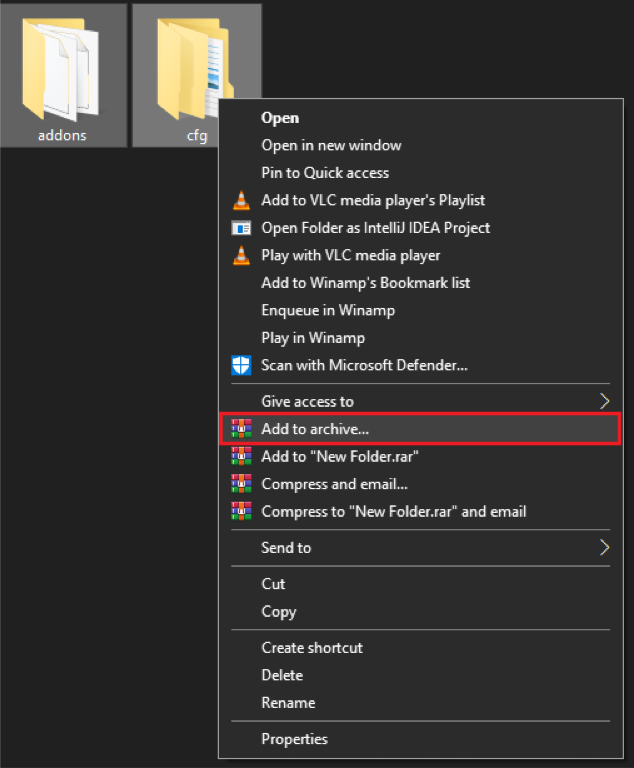
metamod.vdfto the addons folder. - Now, compress both the addons and cfg folders.
- Access the Apollo Panel.
- Stop the server.
- Navigate to the Files tab.
- Locate the
tffolder.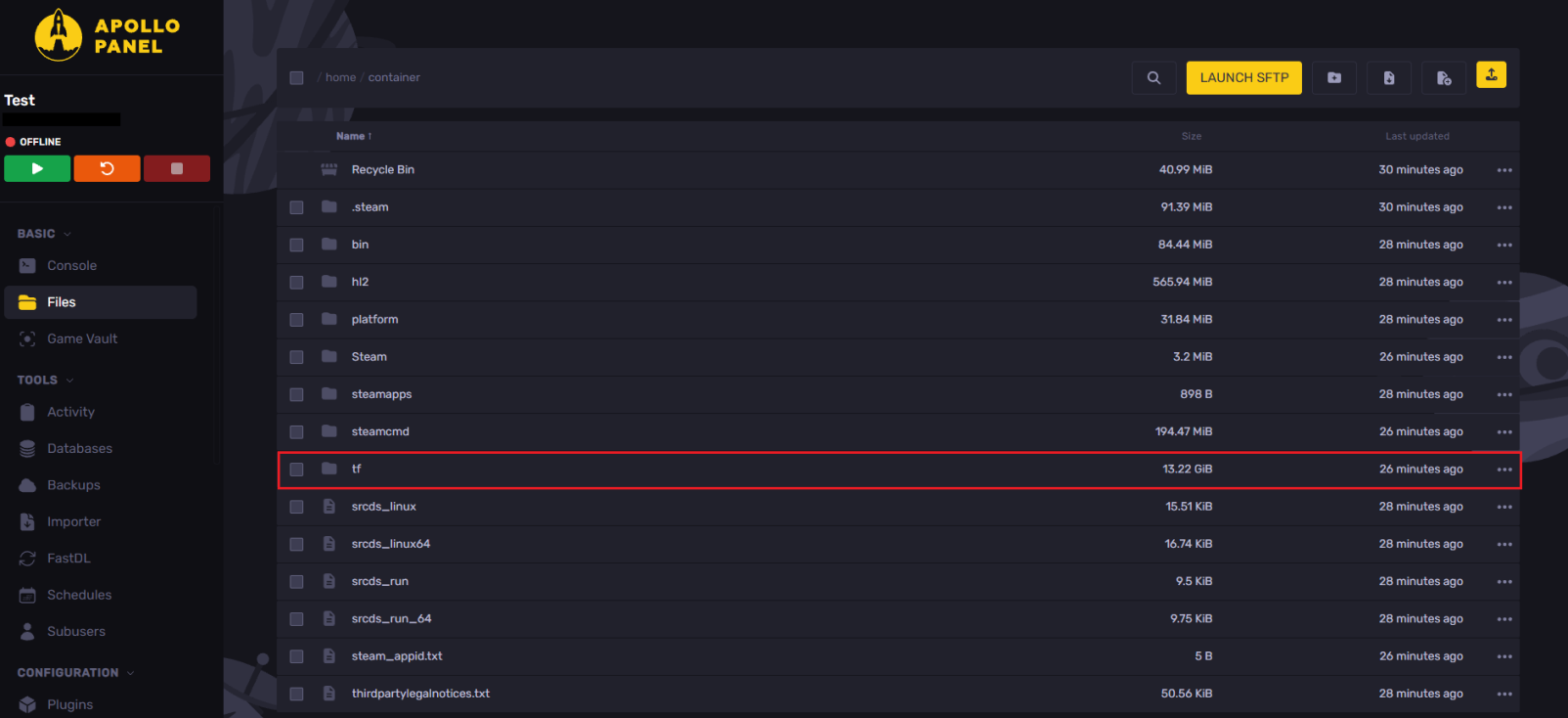
- Upload the compressed zip file.
- Right-click the file and click Extract.
- Start the server.
- Everything should be working now. Use
meta listin the console to confirm.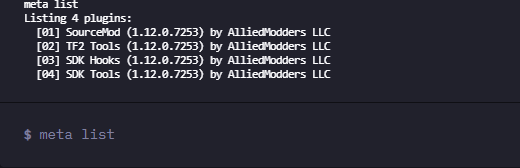
Updated on: 29/09/2026
Thank you!