How to Change Server Banner & Logo on FiveM Server
How to Change Server Banner & Logo on FiveM Server
To set a logo on your FiveM server:
- The image must be 96x96
- Name the image logo.png
- Open the Apollo Panel.
- Stop the server.
- In the Files tab, upload the logo.png
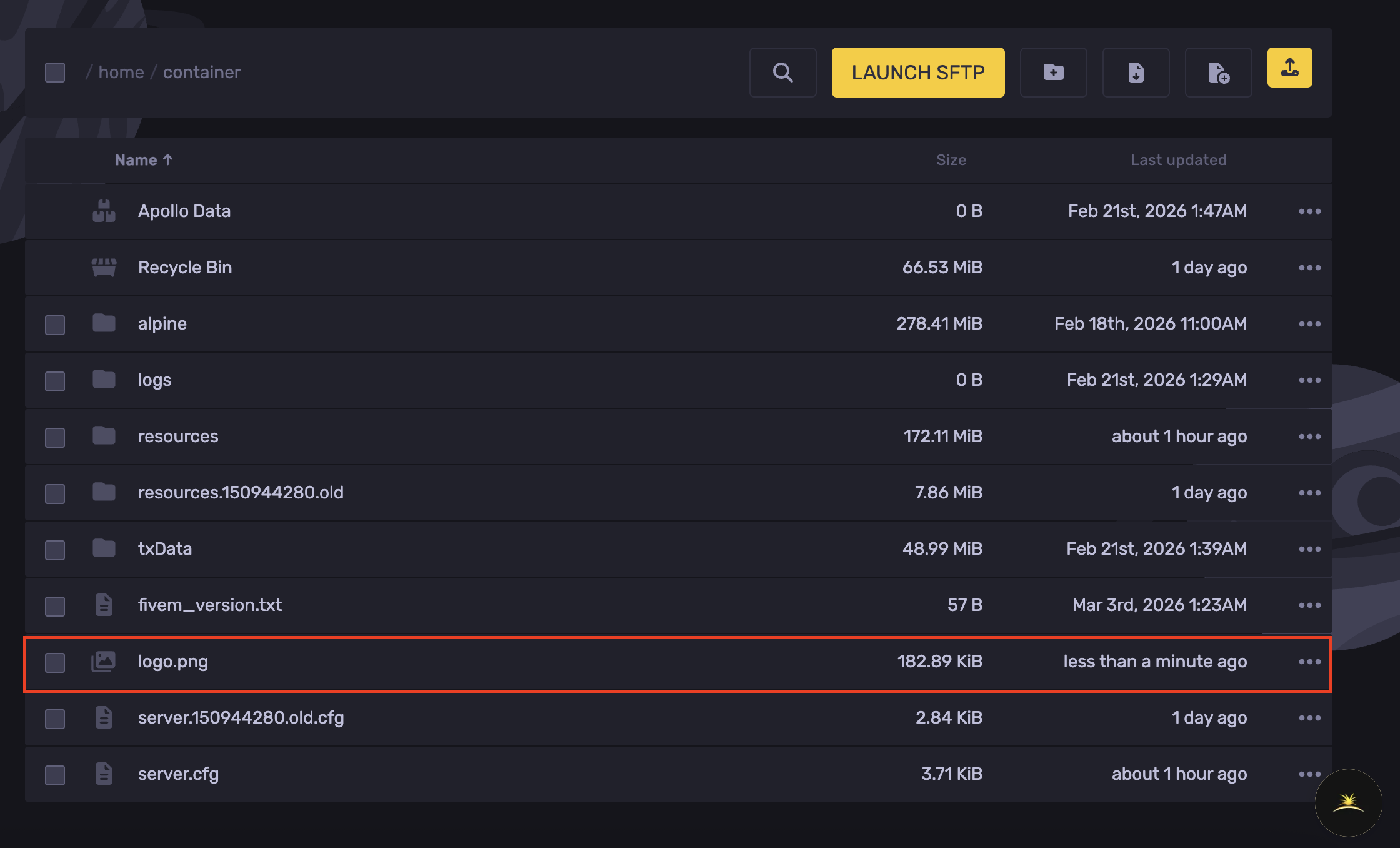
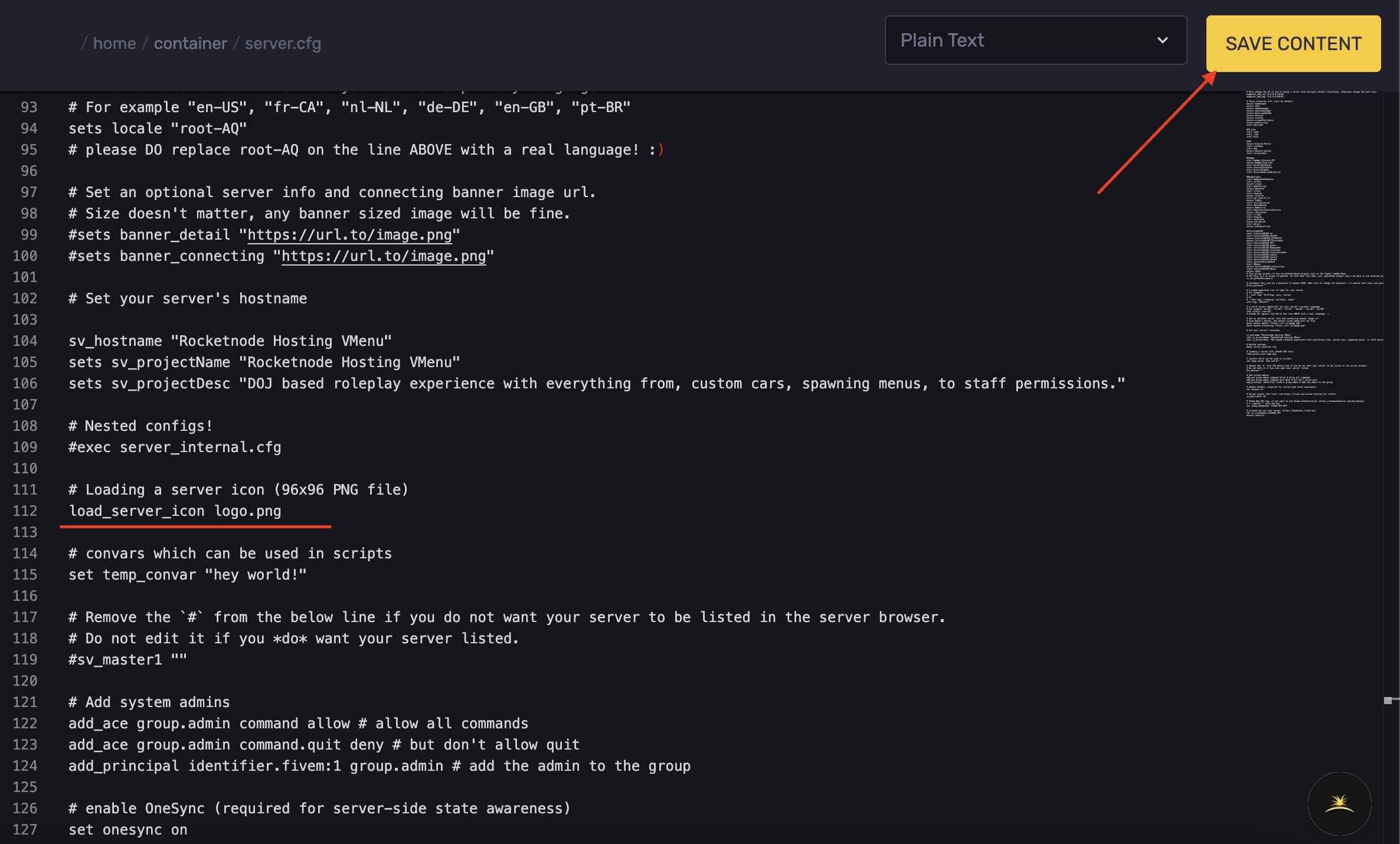
- Add the following line anywhere in your server.cfg:
load_server_icon logo.png
- Hit Save Content.
- Start the server.
What size should the FiveM Server Banner be?
The size of your banner-sized image should be 1865 x 108 pixels.
When creating your FiveM server banner, make sure it is:
- In .png format
- 1865 x 108 pixels (if you need to resize your logo, open Microsoft Paint and find the "Resize" button)
Instead of putting your banner in your server directory, you will need to upload it to an image hosting site.
To upload your FiveM banner to Imgur:
- Go to Imgur.
- Click "New Post" in the top left.
- Drop your 1865 x 108-pixel banner into the uploader.
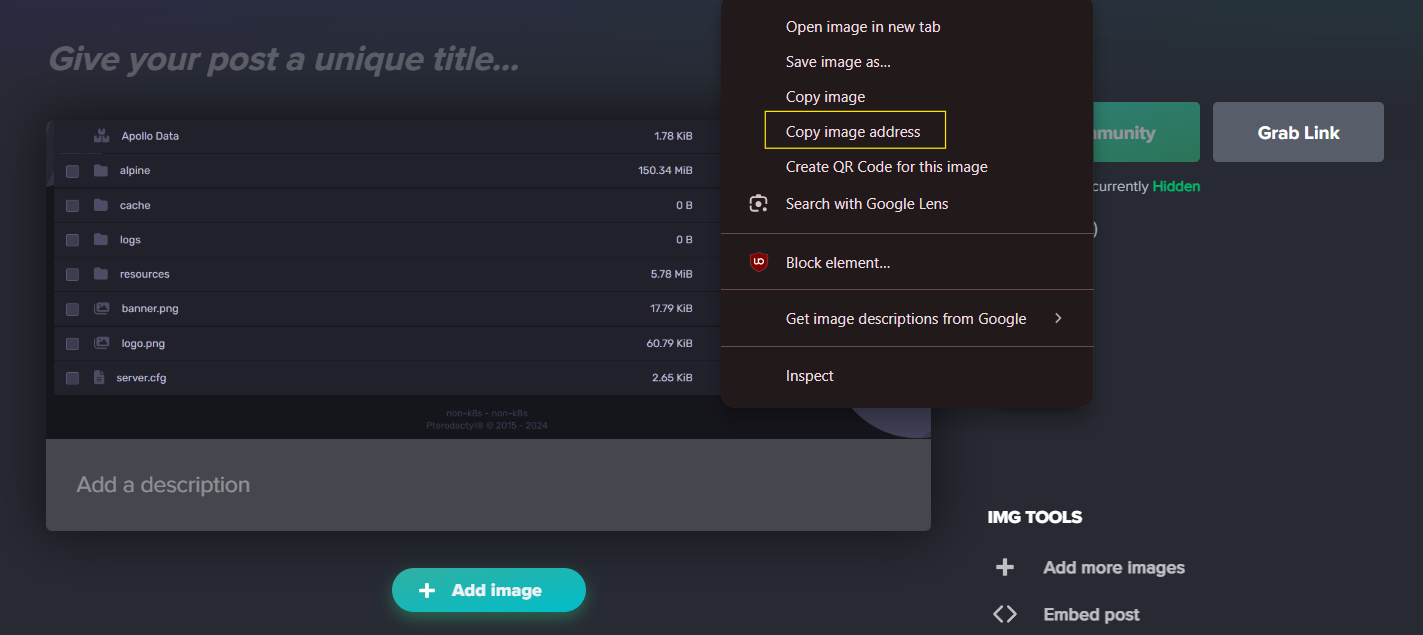
- Get the link by right-clicking on your image and clicking "Copy image address".
The next step in the setup is to connect your banner image URL and your banner logo URL to your FiveM scripts configuration file.
- Access the Apollo Panel.
- Stop the server.
- In the Files tab, open the
server.cfgfile.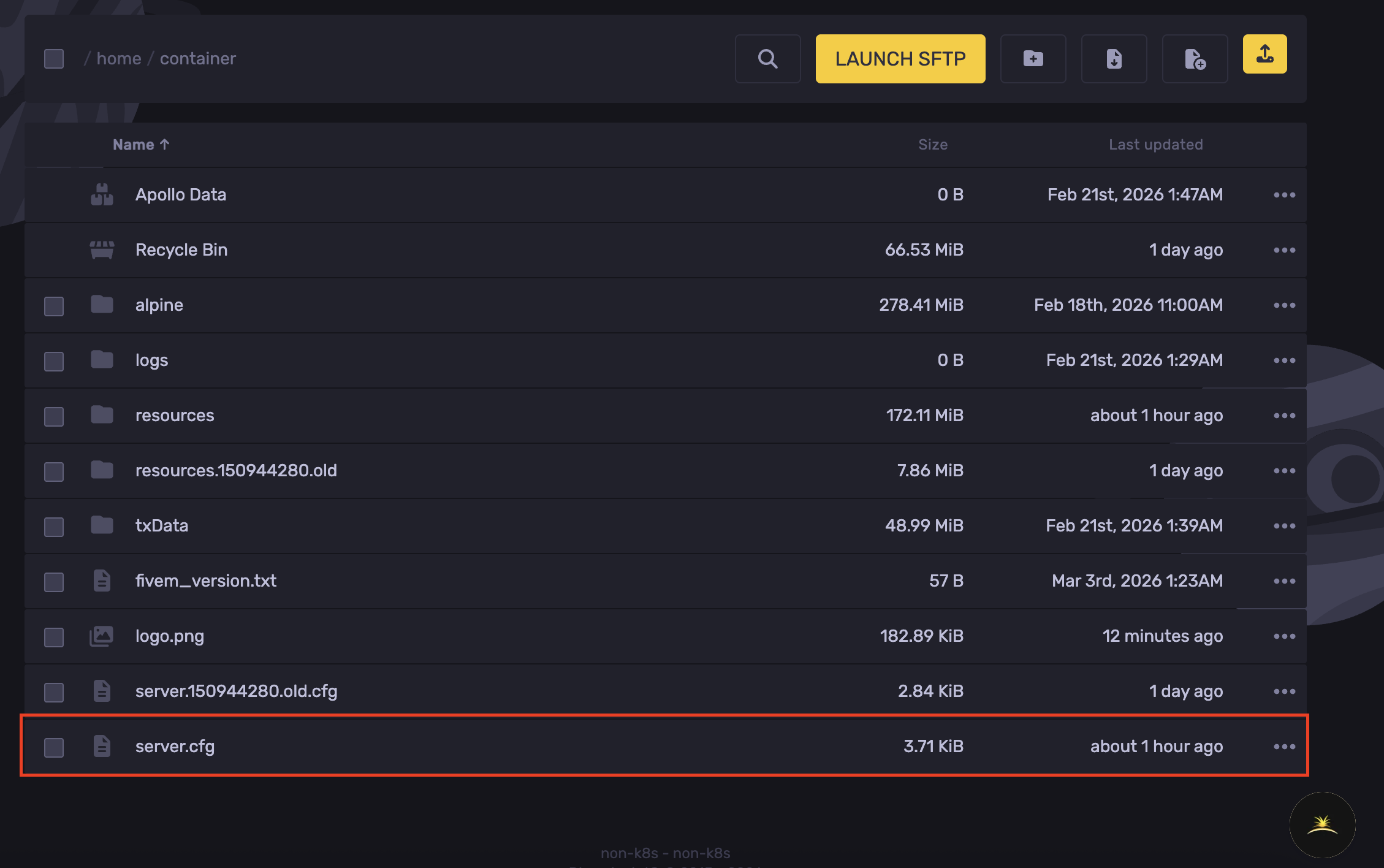
- Go to lines 47-48 of the server.cfg file and look for the commands labeled
*sets banner*detail "..."and*sets banner*connection "..."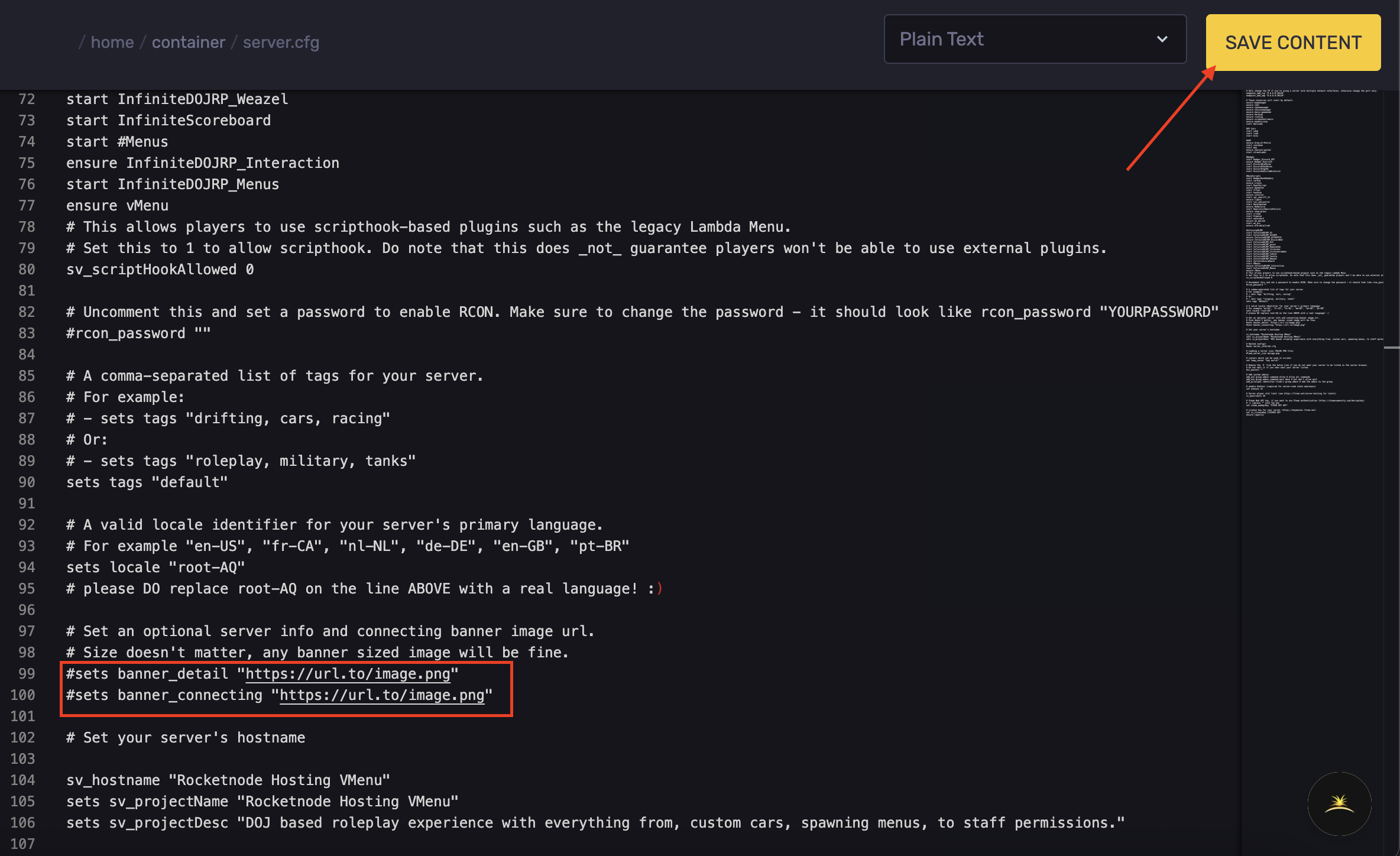
- Replace the text inside the quotation marks ("") with the link from Imgur.
- Hit Save Content.
- Start the server.
Updated on: 17/07/2026
Thank you!