How To Add RuneScape Dragonwilds Mods To A Server
RuneScape Dragonwilds mods let you and your friends shape Ashenfall to fit how you like to play, whether that means more storage, a more relaxed survival experience, or handy quality-of-life tweaks. They're made by the community and work best on moddable servers, so they're a fun way to keep a world feeling fresh.
To add mods to a Runescape Dragonwilds server:
- Install the desired mods here.
- Access the Apollo Panel.
- Stop the server.
- Go to the Files tab.
- Navigate to the following directory:
RSDragonwilds/Content/Paks - Create a folder named
~mods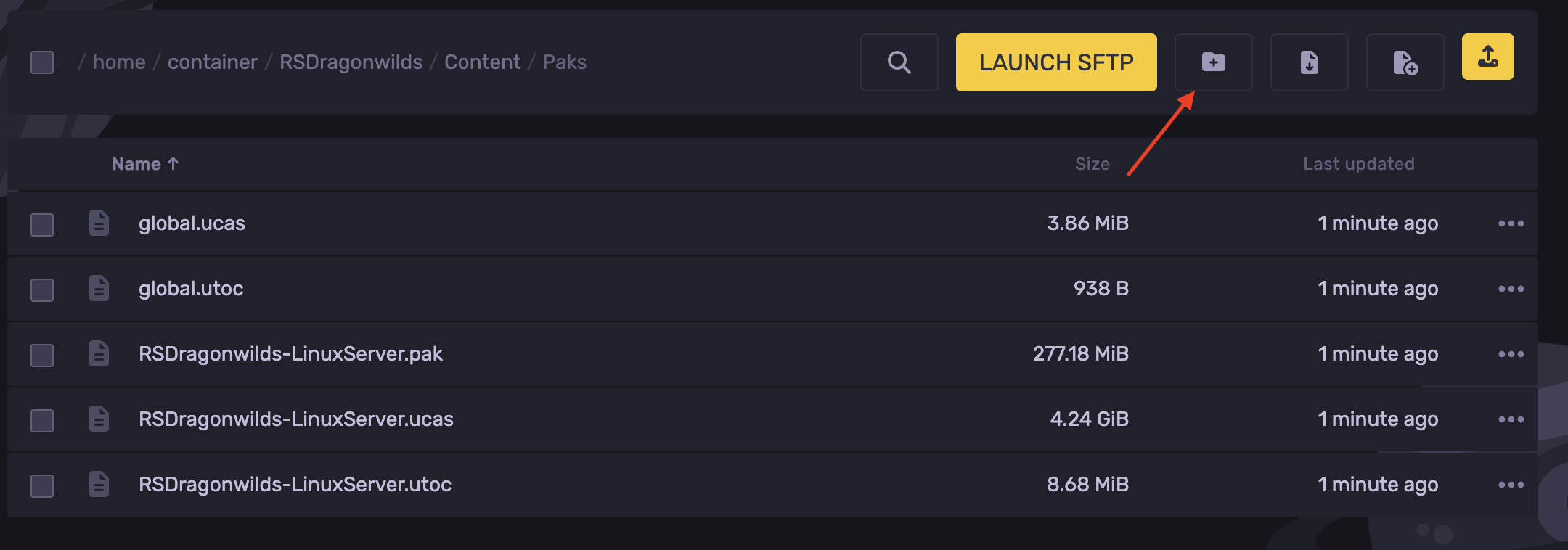
- Open the
~modsfolder and upload the mod's files directly into it. - Start the server.
Updated on: 08/10/2026
Thank you!