How To Add Mods To Core Keeper Server
Adding mods to a Core Keeper server lets you and your friends shape the game to fit how you like to play, whether that means new content, gameplay tweaks, or small quality-of-life improvements. It's a fun way to keep your world feeling fresh, and everyone playing together gets to enjoy the changes.
Installing Mods (Server)
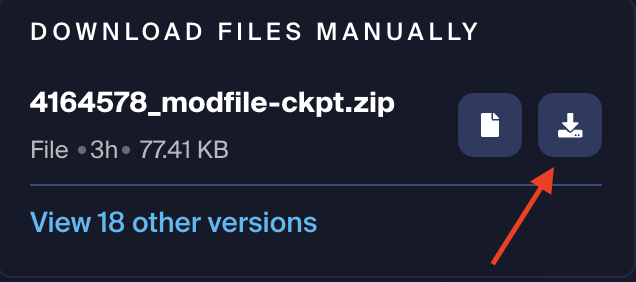
- Install the desired mods and their dependencies manually here.
- Access the Apollo Panel.
- Stop the server.
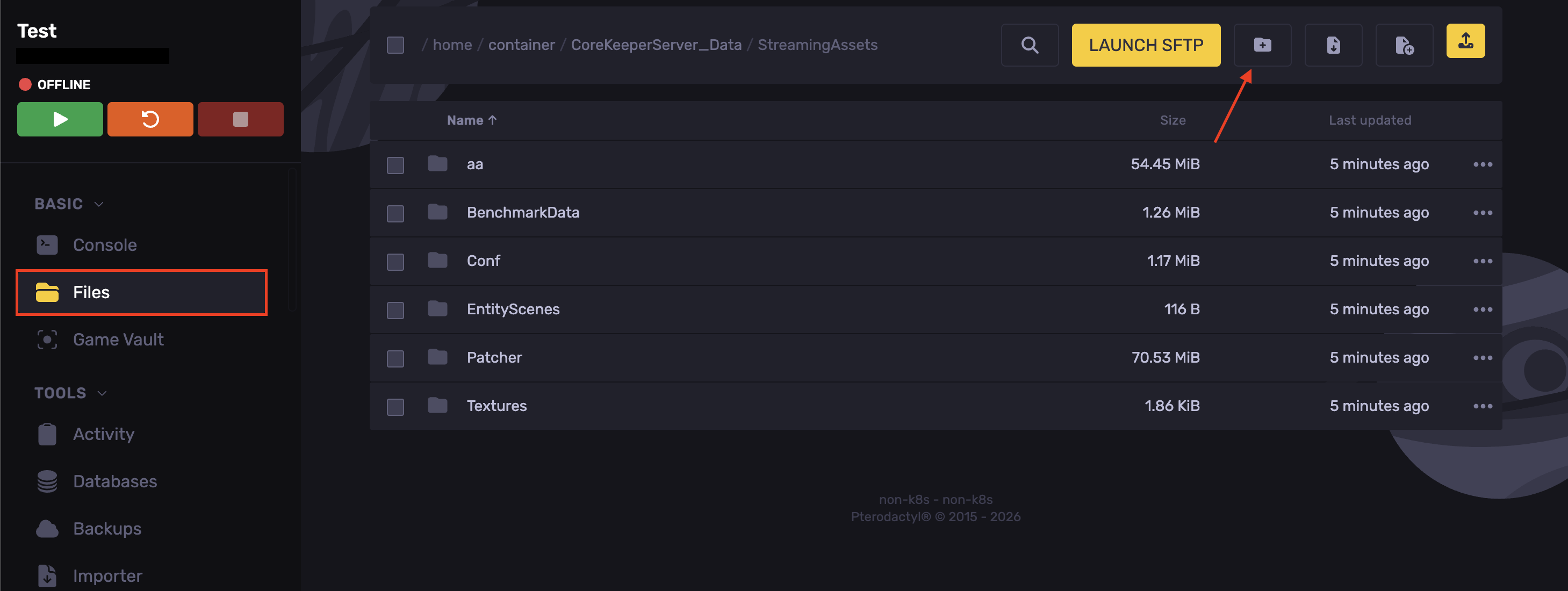
- Go to the Files tab.
- Navigate to the following directory: `CoreKeeperServer_Data/StreamingAssets`
- Create a folder named `Mods`
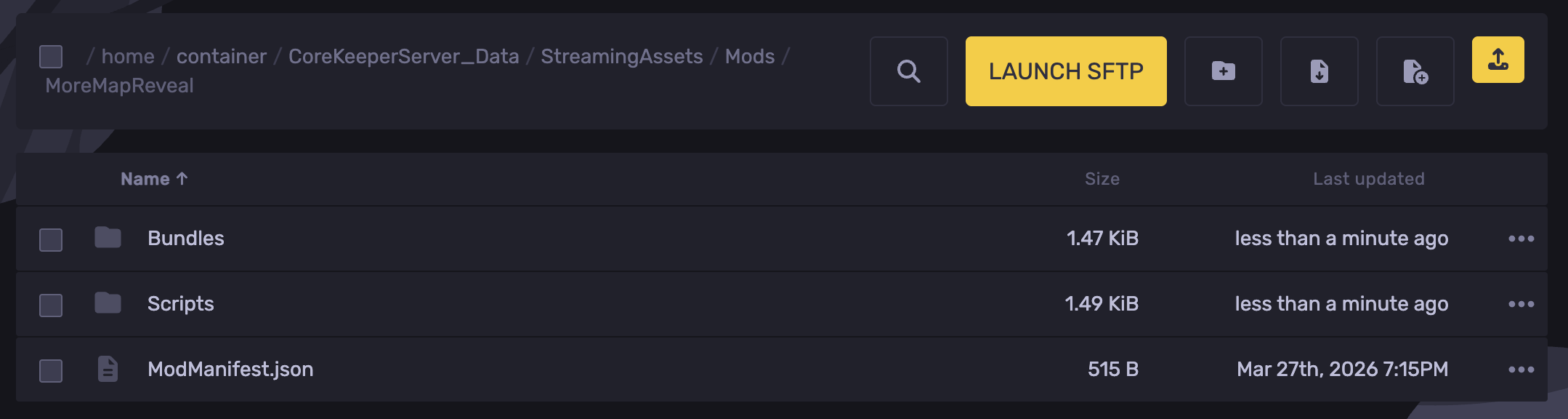
- Inside the `Mods` folder created. Create a folder for each installed mod.
- Upload the mod's zip file into its folder and unzip it. (Each mod should be unzipped inside its own folder)
- Start the server.
Installing Mods (Client)
- Open Core Keeper.
- Locate the Mods tab.
- Find the desired mods
- Click on Subscribe to download them.
- Once downloaded, head over to the Collection tab.
- Enable the mods.
- Restart Core Keeper, and the mods should work now.
Updated on: 06/10/2026
Thank you!