How to Change Name of FiveM Server
How to Change Name of FiveM Server
Changing your FiveM server's name is a simple yet crucial step in creating a unique identity for your gaming community. In this guide, we’ll show you how to change the settings for your server name and description that shows on the FiveM server list.
Changing Your FiveM Server Name
To change the server name settings of your FiveM server:
- Access the Apollo Panel.
- Stop the server.
- Navigate to the Files tab.
- Open the
server.cfgfile.
- Locate the line
sets sv_projectName
- Adjust it as desired.
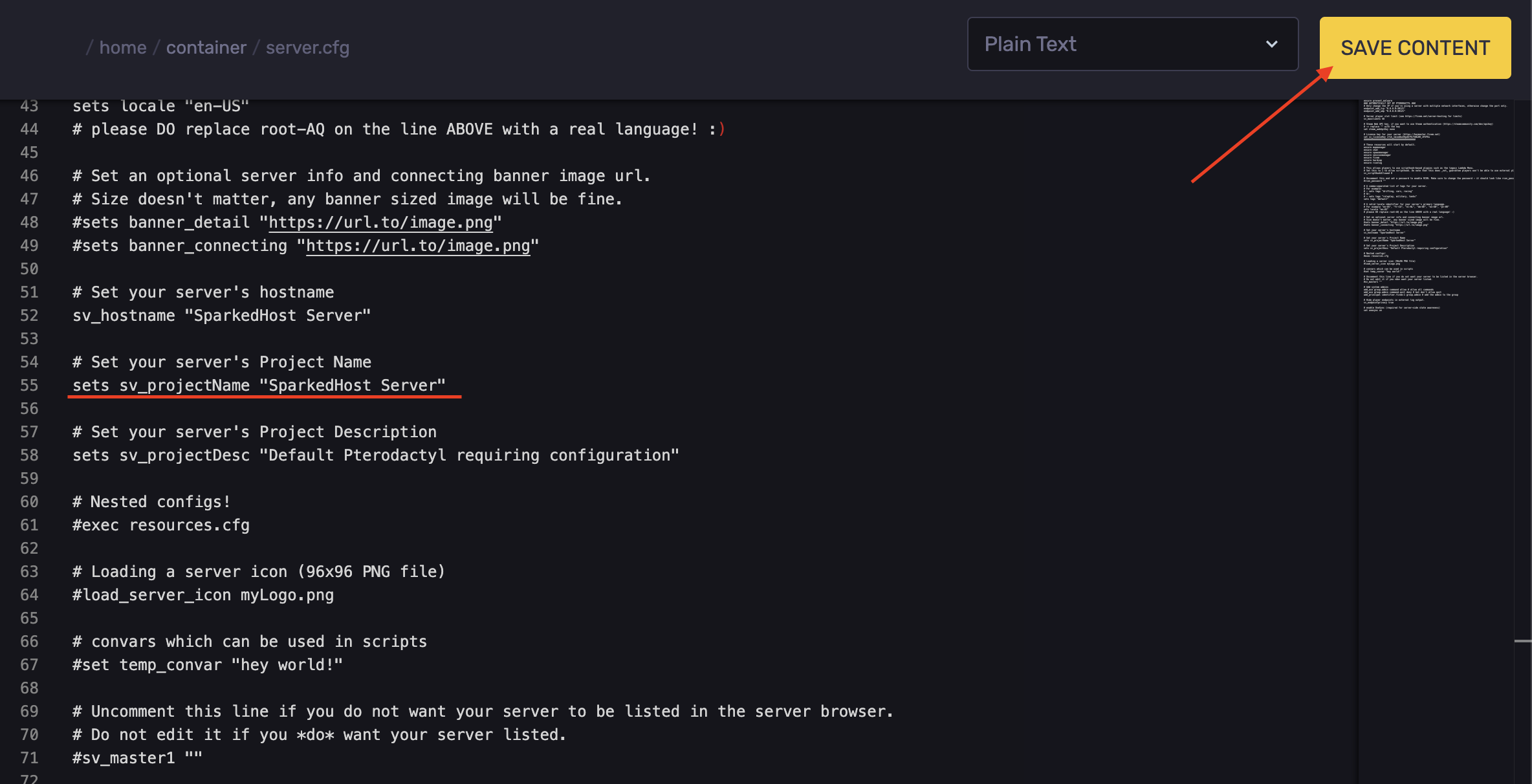
- Start the server to apply the changes.
Changing Your FiveM Server Description
To change the description of your server:
- Access the Apollo Panel.
- Stop the server.
- Navigate to the Files tab.
- Open the
server.cfgfile.
- Locate the line
sets sv_projectDesc
- Adjust it as desired.
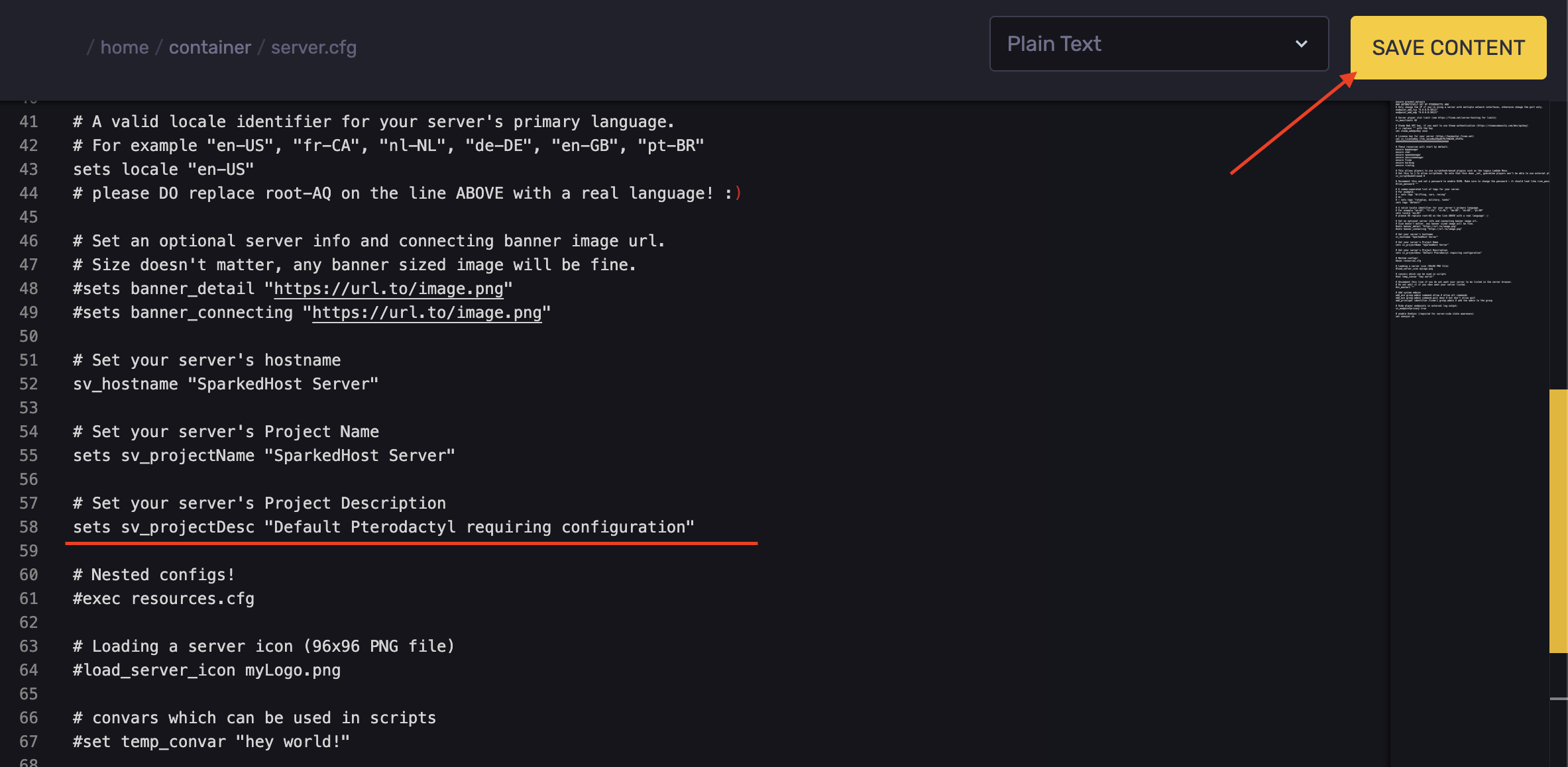
- Start the server to apply the changes.
Updated on: 17/07/2026
Thank you!