How to Change The Day and Night Length on a Necesse Server
How to Change The Day and Night Length on a Necesse Server
Changing the day and night length on a Necesse server is done to control the pacing of gameplay, affecting how long players have to explore, gather resources, and prepare for survival challenges. How to change the day and night length on a Necesse server is commonly searched by server owners who want to adjust world settings for a smoother or more intense survival experience. This setting helps balance difficulty, manage progression speed, and create a customized gameplay flow for both solo and multiplayer Necesse worlds.
- Open the Apollo Panel.
- Head over to the Startup tab.
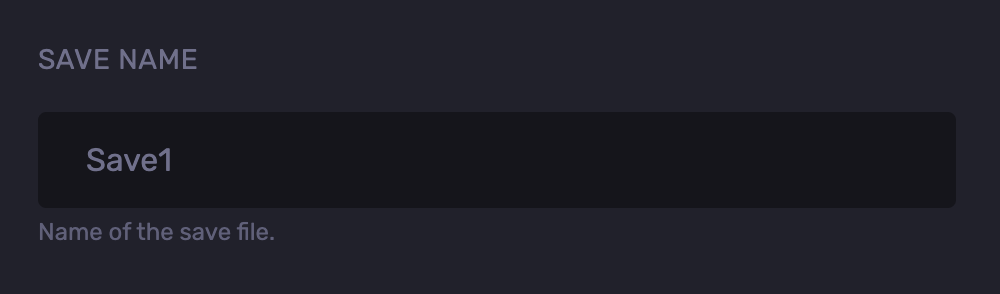
- Find the Save Name field and remember the save name.
- Go to the Files tab.
- Navigate to the following directory:
saves/worlds
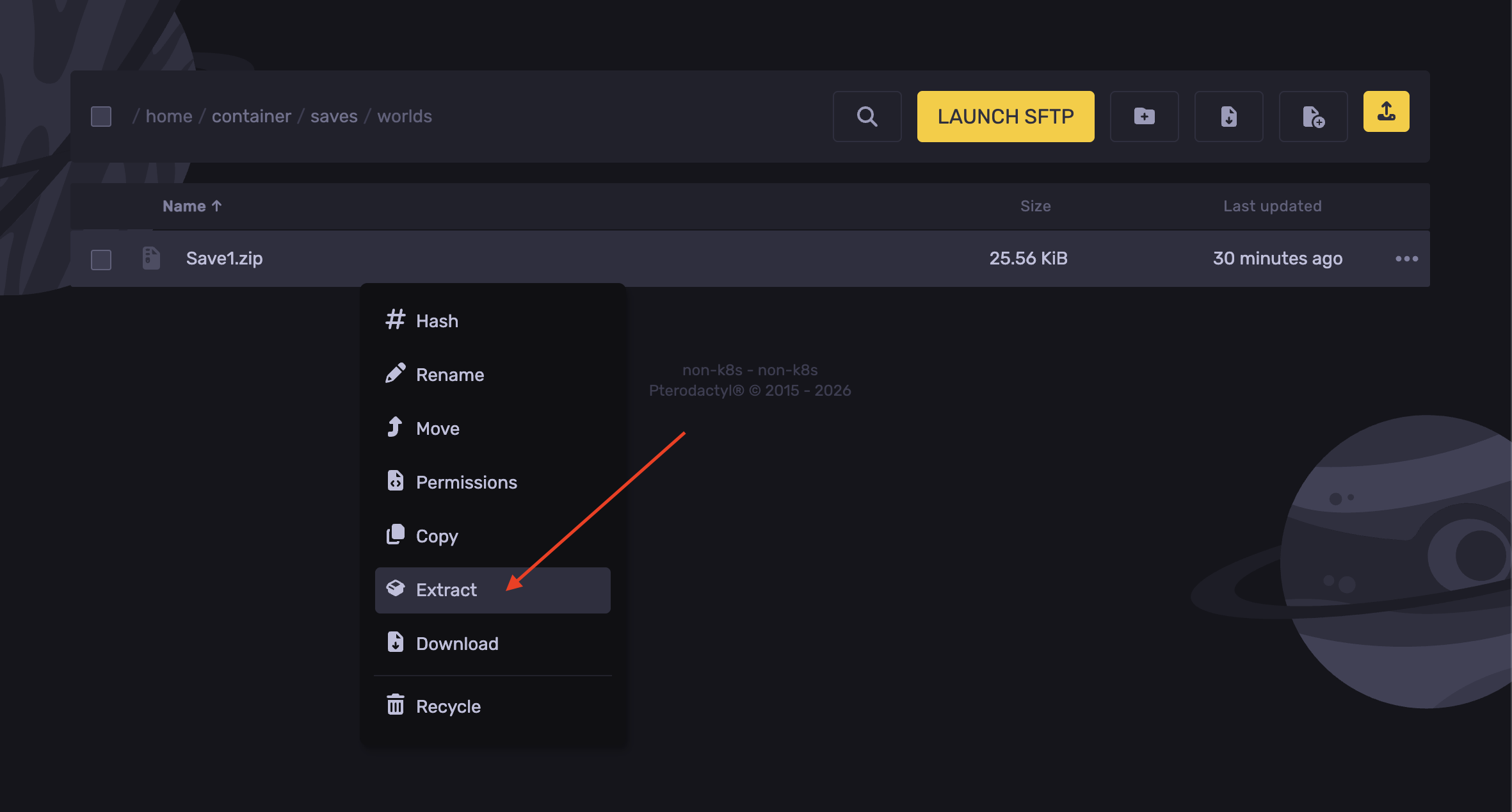
- Right-click and extract the save file.
- Now delete the zip file.
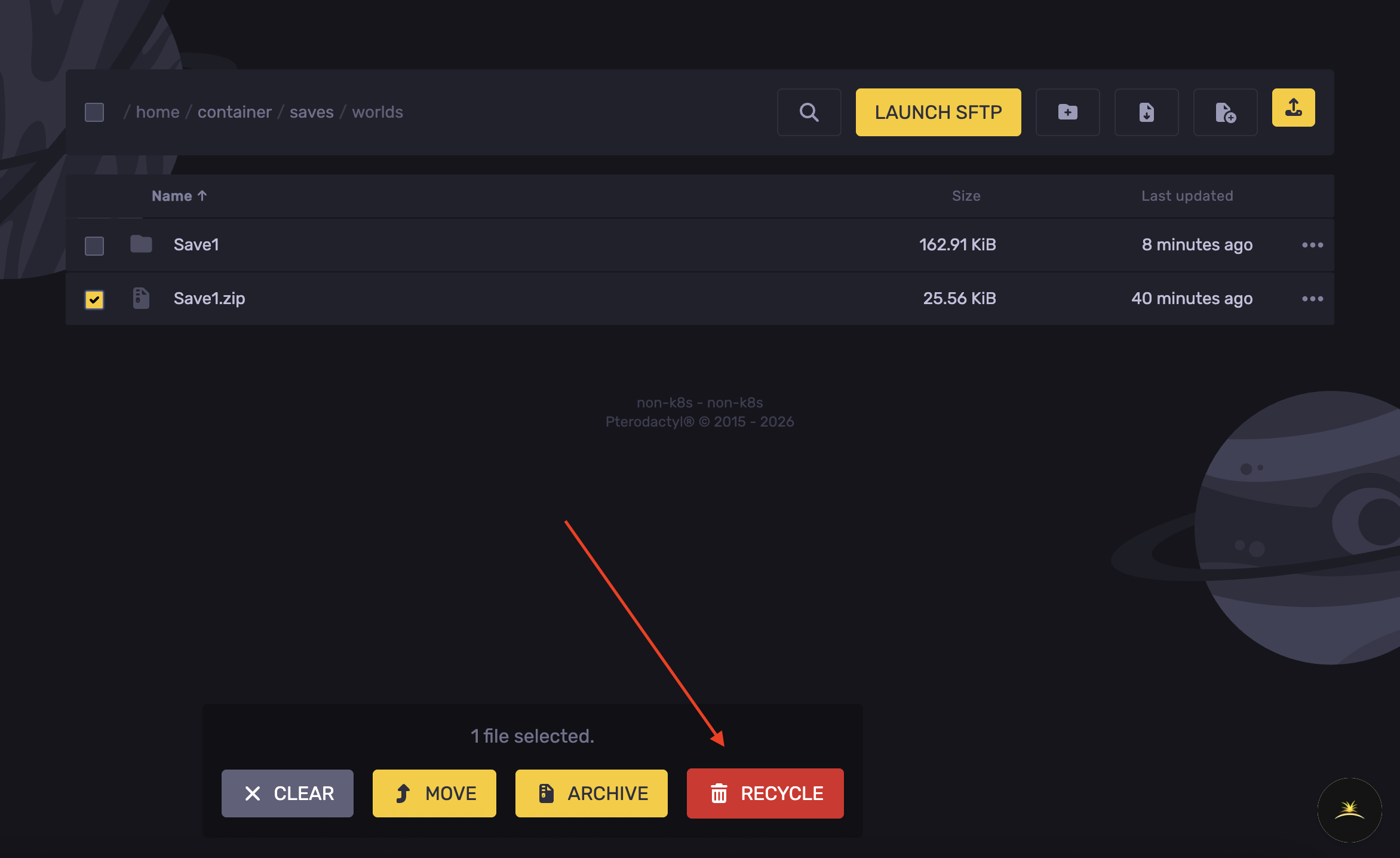
- Open the extracted folder.
- Select the
worldSettings.cfg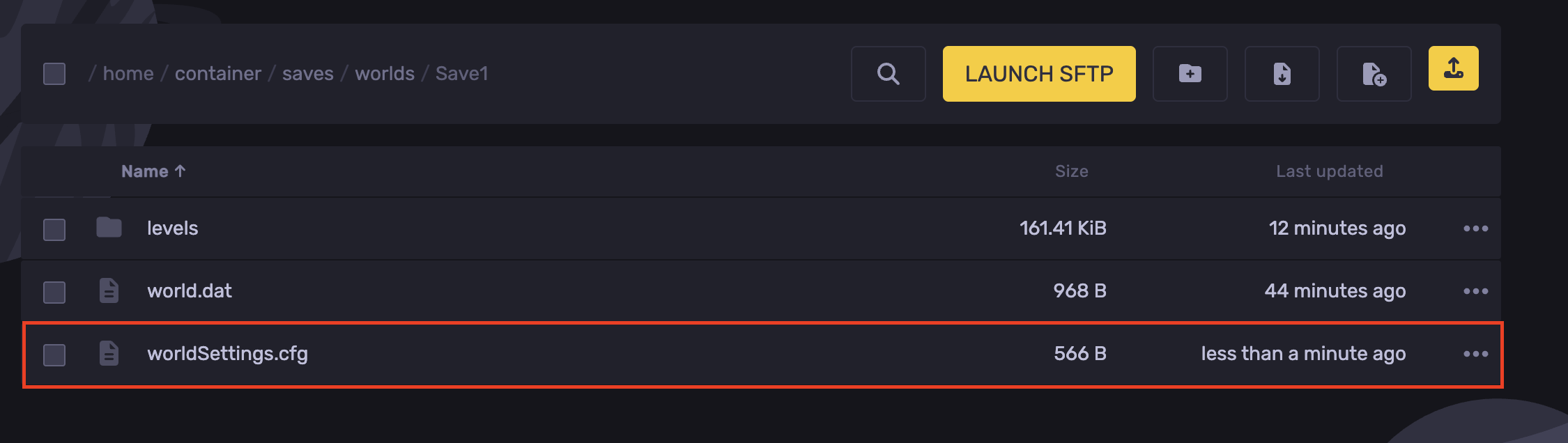
- Find the lines
dayTimeModandnightTimeMod, and adjust the value up to10. The higher the number, the longer the day-and-night cycle.
- Hit Save Content.
- Navigate back to the
saves/worldsdirectory
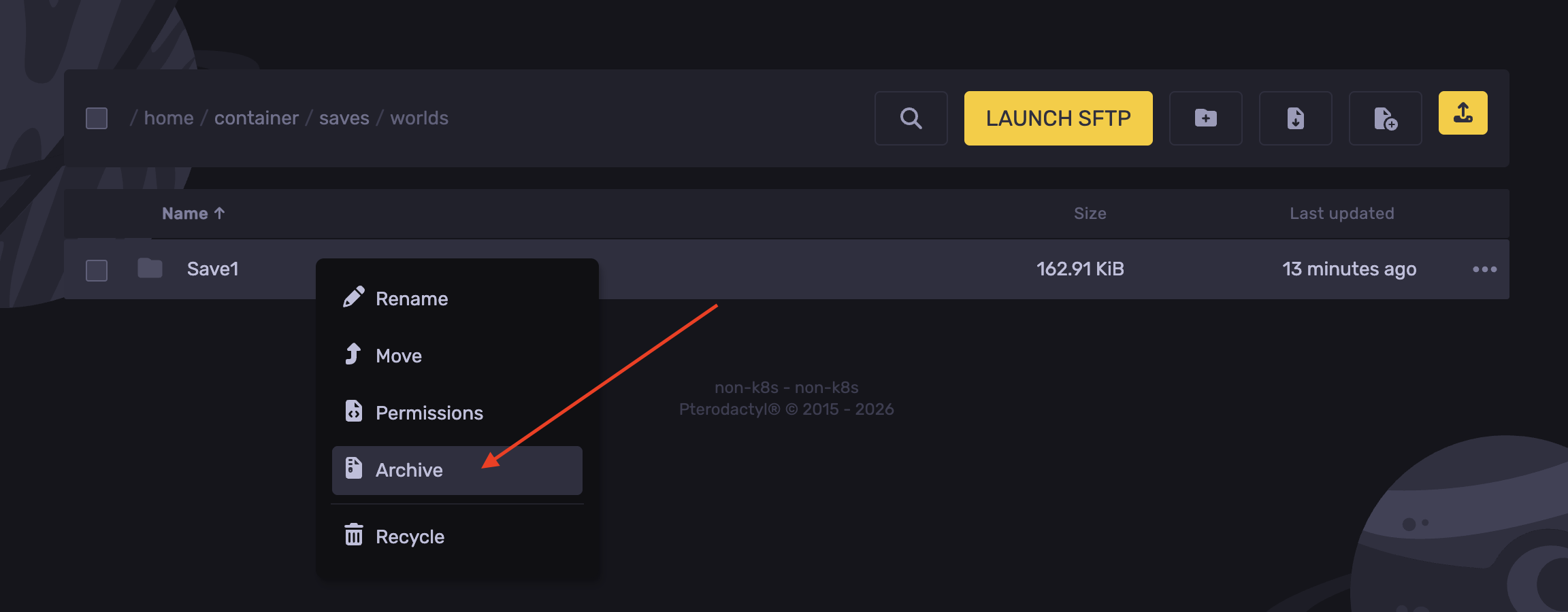
- Right-click the save folder and hit Archive.
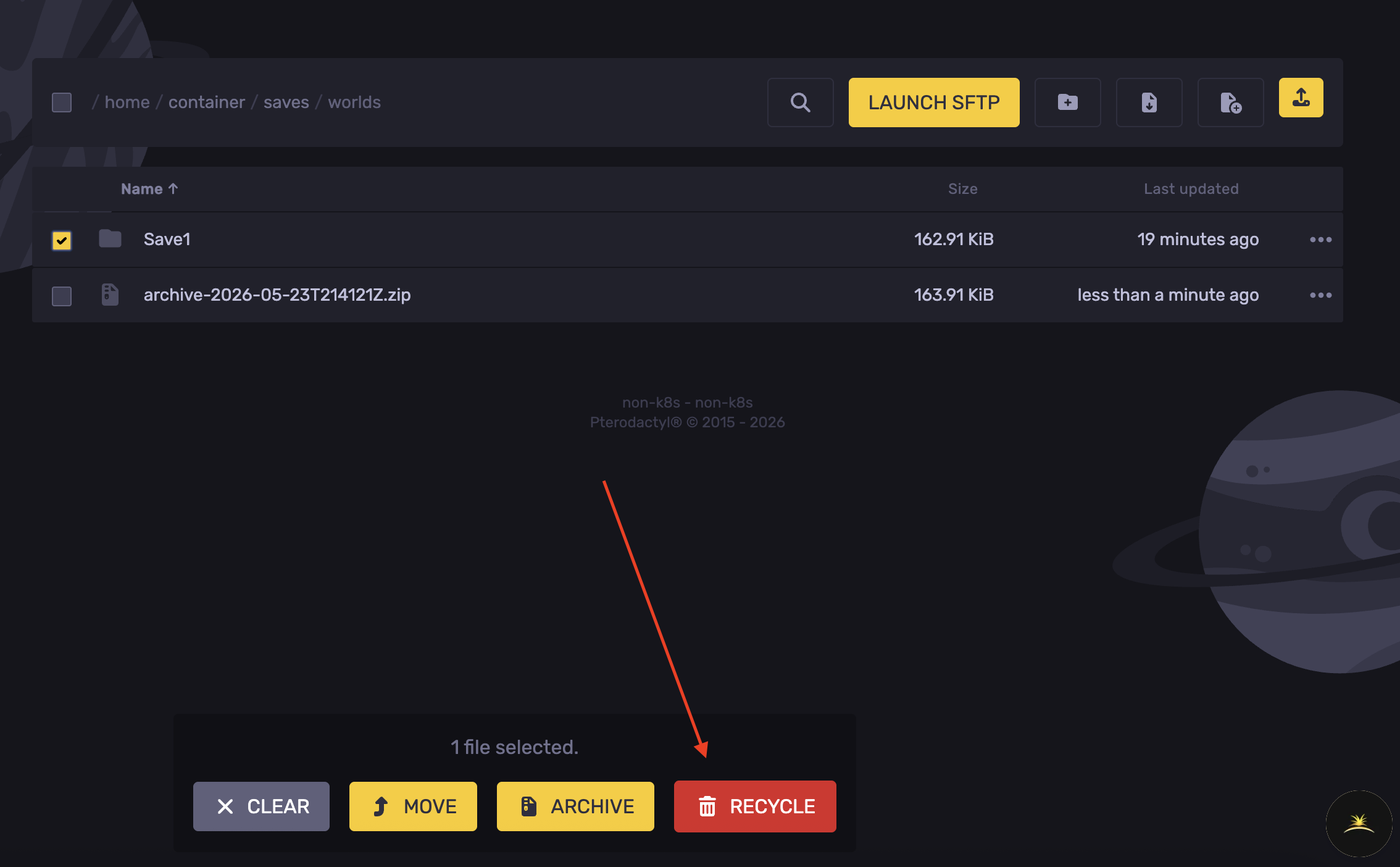
- Delete the save world folder.
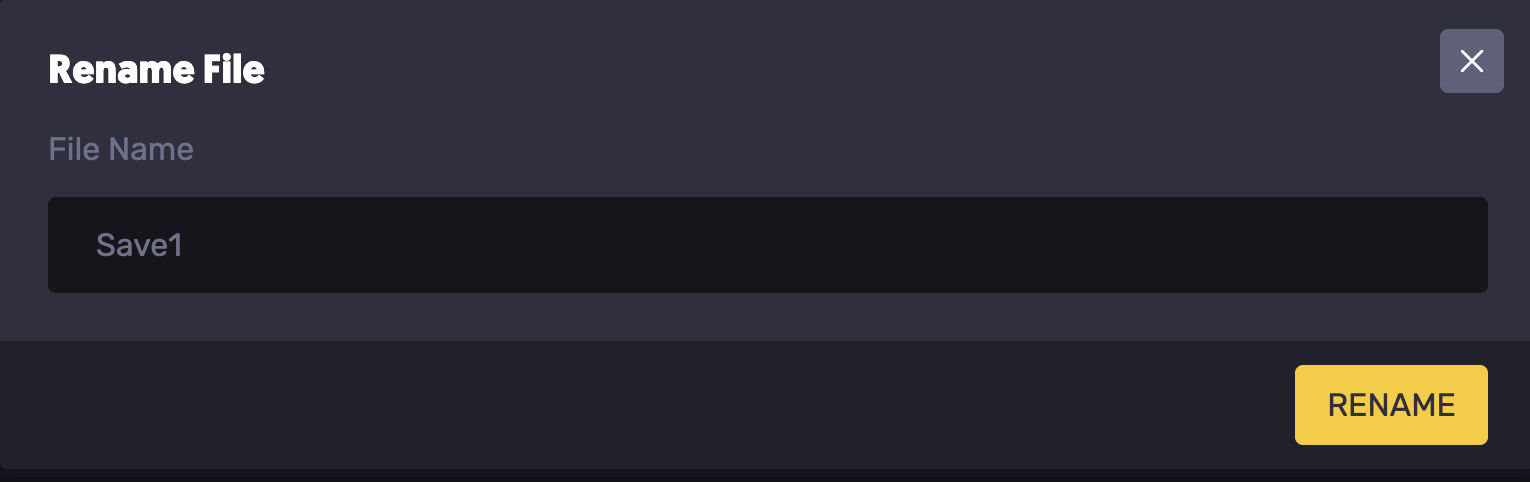
- Right-click the archived file generated, and rename it to the saved name noted.
- Start the server.
Updated on: 03/06/2026
Thank you!