How to Change the Password on a Necesse Server
How to Change the Password on a Necesse Server
Changing the password on a Necesse server is done to control access and ensure only invited players can join the world, and how to change the password on a Necesse server is commonly searched by server owners who want to secure their dedicated server using server settings or configuration files. This helps protect private multiplayer sessions, control who can connect via the server IP, and maintain a controlled, organized gameplay environment.
To Change the Server Password
- Open the Apollo Panel.
- Stop the server.
- Navigate to the Startup tab.
- Find the Server Password field.
- Set a secure password.
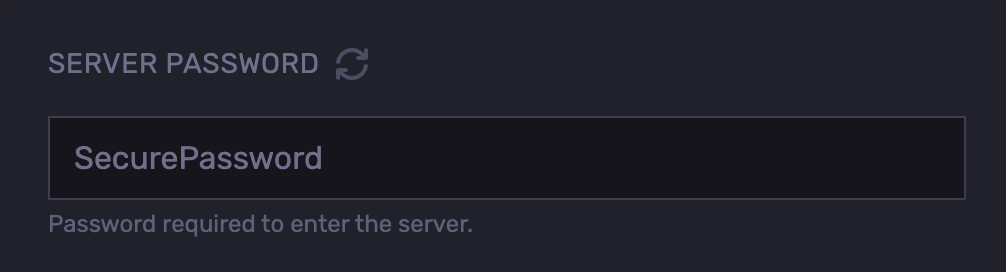
- Start the server.
Updated on: 03/06/2026
Thank you!