How to Install Mods on a Necesse Server
How to Install Mods on a Necesse Server
Installing mods on a Necesse server is done to expand gameplay with new features, content, and mechanics that are not included in the default game, and how to install mods on a Necesse server is commonly searched by server owners who want to enhance their dedicated server using mods, jar files, or Steam Workshop collections. This process allows communities to customize their worlds with unique content, improve replayability, and create a more diverse multiplayer experience by loading approved mod IDs and keeping the server synchronized with client modifications.
- Choose the desired workshop ID.
- Copy the ID.

- Open the Apollo Panel.
- Stop the server.
- Navigate to the Steam Workshop.
- Enter the copied ID.
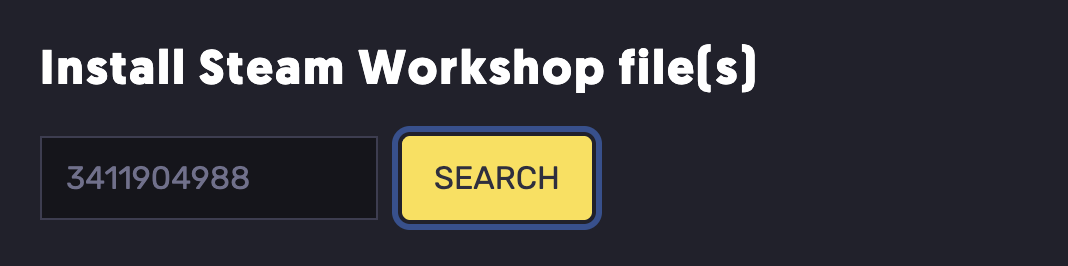
- Hit install.
- Start the server.
Updated on: 03/06/2026
Thank you!