How to Change the World Settings on a Necesse Server
How to Change the World Settings on a Necesse Server
Changing the world settings on a Necesse server is done to customize how the game plays, including difficulty, survival mechanics, spawn settings, and raid behavior, and how to change the world settings on a Necesse server is commonly searched by server owners who want to adjust world configuration files or settings during world creation. This allows full control over the gameplay experience in a dedicated server, letting communities tailor progression, challenge levels, and survival systems to match their preferred multiplayer style.
To Change Necesse World Settings
- Open the Apollo Panel.
- Head over to the Startup tab.
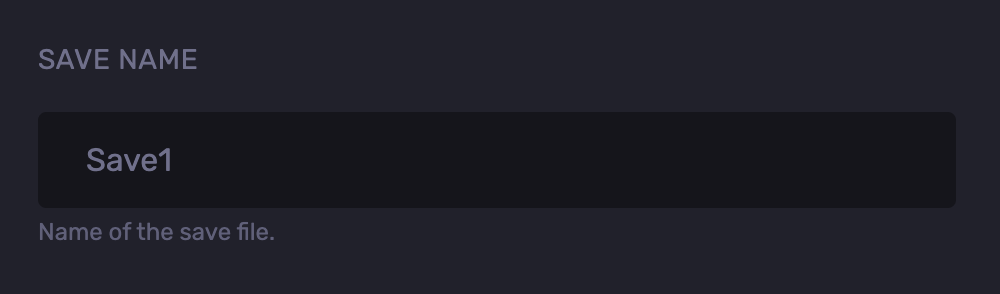
- Find the Save Name field and remember the save name.
- Go to the Files tab.
- Navigate to the following directory:
saves/worlds
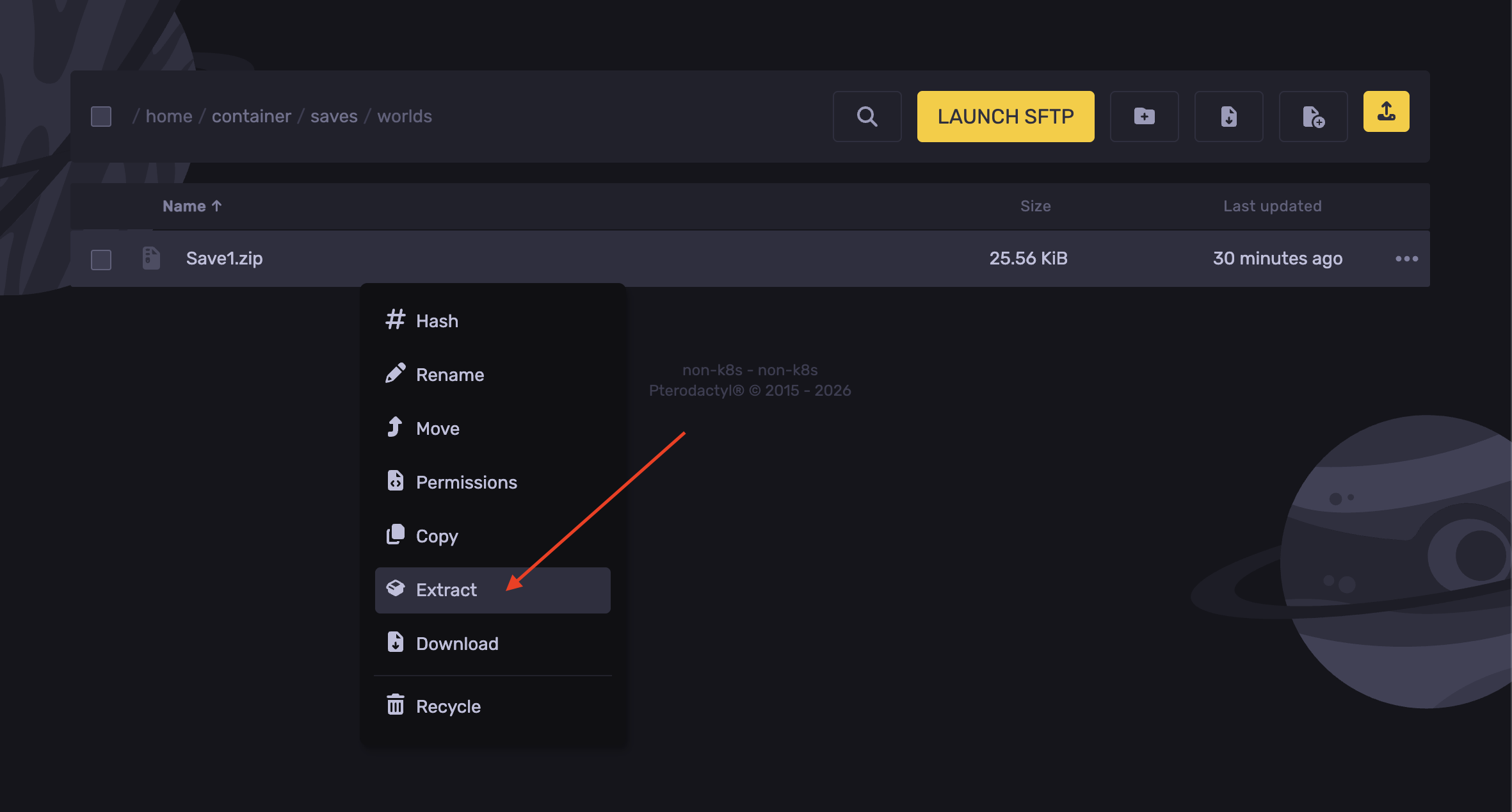
- Right-click and extract the save file.
- Now delete the zip file.
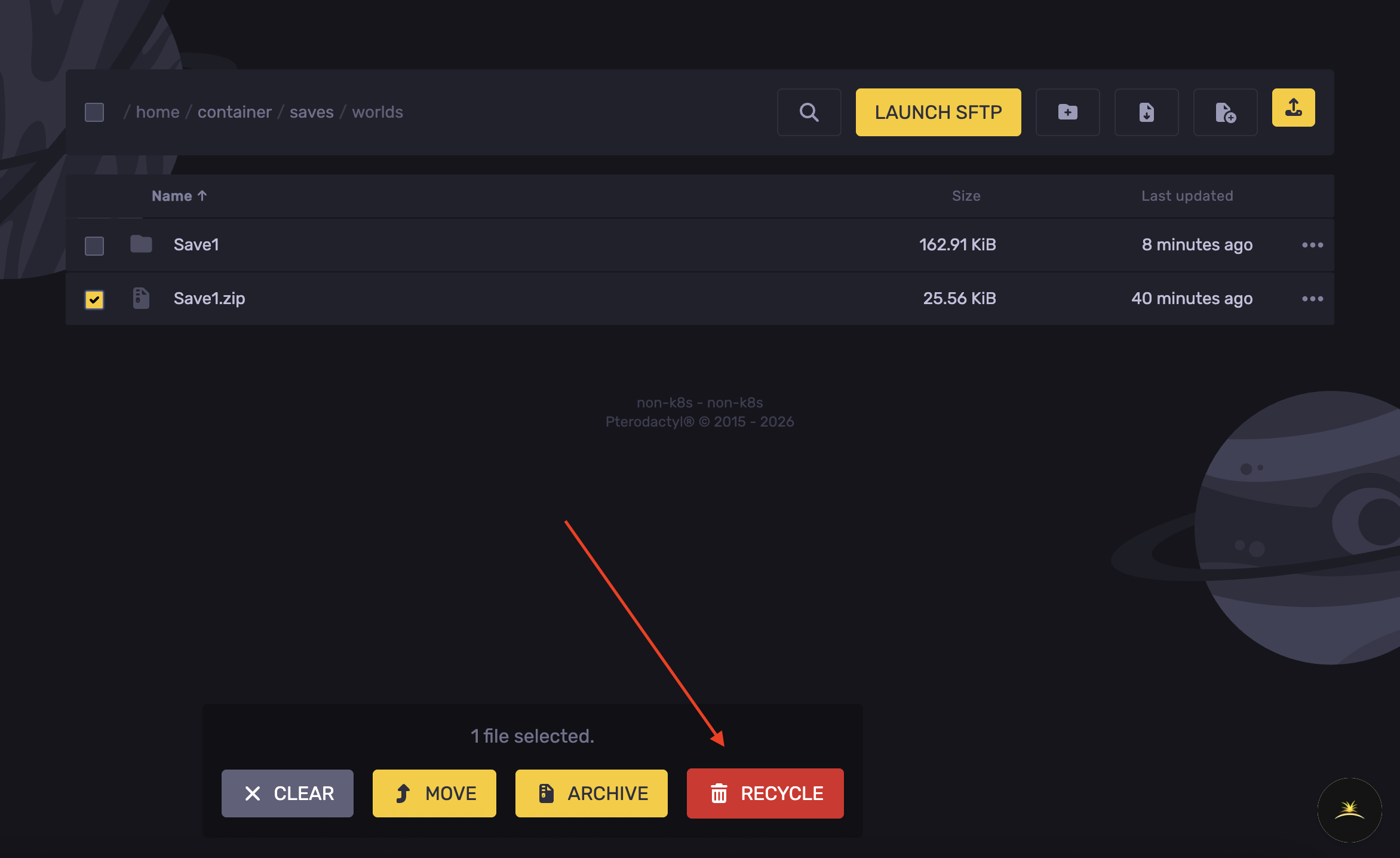
- Open the extracted folder.
- Select the
worldSettings.cfg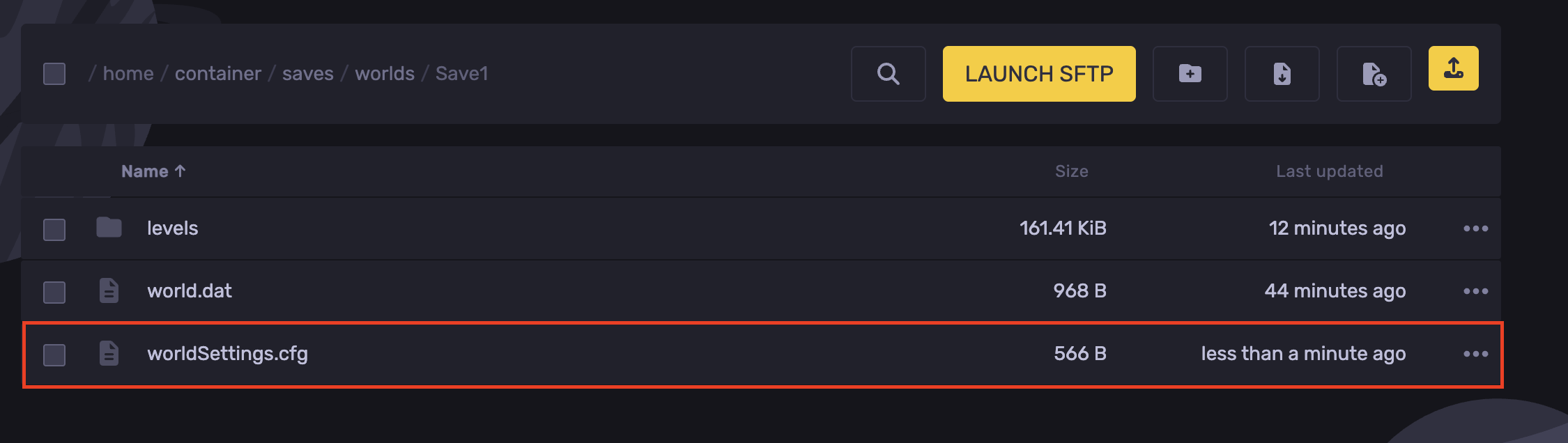
- Adjust the desired settings
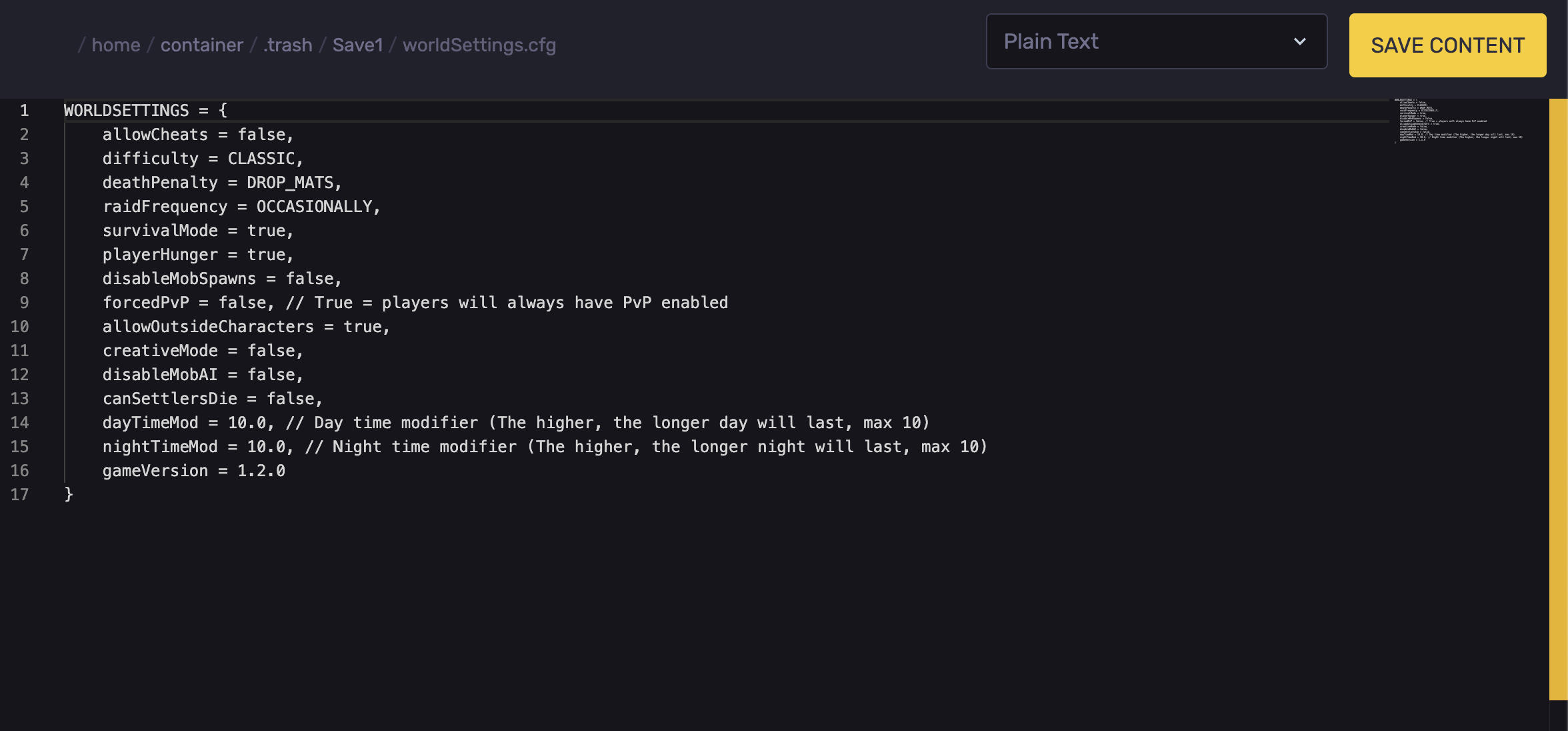
Setting | All Possible Values | Behavior Description |
|---|---|---|
allowCheats |
| Enables or disables cheat commands in the world. |
difficulty |
| Sets the game difficulty, adjusting enemy health and damage. |
deathPenalty |
| Determines what items are dropped or if the character is deleted upon death. |
raidFrequency |
| Controls how frequently raiders attack the player. |
survivalMode |
| Toggles standard survival on or off. |
playerHunger |
| Toggles whether players must consume food to avoid starvation. |
disableMobSpawns |
| Completely stops monsters from spawning naturally when set to true. |
forcedPvP |
| Forces Player-vs-Player combat to be permanently active across the world. |
allowOutsideCharacters |
| Allows or blocks players from bringing in existing characters from other saves. |
creativeMode |
| Grants infinite resources and building freedom when enabled. |
disableMobAI |
| Freezes all entities, turning enemies completely non-reactive for testing. |
canSettlersDie |
| Determines if town villagers can be permanently killed by hostiles. |
dayTimeMod |
| Multiplies the length of the daytime cycle, where 10.0 is the longest. |
nightTimeMod |
| Multiplies the length of the nighttime cycle, where 10.0 is the longest. |
gameVersion | E.g., 1.2.0 | Matches the world save file to the current running game version. |
- Hit Save Content.
- Navigate back to the
saves/worldsdirectory
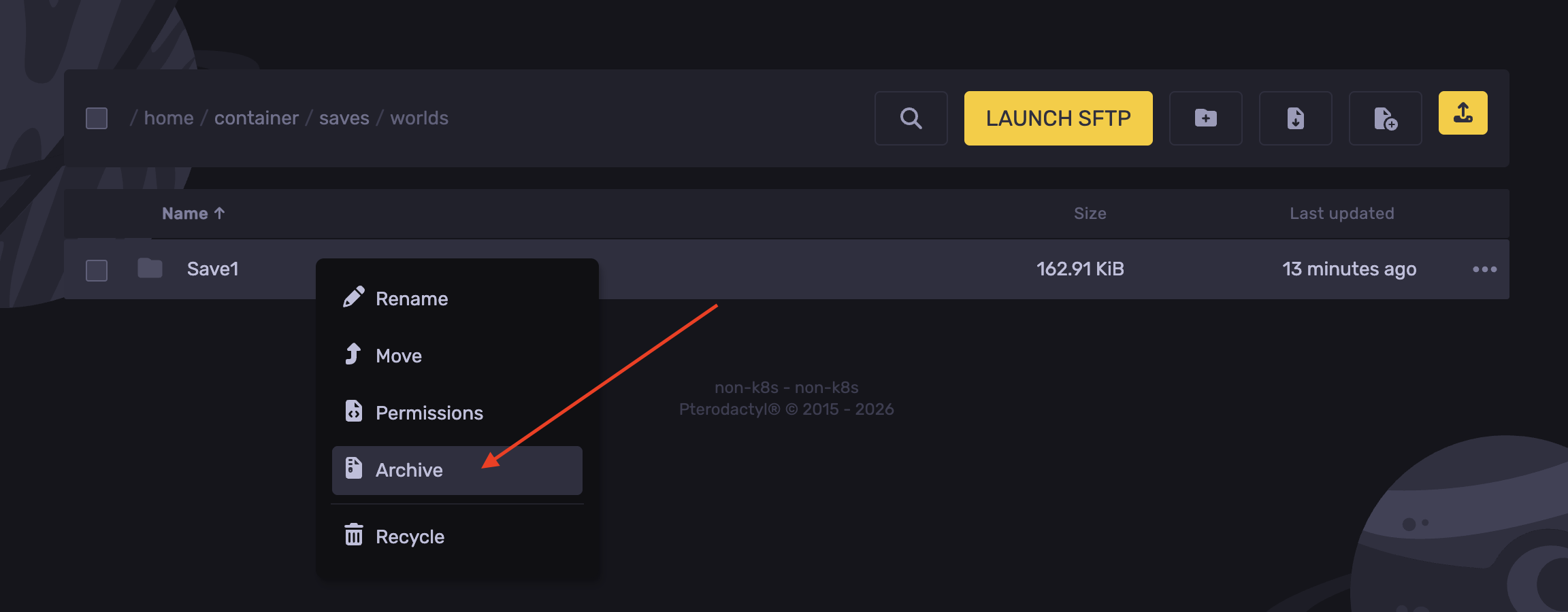
- Right-click the save folder and hit Archive.
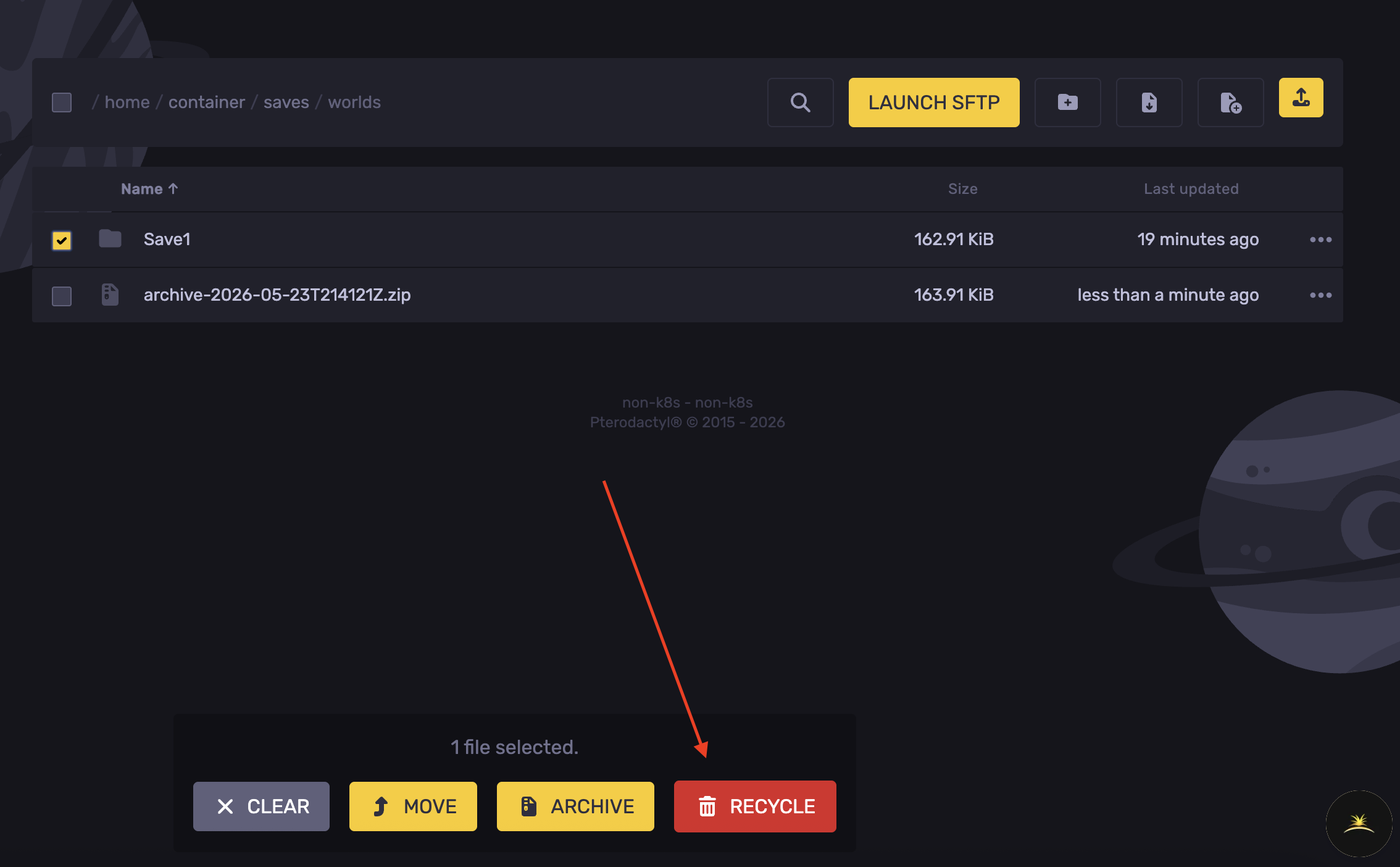
- Delete the save world folder.
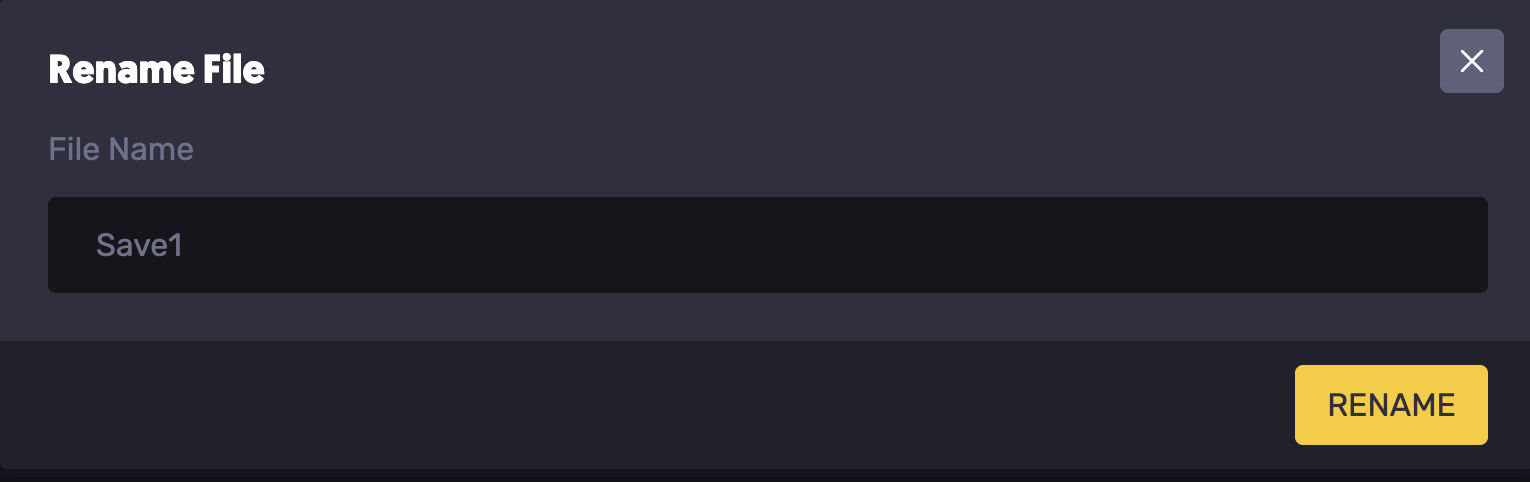
- Right-click the archived file generated, and rename it to the saved name noted.
- Start the server.
Updated on: 03/06/2026
Thank you!