How to Change the Death Penalty on a Necesse Server
How to Change the Death Penalty on a Necesse Server
Changing the death penalty on a Necesse server is done to control what players lose upon dying, affecting how challenging and punishing the gameplay experience feels, and how to change the death penalty on a Necesse server is commonly searched by server owners who want to adjust settings like inventory drops, equipped item loss, or partial item retention. This system is used to balance survival difficulty, customize risk levels, and shape the overall progression style in multiplayer Necesse worlds.
To Change The Death Penalty On Your Necesse Server
- Open the Apollo Panel.
- Head over to the Startup tab.
- Find the Save Name field and remember the save name.
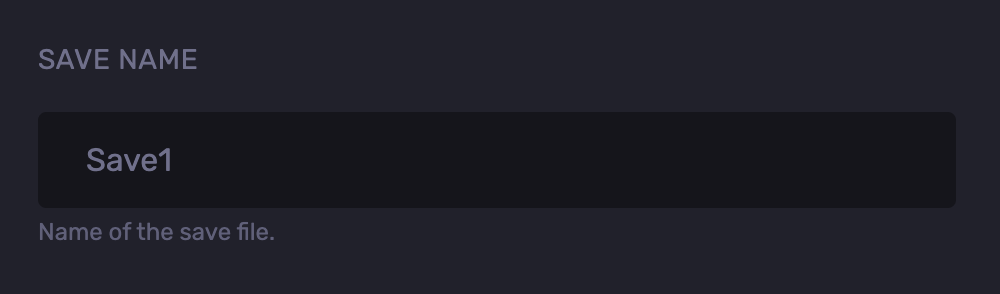
- Go to the Files tab.
- Navigate to the following directory:
saves/worlds
- Right-click and extract the save file.
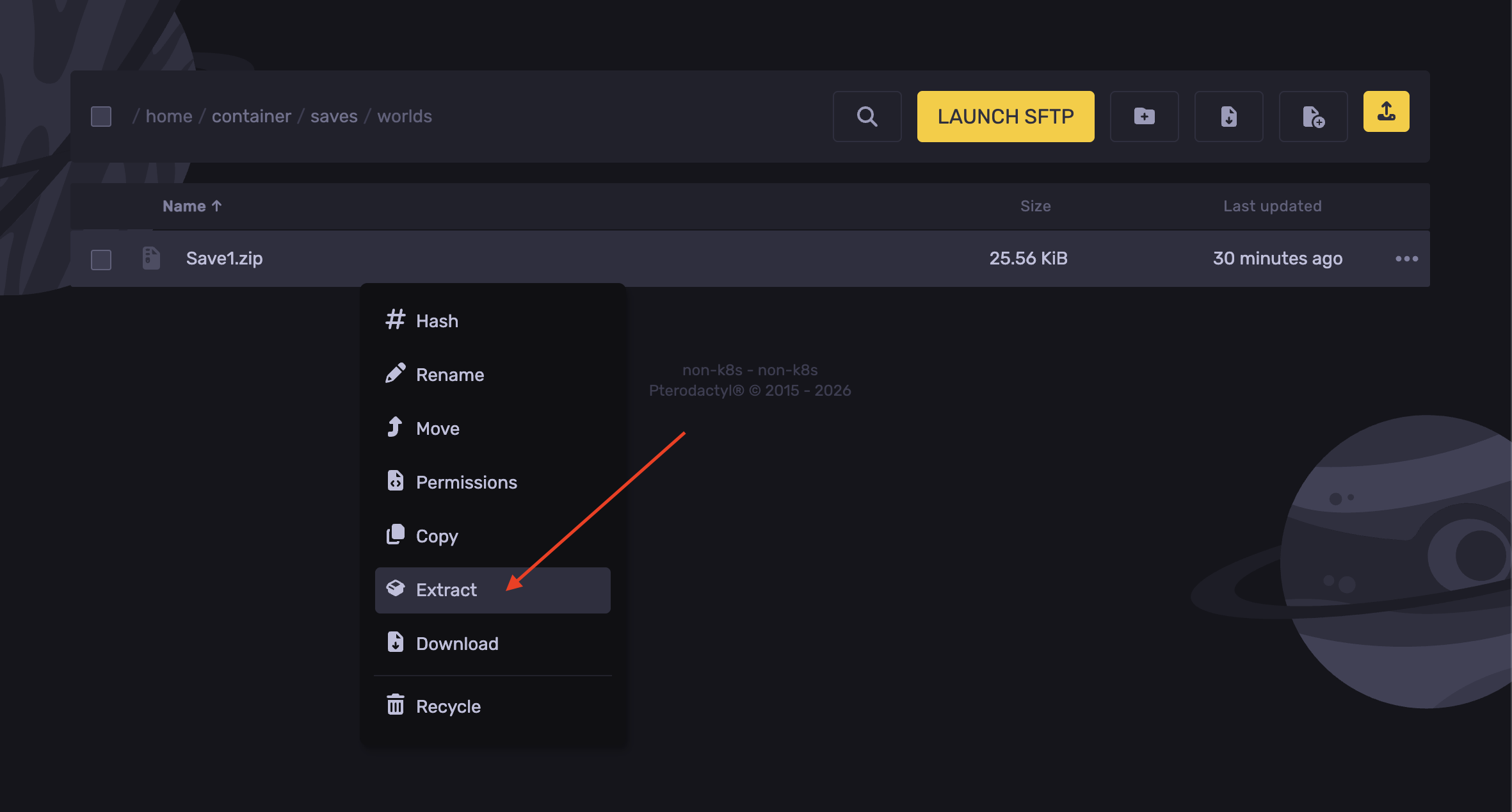
- Now delete the zip file.
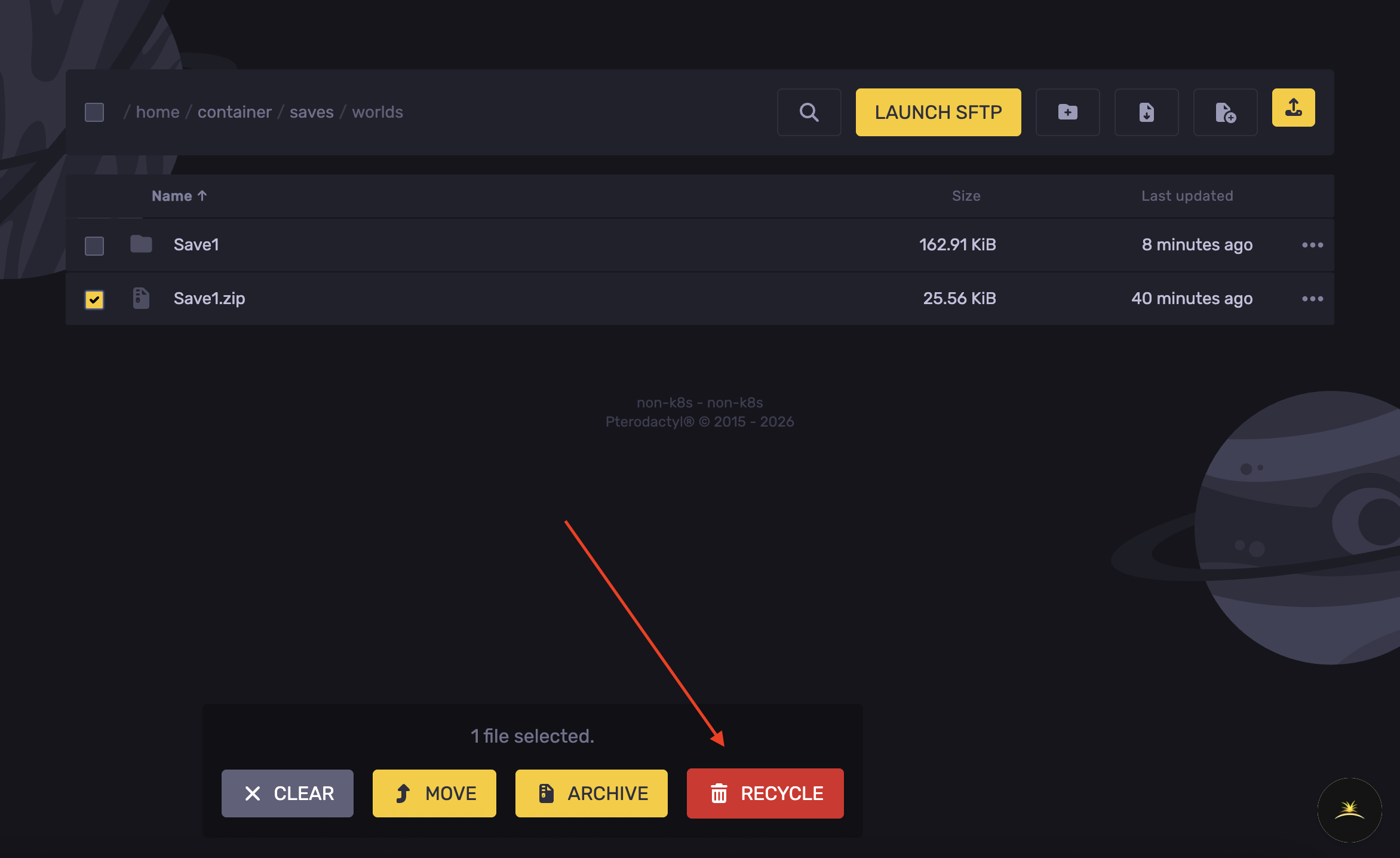
- Open the extracted folder.
- Select the
worldSettings.cfg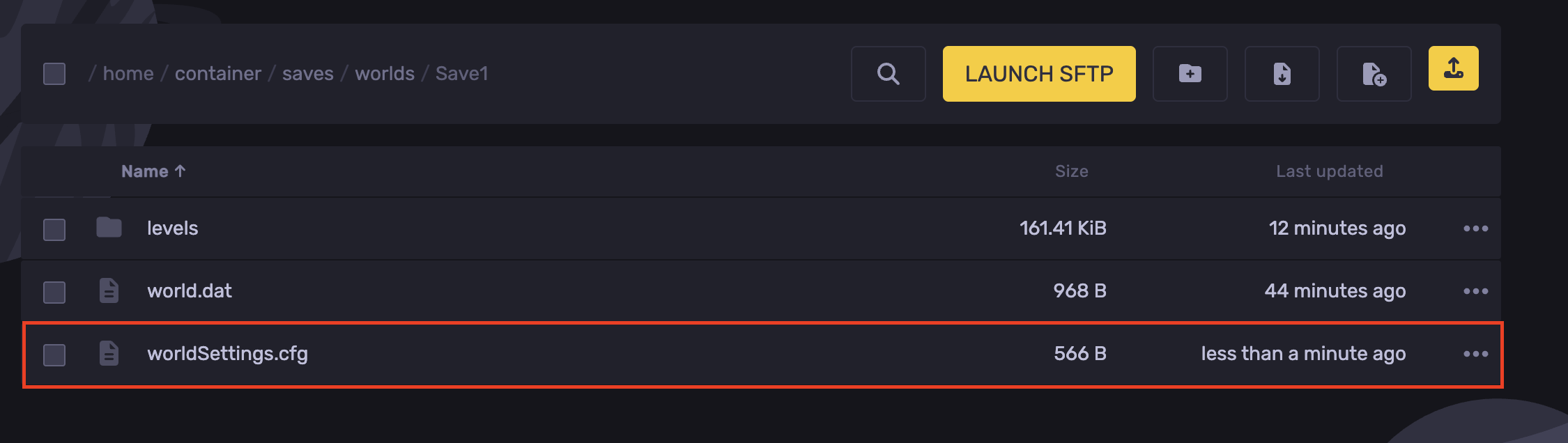
- Find the line
deathPenaltyand adjust it as desired.
- Hit Save Content.
- Navigate back to the
saves/worldsdirectory
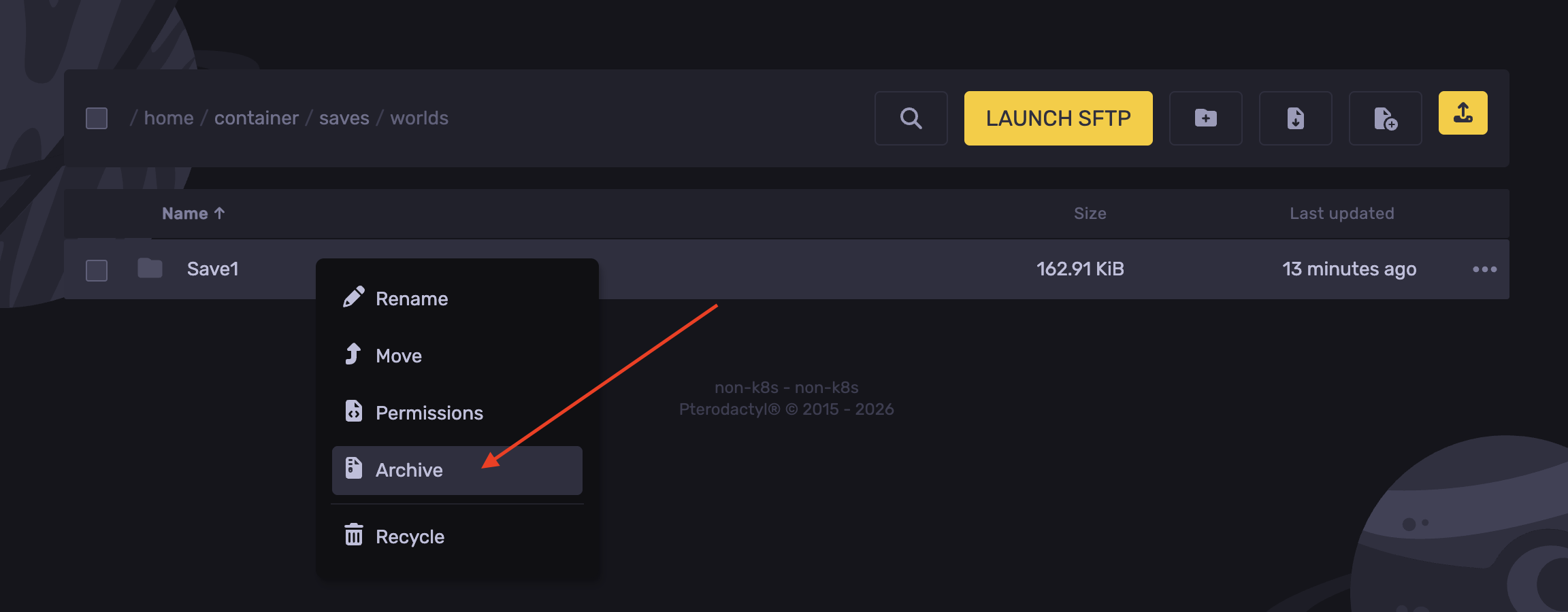
- Right-click the save folder and hit Archive.
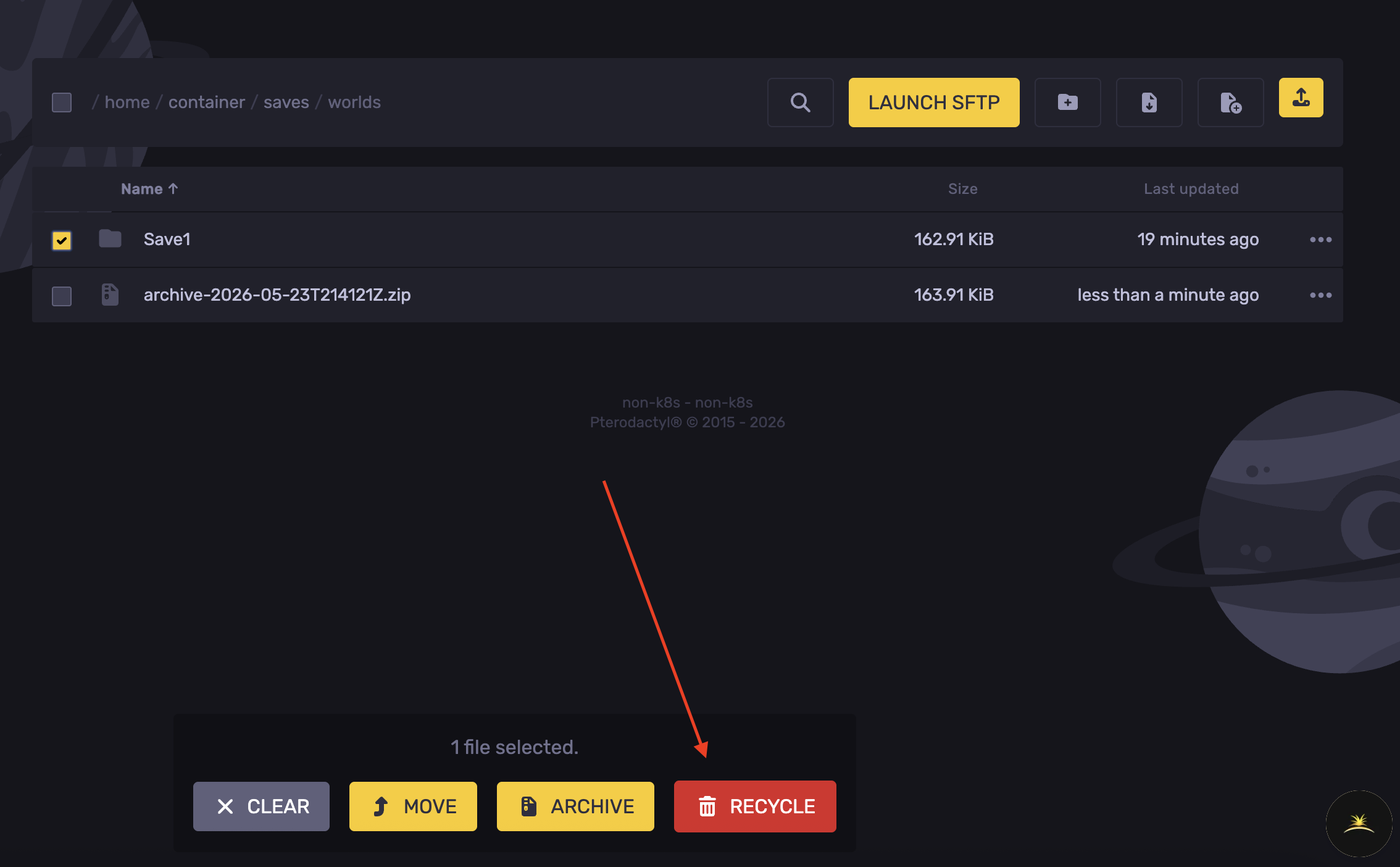
- Delete the save world folder.
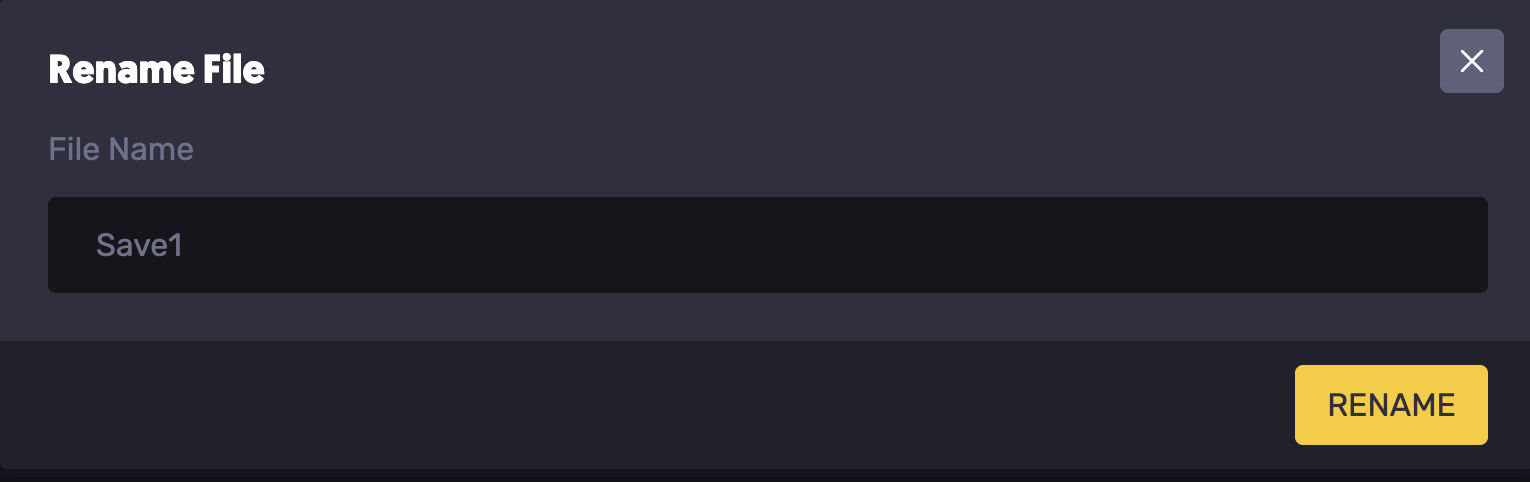
- Right-click the archived file generated, and rename it to the saved name noted.
- Start the server.
Updated on: 03/06/2026
Thank you!