How to Create a New World on a Necesse Server
How to Create a New World on a Necesse Server
Creating a new world on a Necesse server is done to start a fresh multiplayer environment where players can explore, build settlements, and progress from the beginning with custom settings and configurations, and how to create a new world on a Necesse server is commonly searched by server owners who want to generate a new save file, set a world name, and configure server settings before hosting. This allows full control over gameplay conditions, player progression, and world structure in a dedicated server environment.
- Open the Apollo Panel.
- Stop the server.
- Navigate to the Startup tab.
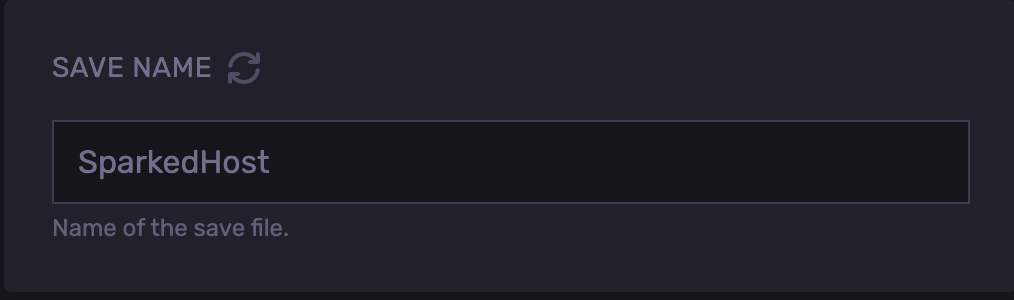
- Change the Save Name.
- Start the server and a new world will generate.
Updated on: 03/06/2026
Thank you!