How To Add A Map Cycle To A Counter Strike 2 Server
Adding a map cycle to a Counter-Strike 2 server is essential for keeping gameplay dynamic and preventing the same map from repeating in every match. A properly configured map cycle allows server owners to control the order in which maps load after each match ends, helping maintain variety between custom and default maps.
- Access the Apollo Panel.
- Stop the server.
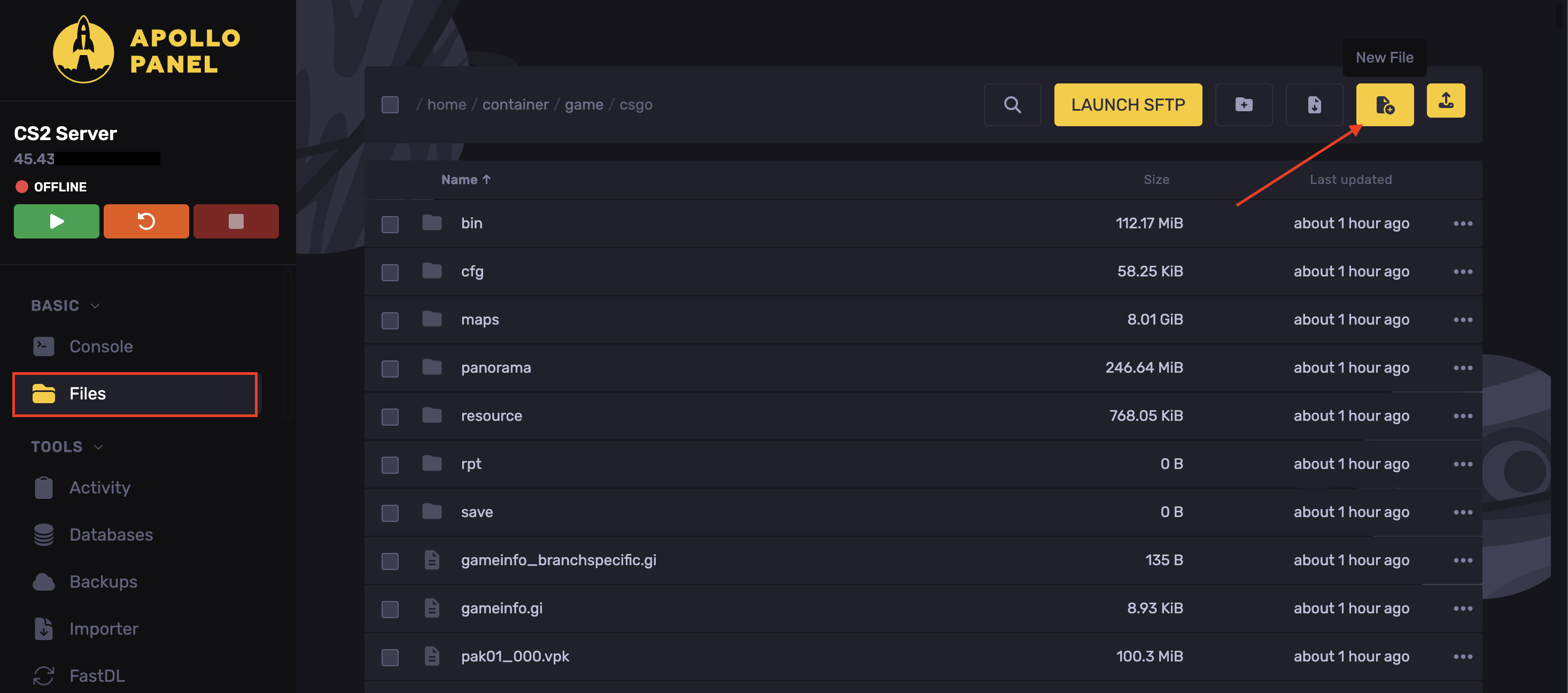
- Open the "Files" tab.
- Head over to the following directory:
game/csgo
- Click on Create File.
- Enter the desired Map Codes.
| de_inferno | de_inferno_vanity |
de_mirage | de_mirage_vanity |
|---|---|
de_dust2 | de_dust2_vanity |
de_nuke | de_nuke_vanity |
de_anubis | de_anubis_vanity |
de_overpass | de_overpass_vanity |
de_ancient | de_ancient_vanity |
cs_italy | cs_italy_vanity |
cs_office | cs_office_vanity |
de_inferno | de_inferno_vanity |
- Click on Create File.
- Set the file name to
mapcycle.txt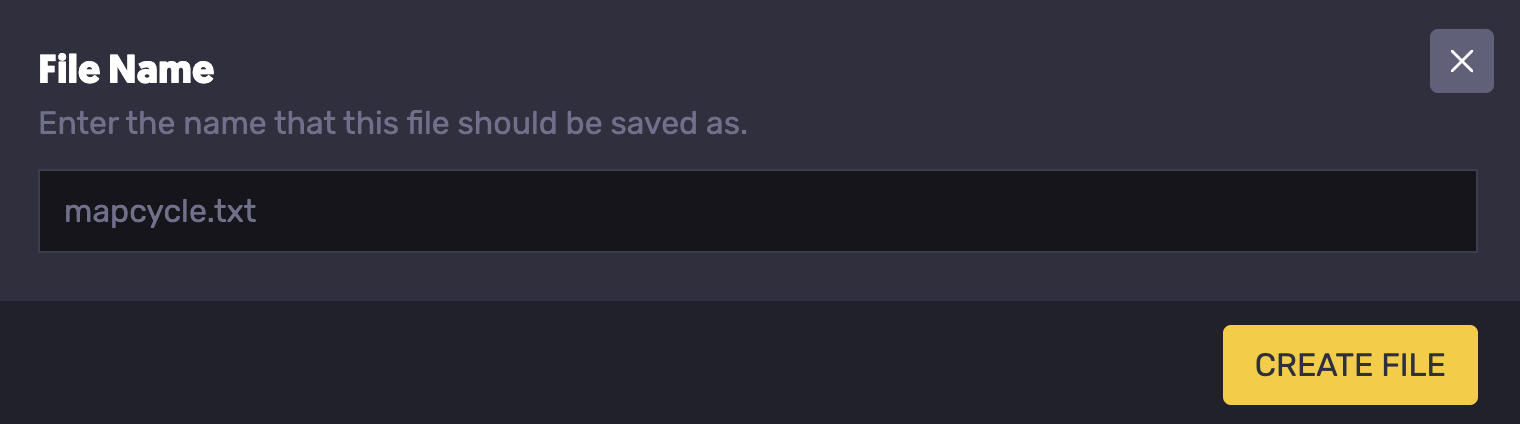
- Start the server.
The map cycle will start after the current match ends.
Updated on: 02/06/2026
Thank you!