How to Enable the Developer Console on Counter Strike 2
How to Enable the Developer Console on Counter Strike 2
The developer console in Counter-Strike 2 is a built-in advanced tool that displays system messages and allows access to deeper game functions that aren’t available through normal menus. It is commonly used by experienced players and server administrators to view information, adjust settings, and troubleshoot issues, making it an important feature for customization and technical control within the game.
- Launch Counter Strike 2.
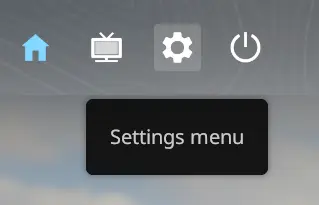
- Open the Settings menu.
- Head over to the Game tab.
- In the Enable Developer Console field, select Yes.
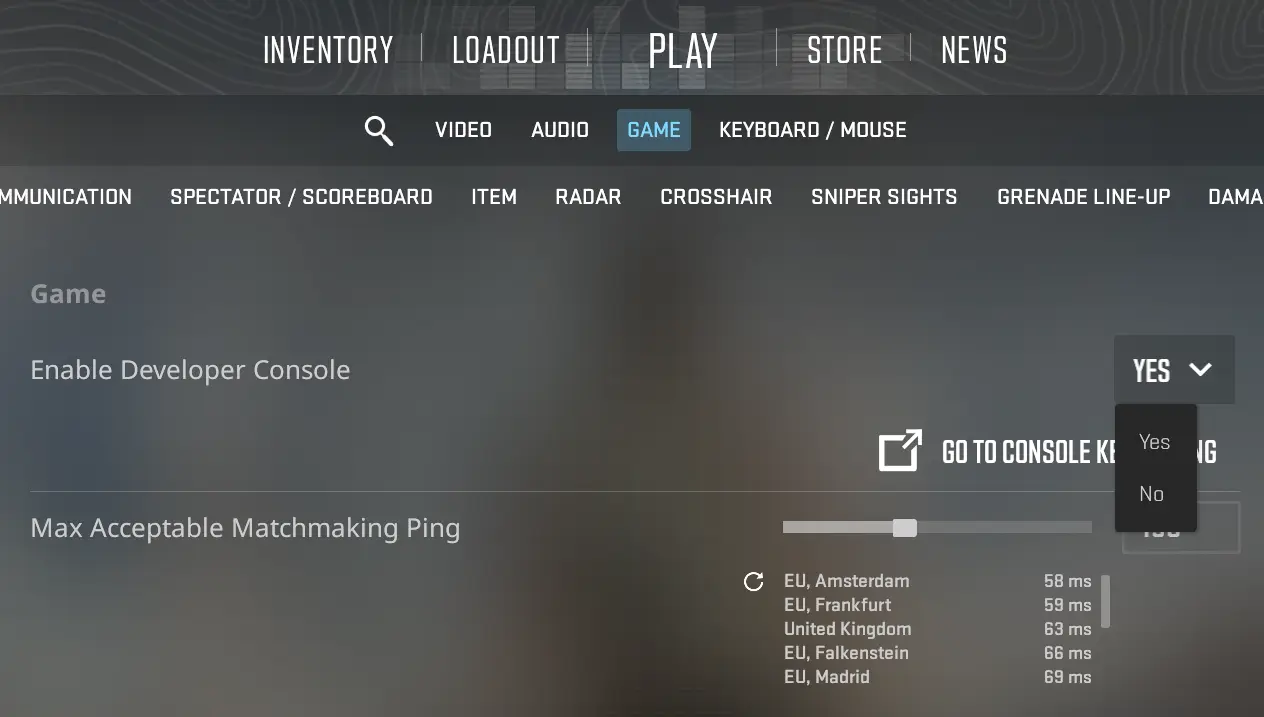
- You can now open the console using ~ or ```
Updated on: 30/05/2026
Thank you!