How To Disable Valve Anti-Cheat On A Counter Strike 2 Server
Disabling Valve Anti-Cheat on a Counter-Strike 2 server is sometimes done for private testing environments, custom mods, or controlled community gameplay where VAC-secured restrictions may interfere with certain modifications, and how to disable Valve Anti-Cheat on a Counter-Strike 2 server is commonly searched by server owners managing custom server setups. Some communities disable VAC on a server to allow experimental content, workshop modifications, or non-standard gameplay features, while acknowledging the increased risk of cheaters and hacks and the reduced protection normally provided by the VAC system.
- Open the Apollo Panel.
- Stop the server.
- Head over to the Startup tab.
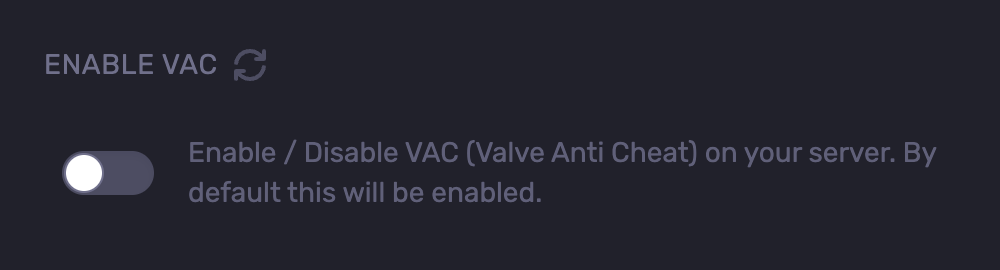
- Find the Enable VAC field.
- Disable it.
- Start the server.
Updated on: 02/06/2026
Thank you!