How To Change The Max Players On A Counter Strike 2 Server
Changing the max players on a Counter-Strike 2 server is done to control the maximum number of players allowed in a match, and how to change the max players on a counter strike 2 server refers to adjusting this limit so the server can better match community size, game mode requirements, and performance needs. Server owners set a maximum number of players to balance gameplay, manage lobbies, and ensure stable performance while allowing the right number of users to join the Counter-Strike 2 server.
To Change Max Players
- Open your Apollo Panel.
- Stop the server.
- Head over to the Startup tab.
- Find the Max Players field.
- Adjust it as desired.
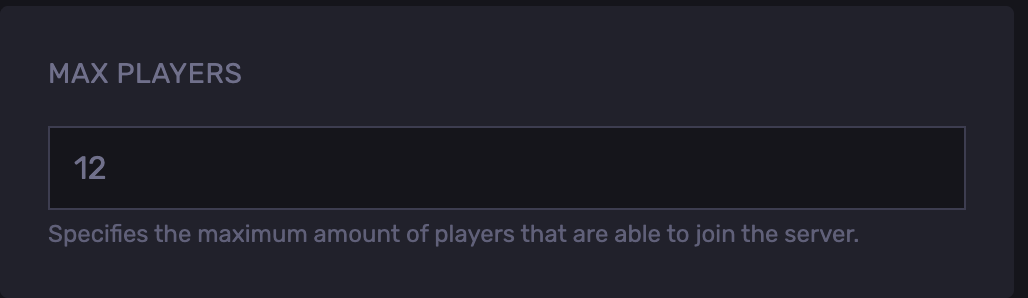
- Start the server.
Updated on: 02/06/2026
Thank you!