How To Change The Password For A Counter Strike 2 Server
How To Change The Password For A Counter Strike 2 Server
Changing the password for a Counter-Strike 2 server is used to control who can join private matches and restrict access to trusted players only, and how to change the password for a counter strike 2 server is used when server owners set a secure join password to protect sessions, manage access, and ensure only invited users can connect to the Counter-Strike 2 server, helping maintain privacy, control, and organized gameplay.
To Change The Server Password
- Open the Apollo Panel.
- Stop the server.
- Head over to the Startup tab.
- Find the Server Password field.
- Set a secure password.
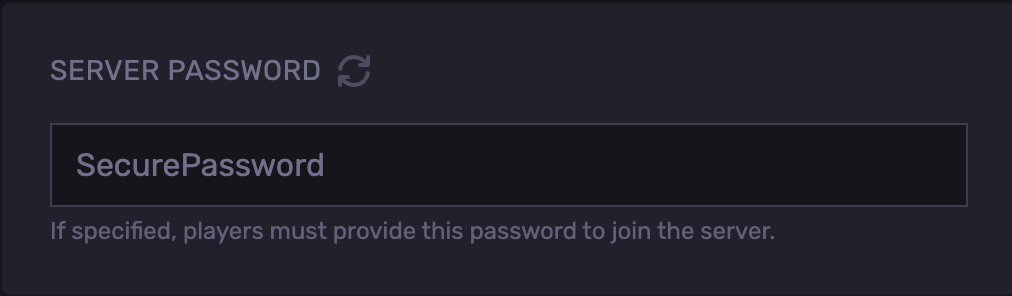
- Start the server.
Updated on: 02/06/2026
Thank you!