How To Change The Server Name On A Counter Strike 2 Server
Changing the server name on a Counter-Strike 2 server is done to help players identify the game server more easily in the server browser, create a recognizable community identity, and give a dedicated server a more professional appearance, and how to change the server name on a Counter-Strike 2 server is commonly searched by server owners wanting a custom server name that stands out from other servers. A clear and customized hostname also makes the Counter-Strike 2 server easier to find, join, and remember for both new and returning players.
- Open the Apollo Panel.
- Stop the server.
- Head over to the Startup tab.
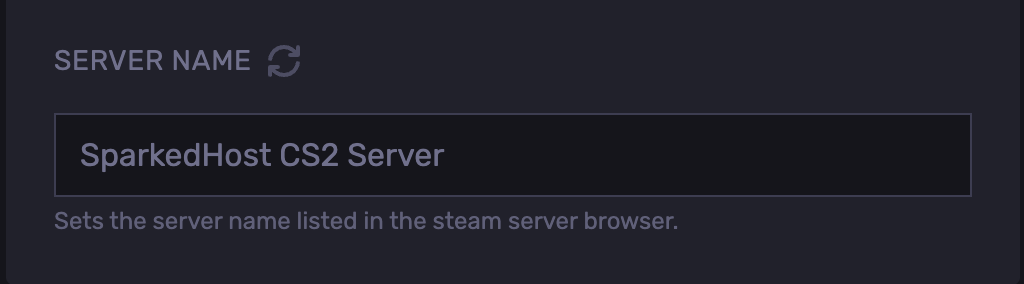
- Find the Server Name field.
- Set the desired name.
- Start the server.
Updated on: 02/06/2026
Thank you!