How To Enable Cheats On A Counter Strike 2 Server
Enabling cheats on a Counter-Strike 2 server is commonly done for practice sessions, training environments, and private servers where players want access to cheat commands for testing gameplay mechanics, improving skills, or experimenting with movement and weapon behavior, and how to enable cheats on a counter strike 2 server is frequently searched by players setting up local server sessions with cheats enabled. Features like unlimited ammunition, noclip, bot control, and grenade practice are often used on personal servers to create a more flexible practice experience without affecting normal online gameplay.
To Enable Cheats
- Open the Apollo Panel.
- Stop the server.
- Go to the Files tab.
- Head over to the following directory:
game/csgo/cfg/server.cfg
If the server.cfg file doesn't exist. You can create it manually.
- In a new line type the following:
sv_cheats "true"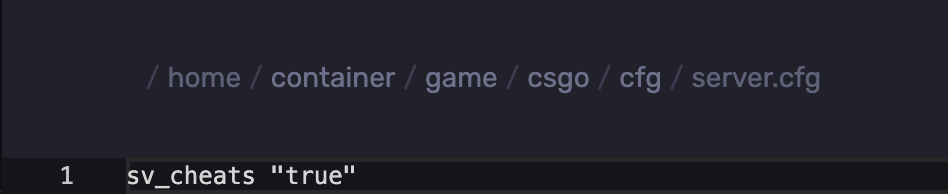
- Click on Save Content.
- Start the server.
To Enable Cheats Using The Console
- Open the Apollo Panel.
- Start the server.
- In the console, type the following:
sv_cheats true
Updated on: 02/06/2026
Thank you!